

Disk Usage
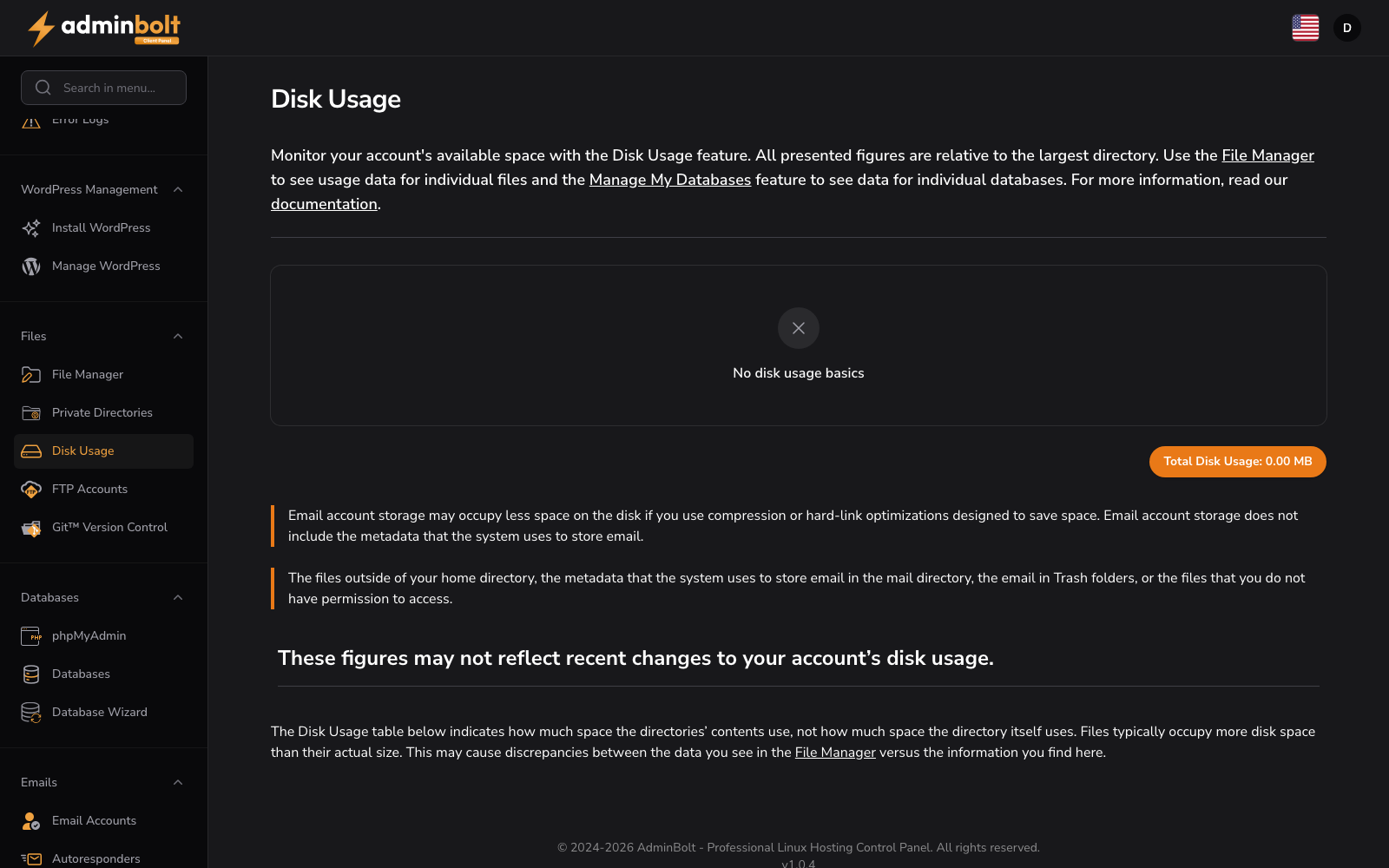
URL: /client/disk-usage-page
Monitor storage consumption across your hosting account. Use this page to identify large categories and optimize disk space.
Usage Table
Table columns: Location, Size (MB), Disk Usage (progress bar).
The table has these rows:
- Databases - all your databases together. Click it to open the Databases page in the same tab.
- One row for each folder in your home directory, for example
public_htmlandmail, and thebackupsfolder that holds the archives of Filesystem Backups. Click a folder to open it in the File Manager in a new tab. - Other files in the home directory - the files that sit directly in your home directory, outside any folder. Click it to open your home directory in the File Manager in a new tab. The row appears only when there are such files.
Since panel 1.9.1, what a row opens depends on what the row is, not on its name: a folder you named Databases opens in the File Manager like any other folder. Folder names are shown exactly as they are.
Total Disk Usage
Total disk usage is displayed at the bottom of the page.
Files (inodes)
Since panel 1.9.0, a Files (inodes) badge next to the total shows how many files and folders your account holds, against the limit of your hosting plan, with the percentage used, or unlimited.
At 90% of the limit the badge turns red, with a note on what to clear out, such as old caches, sessions, logs, or mail. At the limit the page warns you, as the dashboard does. When your hosting provider enforces plan limits, no new files can be created until some are removed. When the files in your account could not be counted, the badge is not shown.
Links to the File Manager and Manage My Databases pages are provided for direct file and database management.
Email account storage may appear smaller if compression is used. Files outside your home directory are not included in this calculation. These figures may not reflect recent changes.
Over the API
Since panel 1.9.4, GET /api/client/account/disk-usage on the client REST API returns the rows of this page (databases, each folder of the home, and other files) next to the account's disk totals. share_of_plan_percent is the share this page shows against the plan's disk space, null when it is unlimited, and measured_at says when the rows were measured. A recent measurement is reused, and opening this page measures again. When the account cannot be measured, the request fails with 503 and no figures. The endpoint needs this page's feature in your hosting plan; see API Keys.