

Security
The Security page is where an administrator changes their own password and adds a second step to their sign-in. It covers your own account only; other administrators are managed on Admin Management.
Overview
URL: /admin/security-settings
The page is reached from Security in the user menu at the top right of the panel.
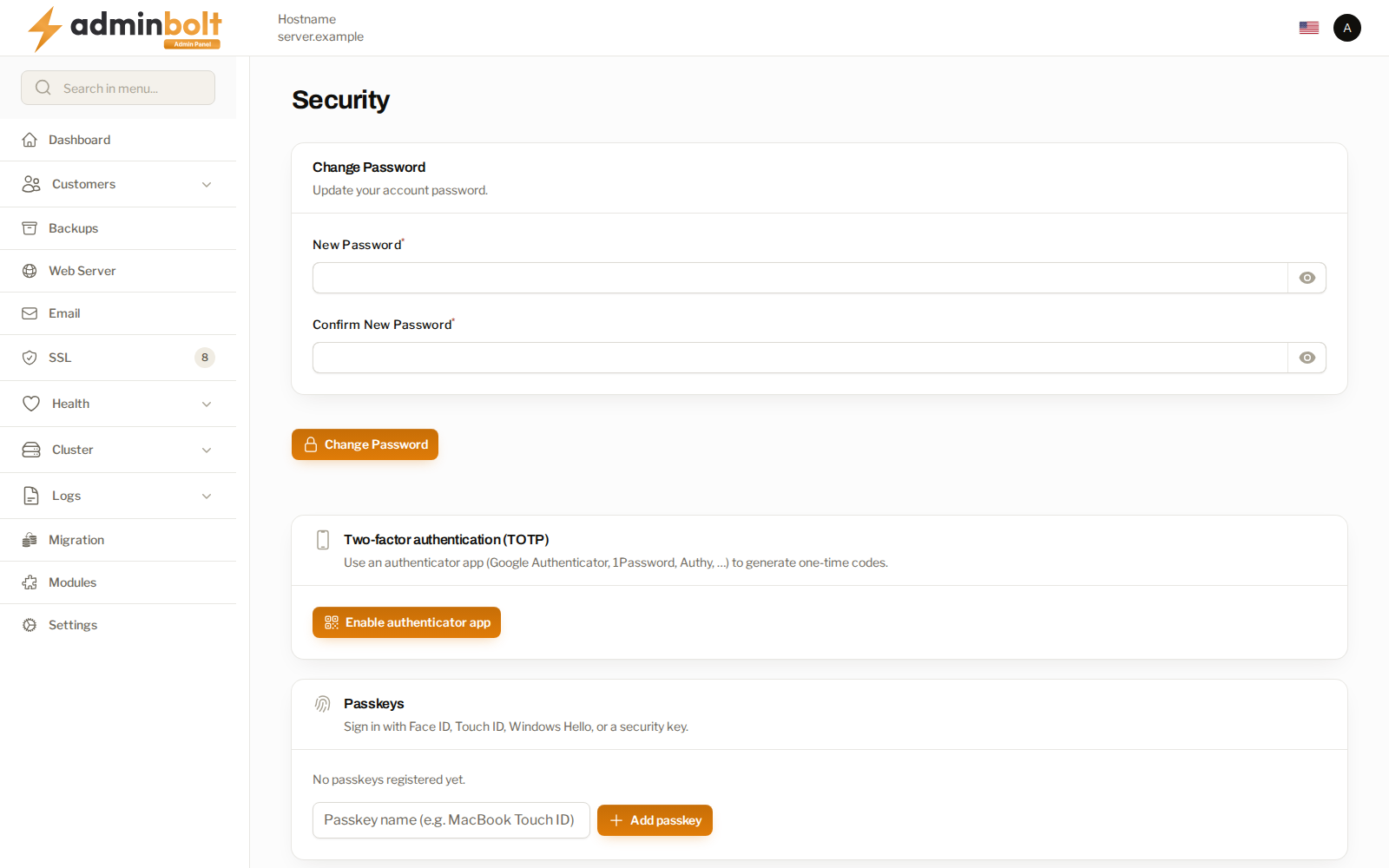
Change Password
Sets a new password for your administrator account.
Administrator accounts are owned by the panel and have their own passwords, kept separate from the server's system accounts. On an existing installation the root administrator is asked to set a panel password at its next sign-in.
Two-factor authentication
Enable authenticator app adds a one-time code to your sign-in, from an authenticator app such as Google Authenticator, 1Password, or Authy.
Setting it up produces single-use recovery codes. Keep them somewhere you can reach without this panel. They are how you get back in when the device holding the authenticator is lost, and an administrator locked out of the panel is a bigger problem than a locked-out customer.
Changing the second factor or regenerating the recovery codes asks for a fresh code first, so a signed-in browser someone else reached cannot quietly replace your second factor.
A challenge left open expires on its own, and failed attempts are logged so the panel's login protection acts on them.
When two-factor authentication is required
Since panel 1.9.3, an administrator can make two-factor authentication mandatory for administrators, resellers, or clients on the Security tab of General Settings. An administrator who must use it and has not set it up is brought to this page after signing in, with the notice "Two-factor authentication is required. Set up an authenticator app or a passkey to continue.", and cannot open other pages until it is set up.
Passkeys
A passkey signs you in with Face ID, Touch ID, Windows Hello, or a security key instead of a code. Add passkey registers one. Removing a passkey asks for a fresh second-factor code first.
A passkey lives on the device that created it, so register a second one, or keep the recovery codes, before relying on a single device.
Resetting an administrator's second factor
For an administrator who has lost both the device with the authenticator app and the recovery codes, run this from the server's command line, with the administrator's username:
bolt-cli admin-two-factor-reset <username>It removes that administrator's authenticator app and recovery codes and prints "The authenticator app of username was removed. They can log in with their password and set two-factor authentication up again on the Security page." Their passkeys stay registered. An unknown username changes nothing. Available since panel 1.9.3; Admin Management has no reset action for administrators.
Related pages
- Admin Management - the other administrators, and your own sessions and login history.
- Panel Settings - how long login history is kept.
- Activity Log - what each administrator changed.