

CloudLinux X-Ray
X-Ray traces PHP performance on alt-PHP domains and shows where a slow request spends its time: plugins, database queries, and external calls. Administrators and account owners both use it, each on their own domains.
It requires CloudLinux with LVE Manager.
Installing
The module page is at /admin/modules/cloudlinux-xray, in the Module Manager.
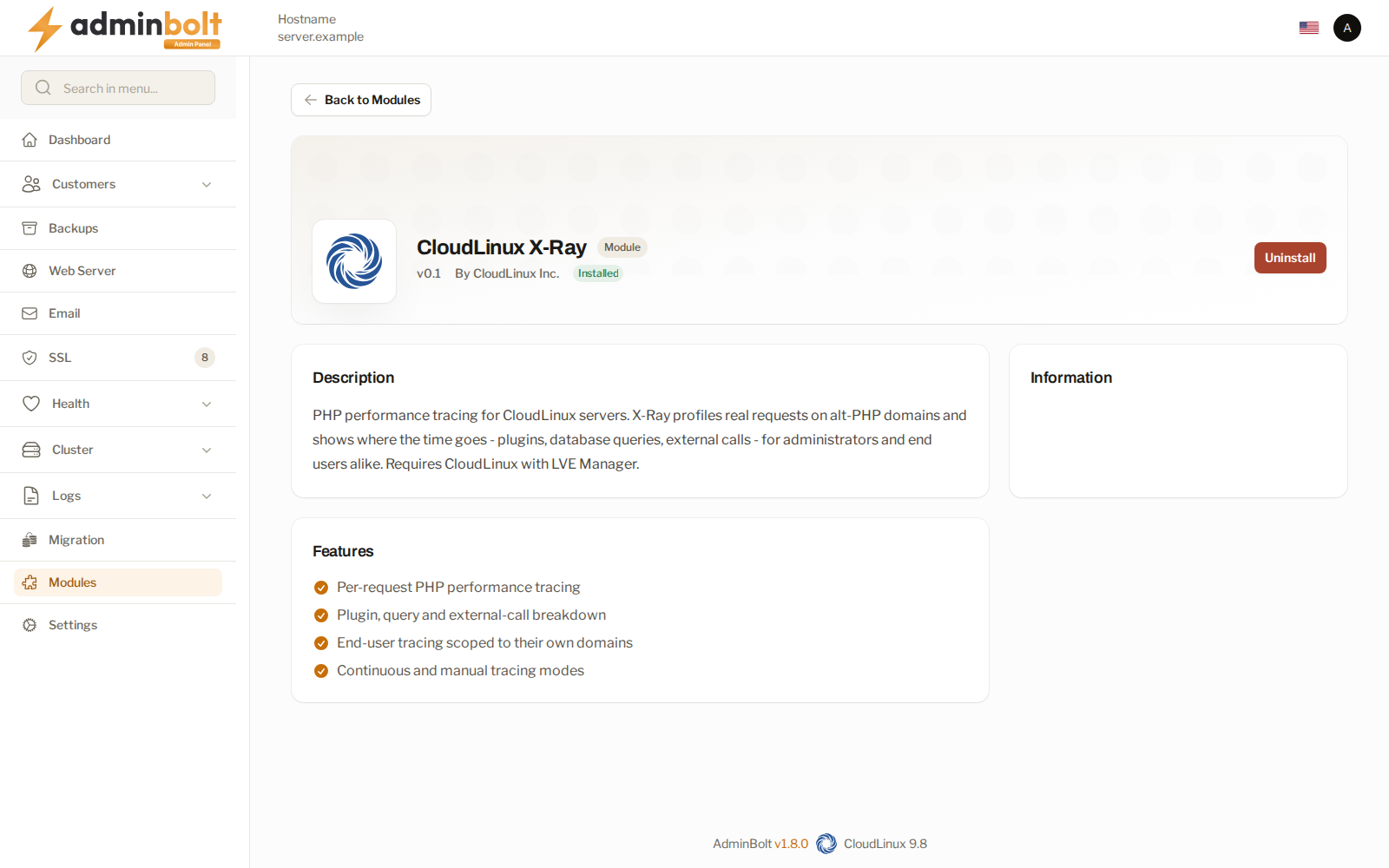
The module reports its real availability rather than appearing usable on a server that cannot run it.
X-Ray needs a CloudLinux OS Shared Pro license. Since panel 1.9.0, installing it on any other license edition, from Modules or from its installer, is refused. The message names the server's license edition and asks you to change the license in CLN, then install again.
What it does
- Traces real requests, not synthetic ones, so what you see is what visitors experienced.
- Breaks a request down by plugin, query, and external call.
- Runs continuously or on demand.
- Scopes an account owner's tracing to their own domains.
Reach for X-Ray when a site is slow and the cause is not obvious. It answers "which plugin" and "which query", which is where site performance problems usually live.
Giving it to accounts
Account owners get the client X-Ray page through the X-Ray feature on their hosting plan.
X-Ray can also be switched off for end users server-wide from LVE Manager's own interface options. When it is, the client page states that the administrator has turned it off rather than failing silently.
Related pages
- CloudLinux - the platform X-Ray runs on.
- LVE Manager - per-account limits and the interface options.
- AccelerateWP - the WordPress optimisation suite.
- Module Manager - where modules are installed.