

Backup Destinations
A backup destination is the storage that per-account backups are written to. Every backup policy names one, and each account covered by that policy gets its own repository inside it.
Added in AdminBolt 1.7.0.
Overview
URL: /admin/backup-destinations
Reach the page from the Backups navigation group, or with Manage Destinations on the Backups dashboard.
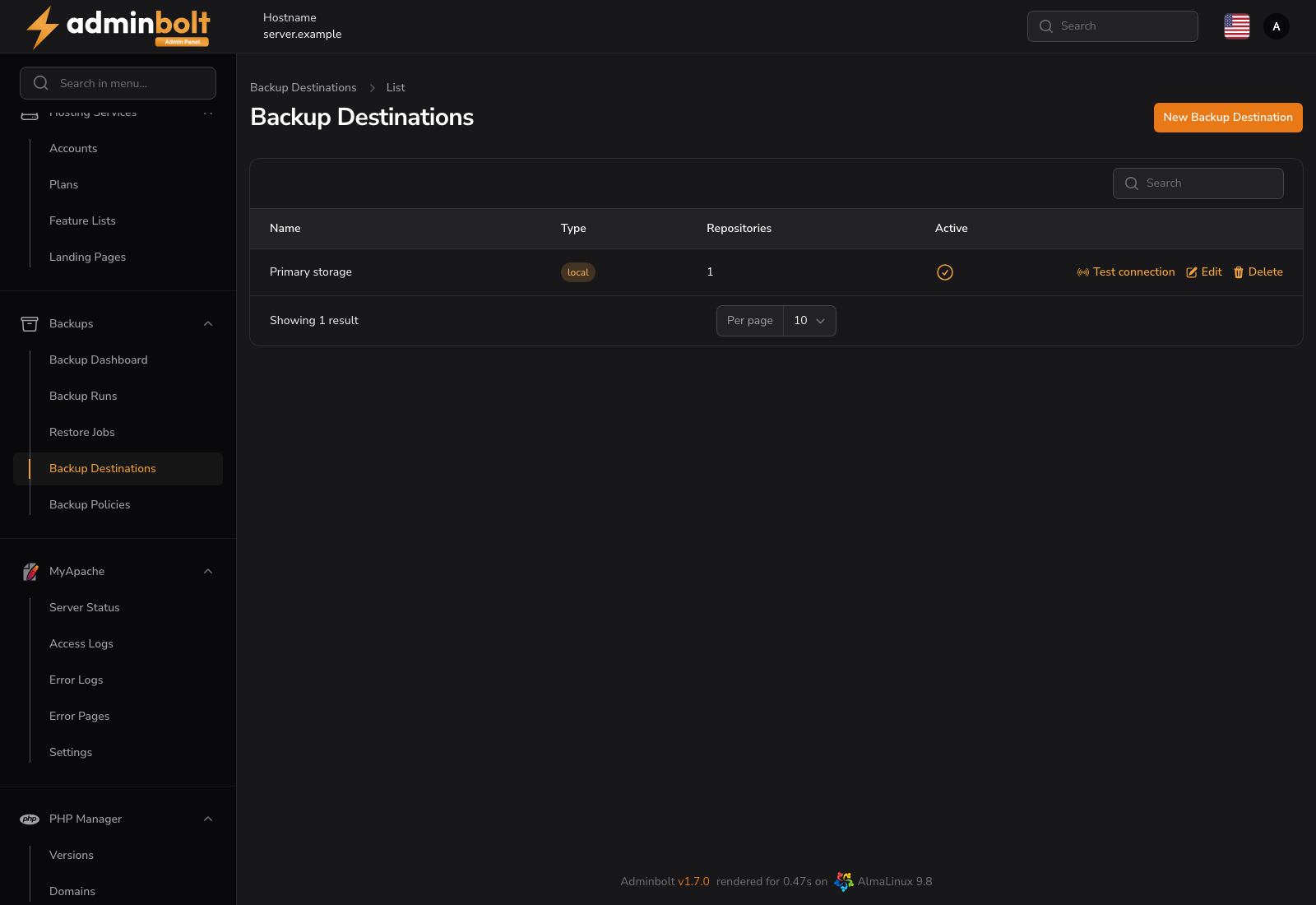
The list shows the destination Name, its Type, how many Repositories live in it, and whether it is Active. An inactive destination cannot be selected on a new policy.
Destination types
| Type | Use it for |
|---|---|
| S3 / S3-compatible | Amazon S3 and every S3-compatible object store. The fastest and most reliable option. |
| restic REST server | A dedicated restic REST server you run. As fast and reliable as S3. |
| SFTP | Any host you can reach over SSH. |
| WebDAV / Nextcloud | Nextcloud, ownCloud, and other WebDAV storage. Works, but is slower than the two above. |
| Local path | A path on the server itself. |
| Custom rclone config | Any of rclone's providers, described by a raw configuration block. Limited support. |
Warning: A Local path destination is not off-site. A disk failure or a lost server takes the backups with it. Use it alongside a remote destination, not instead of one.
The Type cannot be changed after the destination is created: every repository path under it was created for that type. To move accounts to different storage, create a second destination and repoint the policy.
Adding a destination
- Open Backups → Backup Destinations and click New Backup Destination.
- Give it a Name, pick a Type, and leave Active on.
- Fill in the fields for that type (below).
- Save, then run Test connection on the new row before you attach a policy to it.
S3 settings
- Endpoint, for example
s3.eu-central-1.amazonaws.com. - Bucket and, where the provider uses one, Region.
- Access key and Secret key.
restic REST server settings
- Server URL, for example
https://backup.example.com:8000. - Username and Password, when the server requires them.
Running the REST server with --append-only means a compromised node cannot delete its own backup history. Apply retention on the storage side when you do that.
SFTP settings
- Host, Port (22 by default), Username and Password.
- Base path, for example
/backups. Repositories are created under it, one per account.
WebDAV / Nextcloud settings
- WebDAV URL, for example
https://cloud.example.com/remote.php/dav/files/backup. - Username and Password. On Nextcloud, use an app password rather than the account password.
- Vendor. Choosing Nextcloud enables the chunked uploads and timeouts that large backups need.
- Base path.
Local path settings
- Path, for example
/mnt/backups. It has to sit outside the system directories; the form refuses a path that does not.
Custom rclone config
- Remote name - the
[name]of the remote defined in the configuration block. - Base path.
- rclone.conf block - the raw rclone configuration for the provider.
Test connection
Test connection on a row writes to the destination and reports back. Run it after creating a destination and after changing its credentials. A destination that fails this test will fail every backup attached to it.
Credentials
Secrets are stored encrypted and are never sent back to the browser. On the edit form the Secret key, Password and rclone.conf fields are blank; leave a field empty to keep the stored value, or type a new one to replace it.
Deleting a destination
A destination with repositories or policies attached refuses to be deleted, because removing it would leave those backups unreachable. Reassign or remove the policies first.
Related pages
- Backups - the per-account dashboard.
- Backup Policies - which accounts write to this destination.
- Backup Runs - execution history, including destination errors.