

Linux Security Log
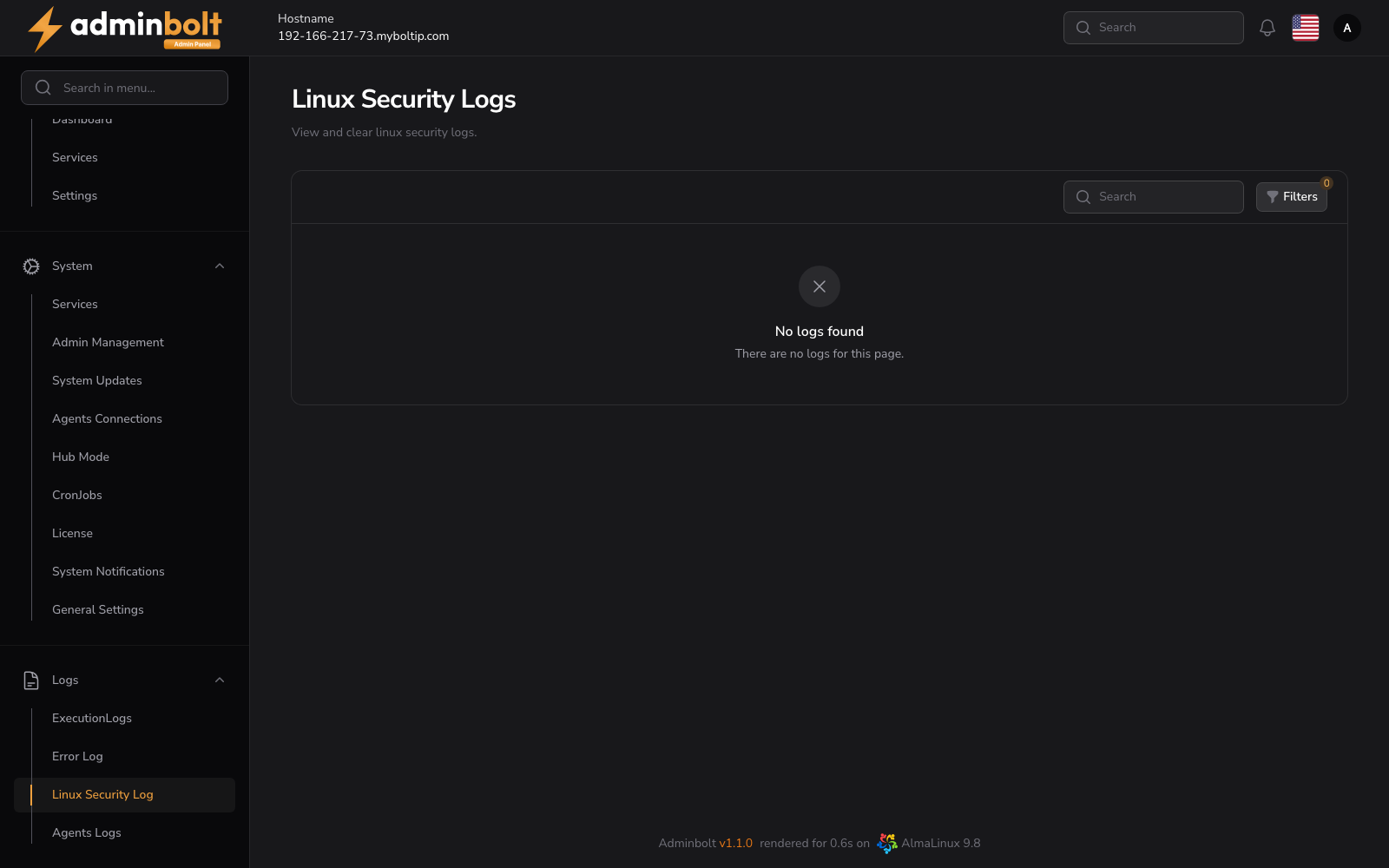
The Linux Security Logs page displays security-related log entries from the Linux system, including SSH authentication attempts, sudo commands, and other security events.
Overview
URL: /admin/linux-security-log
The page header reads: "View and clear linux security logs."
This page displays a searchable, filterable, and paginated table of Linux security log entries.
Log Table
Columns
- Time - The timestamp of the log entry.
- Module - The module that generated the entry, displayed as a badge (e.g., Sshd, Sudo, Unix_chkpwd).
- Level - The log level, displayed as a color-coded badge (e.g., INFO).
- Message - The log message content, including authentication events, sudo commands, and connection details.
Search
The search bar filters log entries by message content.
Filters
Click the Filters button to apply advanced filters:
- Level - Filter by log level (All, EMERGENCY, ALERT, CRITICAL, ERROR, WARNING, NOTICE, INFO, DEBUG).
- From - Start date for the date range filter.
- Until - End date for the date range filter.
A Reset button clears all applied filters.
Pagination
Results per page can be set to: 5, 10, 25, 50, or All.