

LSAPI Engine (mod_proxy_lsapi)
The LSAPI Engine module lets a plain Apache server run PHP over LSAPI, with persistent workers per hosting account, without a CloudLinux or LiteSpeed licence. It is AdminBolt's own Apache module, mod_proxy_lsapi, and it serves the stock LSPHP binaries from the LiteSpeed repository.
Added in AdminBolt 1.7.0.
Overview
URL: /admin/module-manager
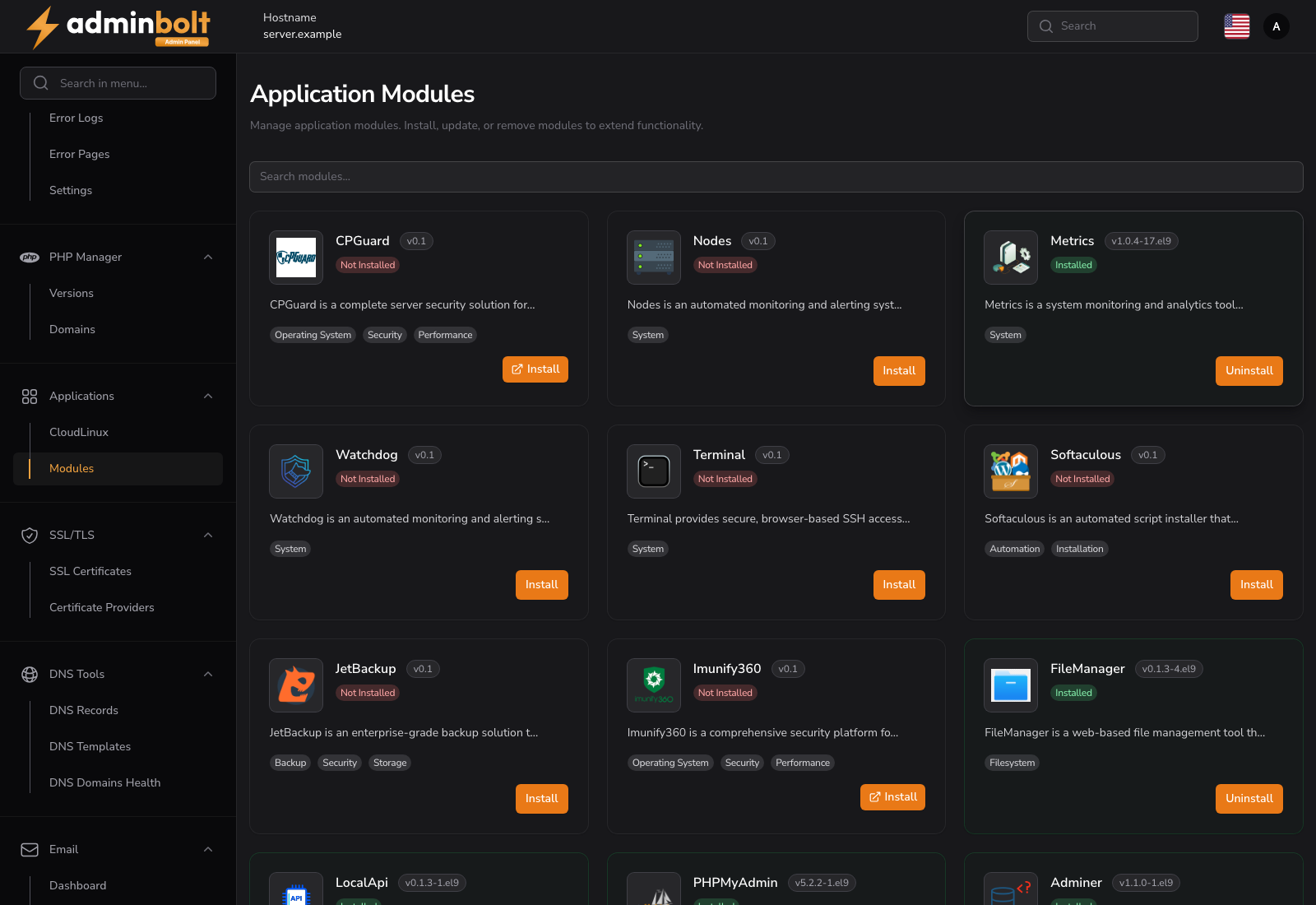
Install and remove the module from the Module Manager. Once it is installed, LSPHP versions appear next to the other PHP providers on the PHP Versions, Domains, hosting plan and PHP Engine Migration screens.
phpinfo() on a domain using it reports the LiteSpeed V8 Server API, and scripts run as the account's own Unix user.
When to pick this engine over PHP-FPM
On Apache without this module, accounts run PHP over PHP-FPM, with one pool per domain and version, or over suPHP and CGI, with a process per request. The LSAPI Engine adds a third option: one persistent LSPHP worker pool per hosting account and PHP version.
- Dense servers. PHP-FPM needs a pool per domain and version, each with its own processes and file descriptors. An LSAPI pool is per account, and idle pools are started on demand.
- Resource limits. Each pool runs in its own control group, so hosting plan limits apply as live controls rather than as advice.
- Overload isolation. The number of concurrent requests per account is capped with a bounded queue, so one busy site queues or sheds its own traffic instead of exhausting the server.
PHP-FPM stays the right choice when a site needs FPM-specific tuning, such as custom pool directives or a per-domain process strategy, or a PHP version that has no LSPHP counterpart.
Requirements
- AlmaLinux or Rocky Linux with Apache as the active web server.
- Not a CloudLinux server. CloudLinux ships its own LSAPI module, and the two must never load together, so the installer refuses there.
- Not needed under LiteSpeed or OpenLiteSpeed, which run LSPHP natively.
Installing
Install the module from the Module Manager. The installer:
- Adds the LiteSpeed package repository, for the LSPHP binaries only. No LiteSpeed web server is installed.
- Installs the
mod_proxy_lsapipackage and its SELinux policy. - Enables the module in the Apache profile and restarts Apache.
- Installs an LSPHP counterpart for every installed REMI PHP version and registers those versions in the PHP Manager.
Nothing is written into the Apache configuration until the module package is verified on disk, so a failed install leaves Apache serving exactly as before.
Assigning accounts to the engine
| Where | How |
|---|---|
| Per domain | PHP Manager Domains: pick an LSPHP version, labelled LSAPI |
| Plan default | Select an LSPHP version on the hosting plan |
| In bulk | PHP Engine Migration moves every REMI domain and plan to the matching LSPHP version, with a dry run first |
Domains whose LSPHP counterpart is not installed are skipped by the bulk migration and listed.
The account's pool is created when the domain's virtual host is written, before any traffic reaches it. Changing a domain's PHP version re-points the account at the new version's pool, and the old pool is removed once no other domain of the account uses it.
Resource limits
The Resource Limits tab on the hosting plan maps onto each account pool:
| Plan limit | What it controls |
|---|---|
| CPU Speed (% of a core) | The pool's CPU quota |
| Physical Memory (MB) | The pool's hard memory ceiling, with throttling below it |
| Processes | The maximum number of tasks in the pool |
| Entry Processes | The number of LSPHP workers and concurrent request slots |
Virtual Memory, I/O Throughput and IOPS are CloudLinux-only limits and stay hidden on a server without CloudLinux: pools run with swap disabled, and there is no per-account throughput ceiling to set.
Limits apply as soon as a plan is saved. Running PHP processes are not restarted.
Security
- Every pool runs as the account's own unprivileged user, never as the Apache user.
- A virtual host is pinned to its own pool. A
.htaccesshandler pointing at another account's pool is rejected with HTTP 403 before any connection is made. - Script paths must be regular files below the domain's document root, owned by the account user.
open_basedir, the temporary directories and the session path are enforced per account, including the managedopen_basediradditions set in the admin interface.
Vendor updates
When a package update replaces an LSPHP binary, the affected pools reload without dropping requests: the new generation starts and accepts connections before the old workers drain. A replacement that does not start is rejected, and the running generation keeps serving.
Uninstalling
Uninstall is refused while any domain still uses an LSPHP version, and points you at PHP Engine Migration to move them off first.
On an allowed uninstall the module stops and removes every pool, disables the Apache module, removes the package, and restarts Apache. Domains that never used the engine are untouched.
Related pages
- Module Manager - install and uninstall.
- PHP Versions - the versions available on the server.
- PHP Manager Domains - the per-domain version.
- PHP Engine Migration - moving domains between engines in bulk.
- Hosting Plans - the resource limits the pools enforce.