

Whitelist IPs
The Whitelist IPs page allows you to specify trusted IP addresses that should bypass Fail2Ban bans. This feature ensures uninterrupted access for key users or administrators.
Overview
URL: /admin/fail2ban-whitelist
This section shows a list of all currently whitelisted IP addresses with optional comments. You can add, edit, or remove any whitelisted IP from the interface.
- Ip address - The IP address you wish to trust and exempt from Fail2Ban actions.
- Note - A description or note explaining the purpose or owner of the IP (e.g. "office VPN").
Table Options
- Edit - Allows modifying the IP address or comment.
- Pagination - Allows selecting how many entries to display per page: 5, 10, 25, 50, All.
New Whitelist
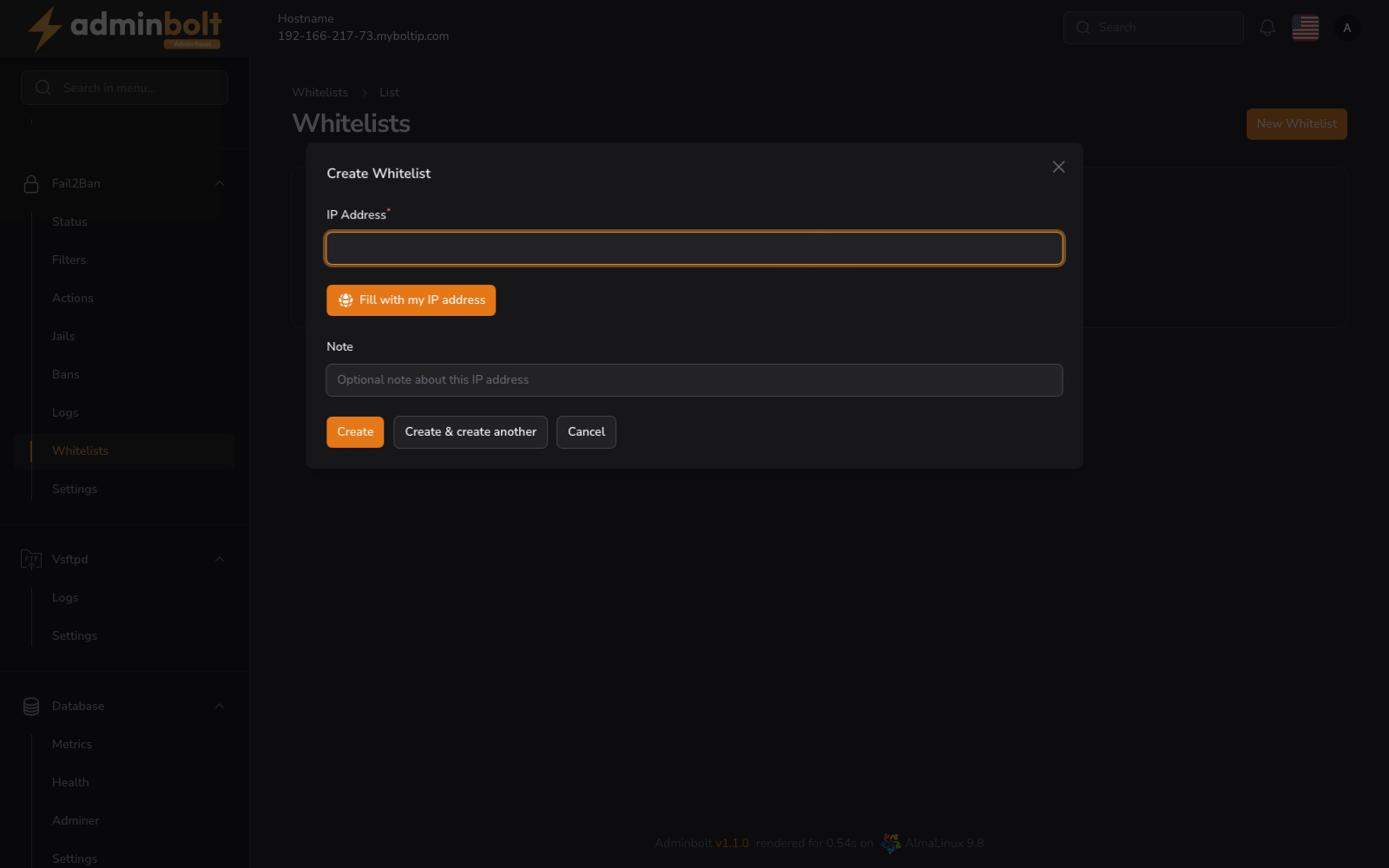
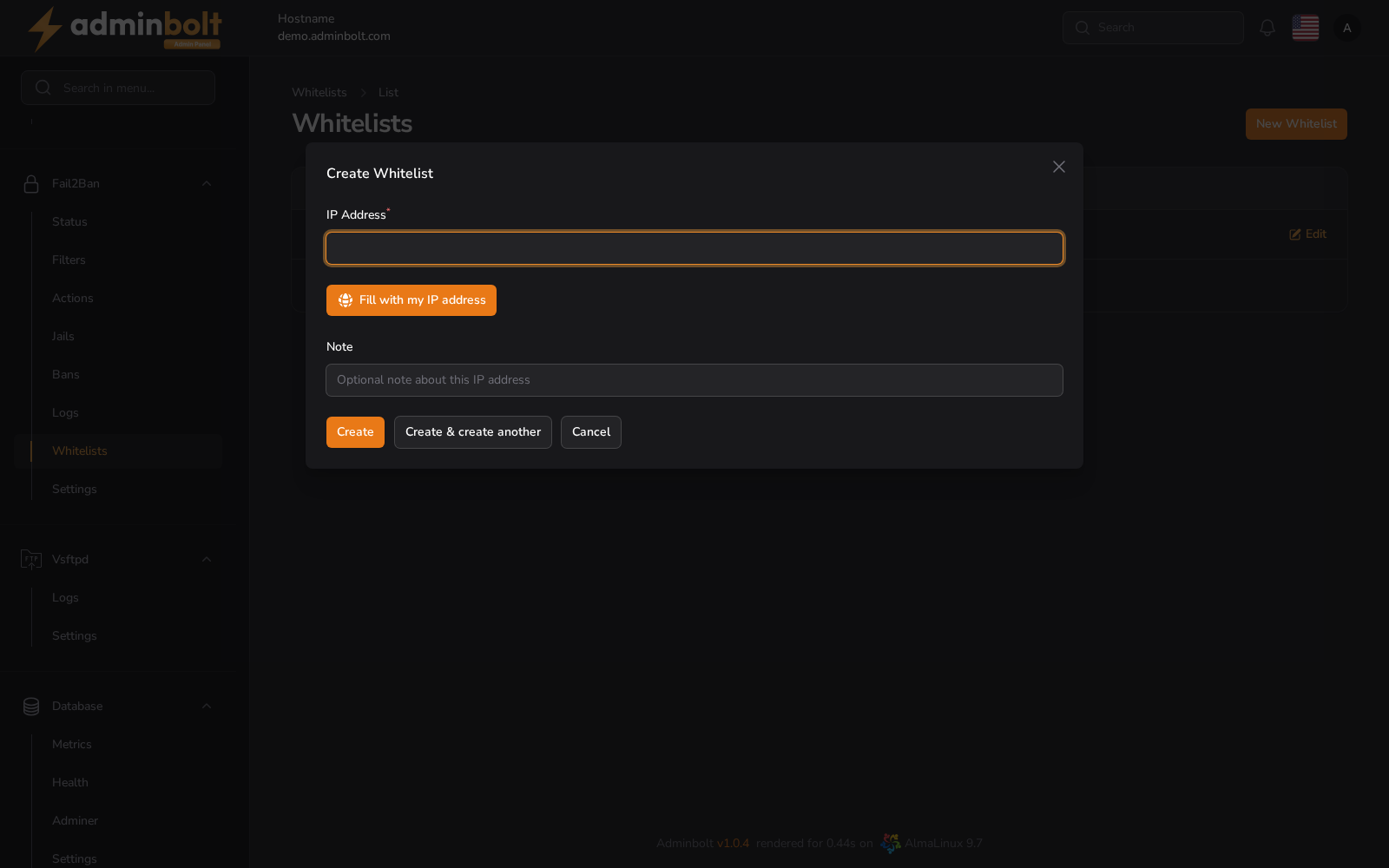
To add a new trusted IP, click the Create Whitelist IP button.
Fields
- Whitelist IP (required) - The IPv4 or IPv6 address to be whitelisted.
- Add comment (optional) - Enter an explanatory note.
Available actions:
- Create - Saves the new whitelist entry.
- Create & create another - Saves the entry and keeps the form open for the next one.
- Cancel - Closes the form without saving.
Edit Whitelist IP
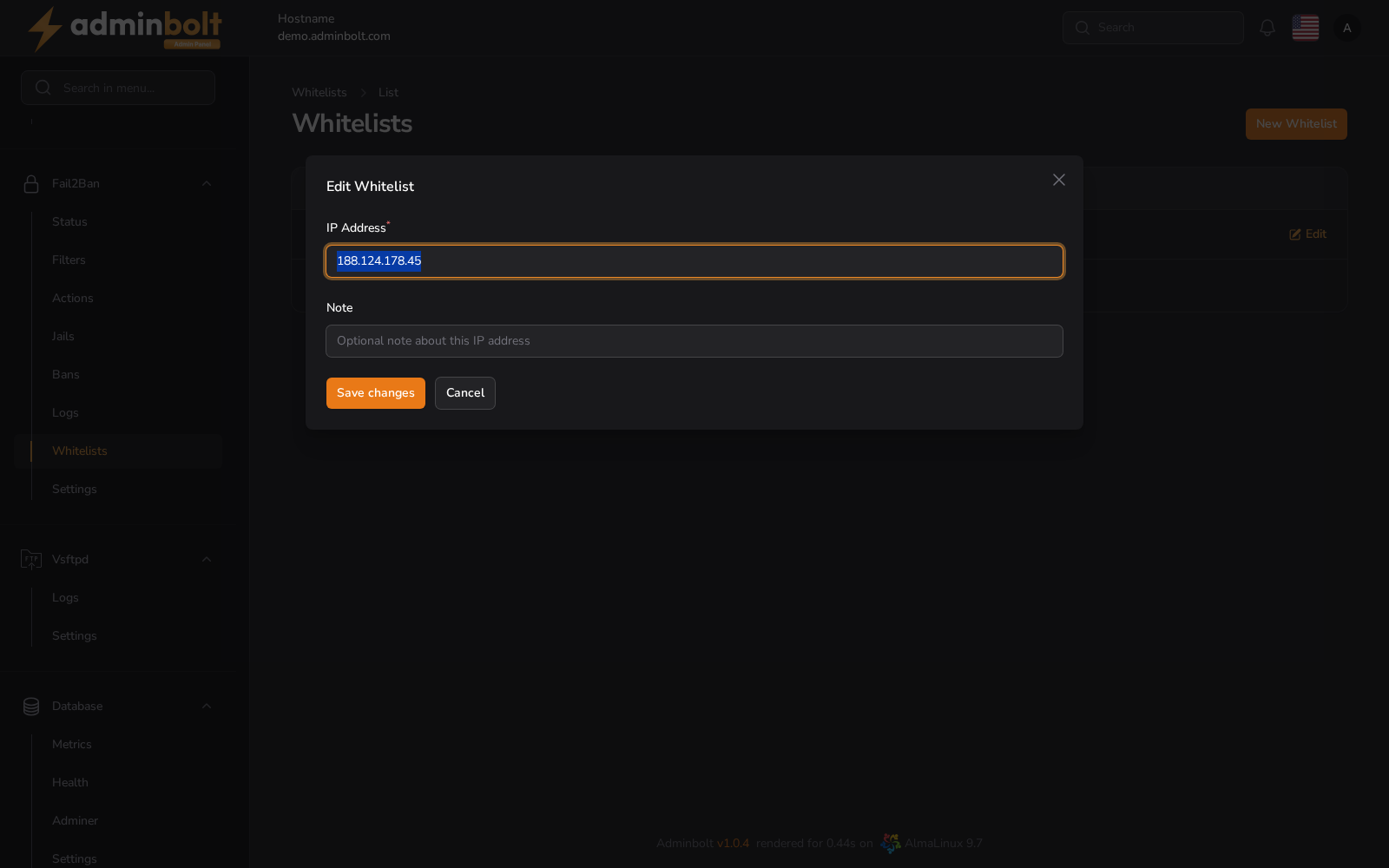
Click the Edit icon next to an IP address to update it.
Fields
- Whitelist IP - You can update the IP address here.
- Add comment - Update the description or tag related to this IP.
After editing, click Save changes or Cancel to discard.