

Blacklist Countries
The Blacklist Countries page allows administrators to manage and restrict email activities based on specific countries and their top-level domains (TLDs). This feature is useful for blocking spam or unwanted messages from certain regions and helps enforce compliance with regional or organizational policies.
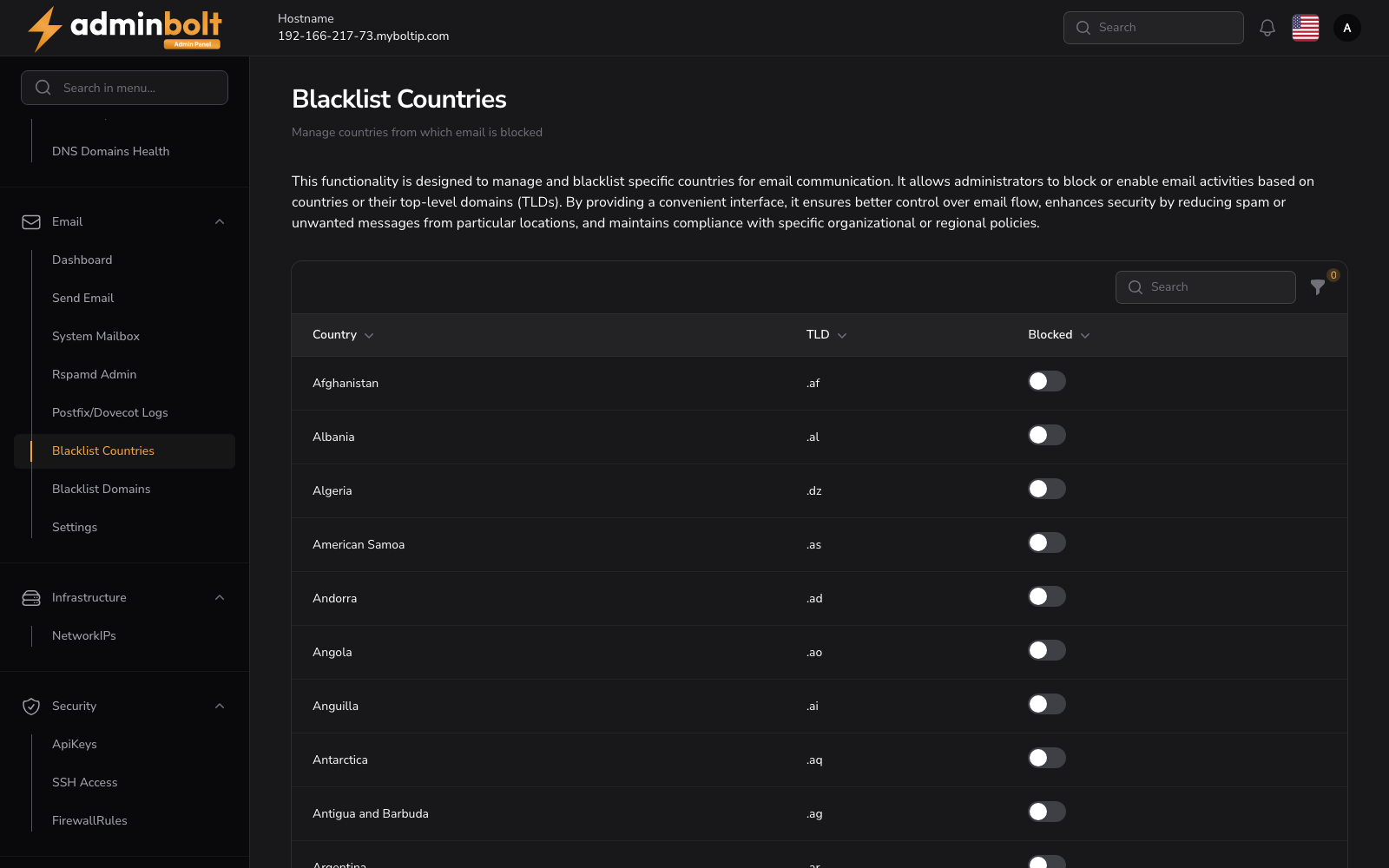
Overview
URL: /admin/email-blacklist-countries
This interface displays a searchable and filterable table listing all countries along with:
- Country Name
- Top-Level Domain (TLD)
- Blocked Toggle - enabling or disabling email communication from that country.
Each country entry includes a toggle switch under the Blocked column, which administrators can use to quickly enable or disable blocking for that specific region.
Filters
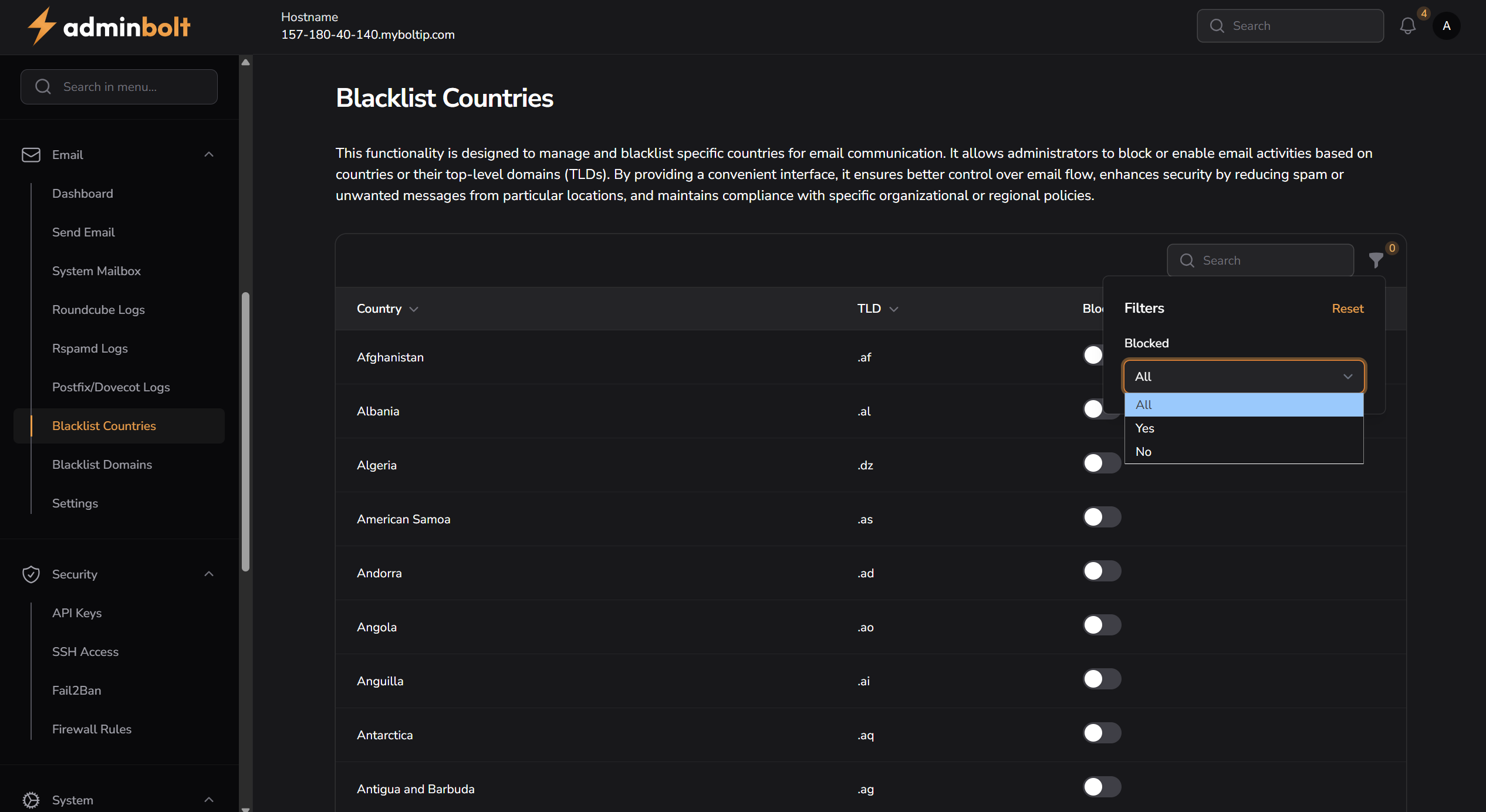
Clicking the Filters button reveals filtering options that let you narrow results by block status:
- All
- Yes (only blocked countries)
- No (only unblocked countries)
There is also a Reset button in the filter dropdown, which clears any active filters and resets the table view to show all entries.
Search
You can search the list of countries using the search input in the top-right corner. The search supports:
- Country Name
- TLD (Top-Level Domain)
This helps quickly locate and manage specific entries.
Pagination
If there are many entries, the table is paginated. You can:
- Navigate between pages using the pagination controls at the bottom
- Change how many entries are shown per page using the Per page dropdown (e.g. 5, 10, 25, 50, All)