

Backups (Reseller)
The reseller Backups page lists the backup repositories of the accounts you manage, with their state, last run and size, and lets you start a backup or a restore for any of them.
Added in AdminBolt 1.7.0.
Overview
URL: /reseller/backups
The page sits in the Hosting Management navigation group. It is the administrator's Backups dashboard narrowed to your own accounts: accounts belonging to other resellers, and accounts the administrator manages directly, are not listed.
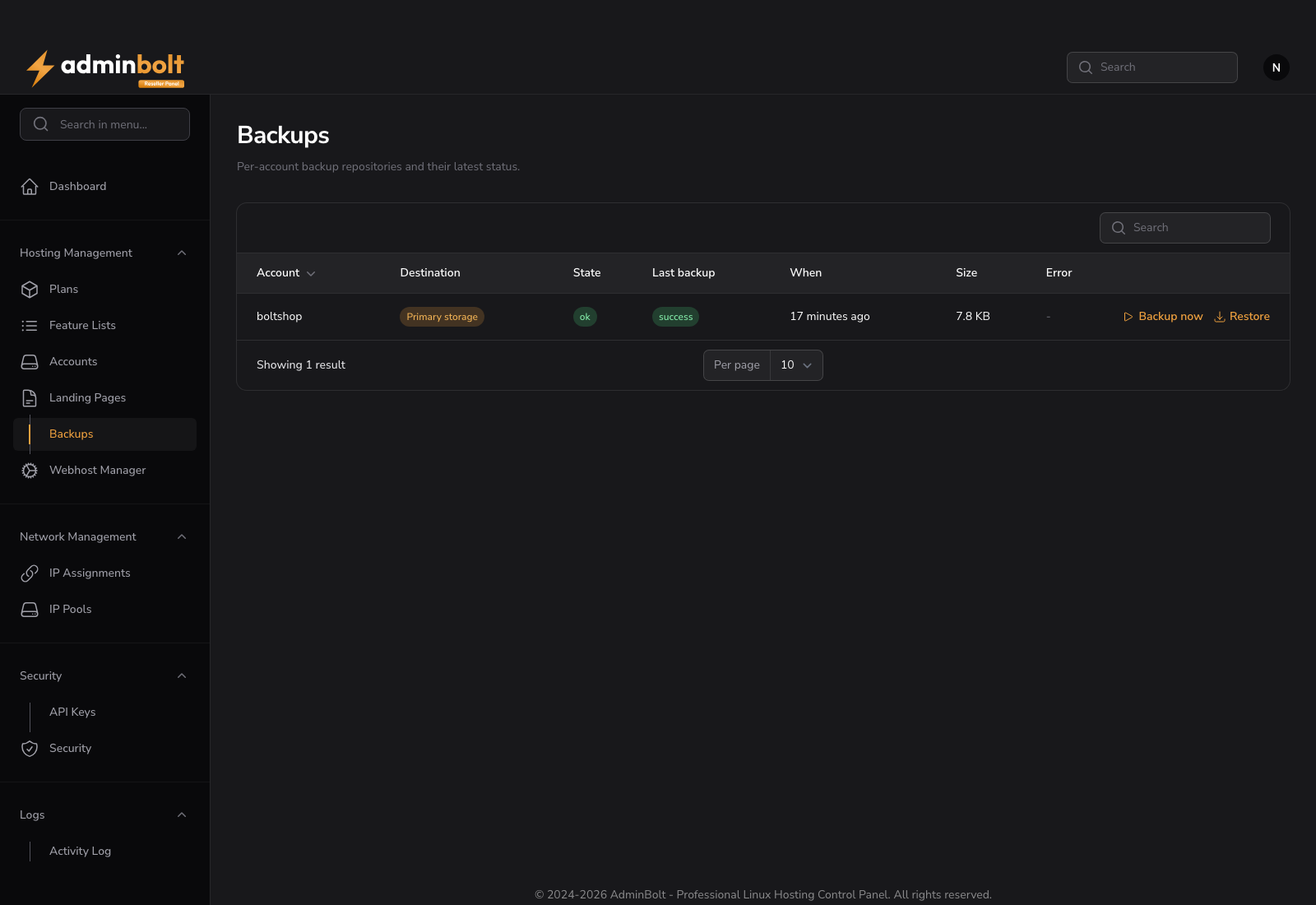
The page lists an account only once the administrator has attached a backup policy covering it, either to your reseller account, to one of the hosting plans your customers are on, or to the account itself.
Reading the table
| Column | Description |
|---|---|
| Account | The hosting account the repository belongs to |
| Destination | The storage its snapshots are written to |
| State | ok, error, or locked while an operation is holding it |
| Last backup | The result of the most recent run, or never |
| When | When that run started |
| Size | How much space the repository uses |
| Error | Why the last run failed |
The table refreshes itself every 30 seconds.
Backup now
Backup now starts an immediate backup of that account, in addition to the scheduled ones. The run is recorded with reseller as the requester, so it is distinguishable from a scheduled run or one your customer started.
Restore
Restore is available on repositories in the ok state and asks for:
- Snapshot - which point in time to restore from.
- Path to restore - the whole home directory by default, or a subpath.
- Mode - In place (overwrite) or Copy into restored-files, which leaves the live files untouched.
Restores run in the background.
Warning: An in-place restore overwrites existing files with the same names. Restore as a copy first when you are not certain which snapshot holds the version the customer wants.
What stays with the administrator
Backup destinations and backup policies are configured by the server administrator. As a reseller you cannot add storage, change a schedule, change retention, or decide whether your customers may restore on their own. Ask your provider to change the policy that covers your accounts.
Related pages
- Admin Backups - the server-wide dashboard.
- Backup Policies - what schedules these backups.
- Client Backups - what your customers see.
- Reseller Accounts - the accounts this page covers.