

MyApache ModSecurity Configuration
The MyApache ModSecurity Configuration page allows administrators to configure ModSecurity, a powerful web application firewall (WAF) integrated with Apache. This interface provides full control over rule enforcement, connection handling, logging behavior, performance tuning, and external data integration.
Overview
ModSecurity helps detect and block common web exploits and threats in real time. This page offers a structured and modular approach to manage:
- WAF activation and rule processing
- Logging and auditing
- Resource and performance tuning
- External threat data integration
URL: /admin/my-apache-mod-security-config
Core Settings
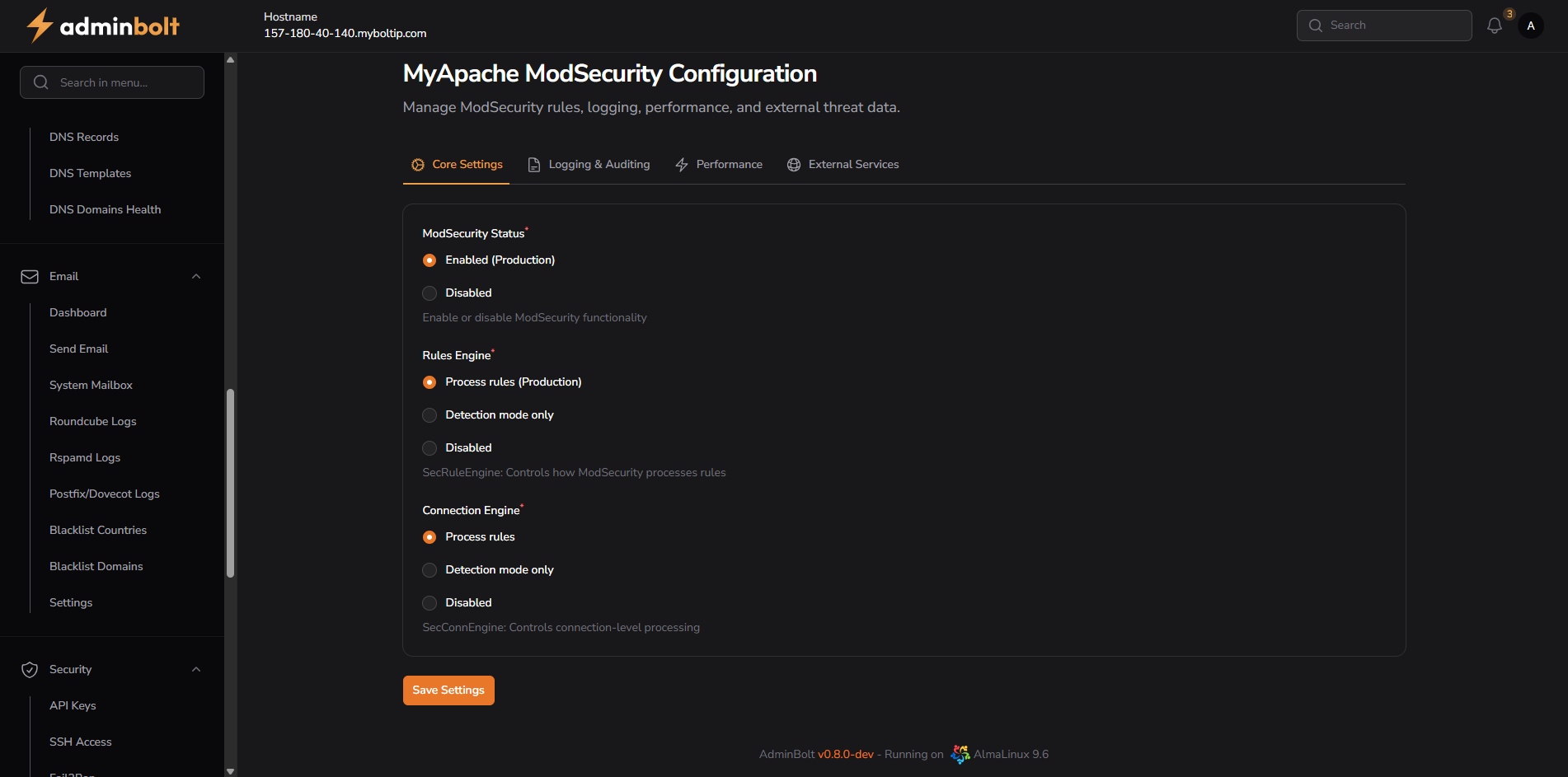
ModSecurity Status
- Enabled (Production) – Activates ModSecurity globally.
- Disabled – Turns off all ModSecurity processing.
Rules Engine
- Process rules (Production) – Full rule evaluation and enforcement.
- Detection mode only – Rules are processed but not enforced (log only).
- Disabled – Rule engine is completely turned off.
Connection Engine
- Process rules – Applies rules at the connection level.
- Detection mode only – Logs matching rules without enforcement.
- Disabled – Disables connection-level processing.
Logging & Auditing
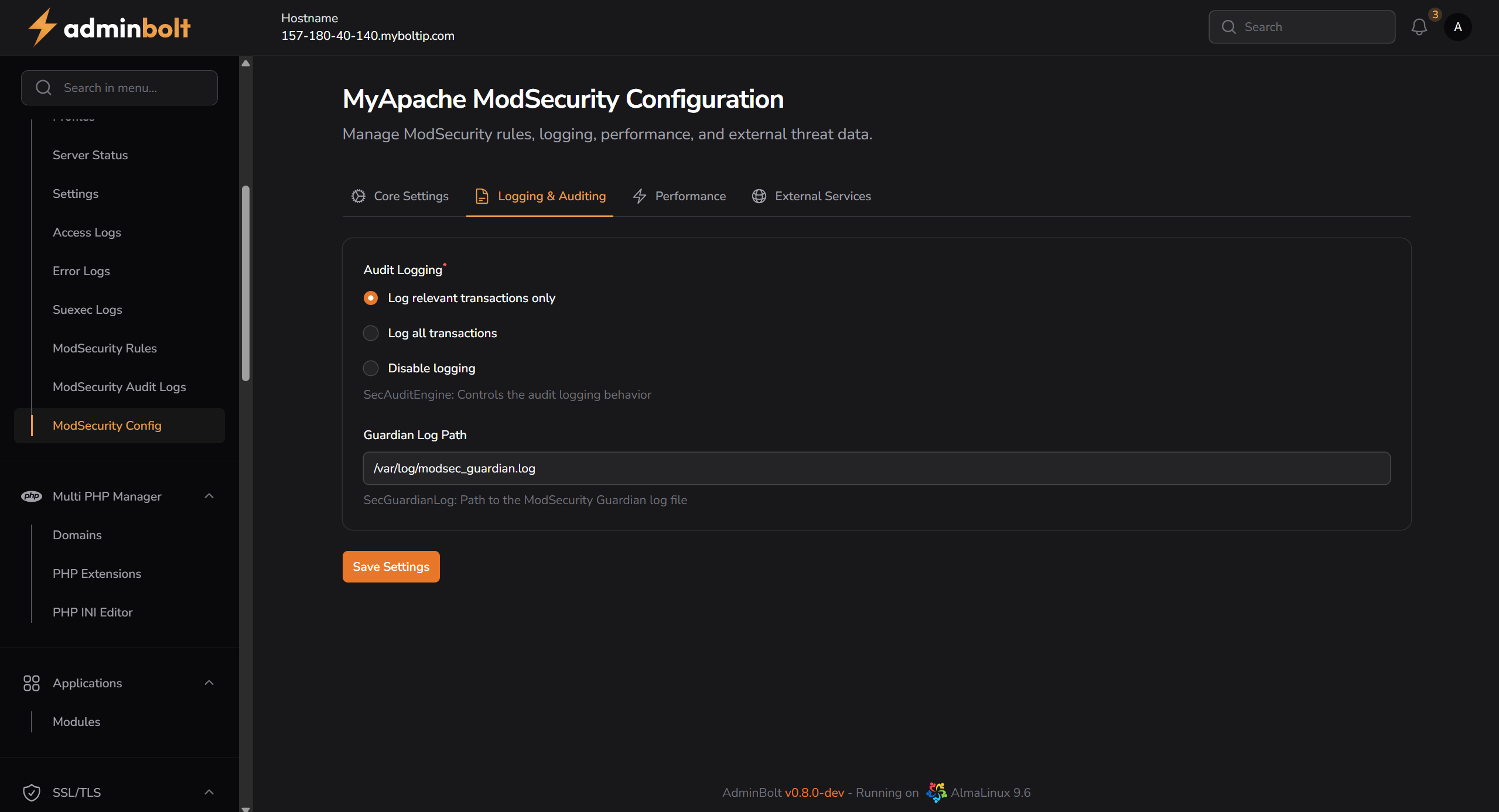
Audit Logging
- Log relevant transactions only – Logs only suspicious/matching requests.
- Log all transactions – Logs all HTTP traffic.
- Disable logging – Disables logging entirely.
Guardian Log Path
- Default:
/var/log/modsec_guardian.log - Stores audit logs for ModSecurity’s Guardian integration.
Performance
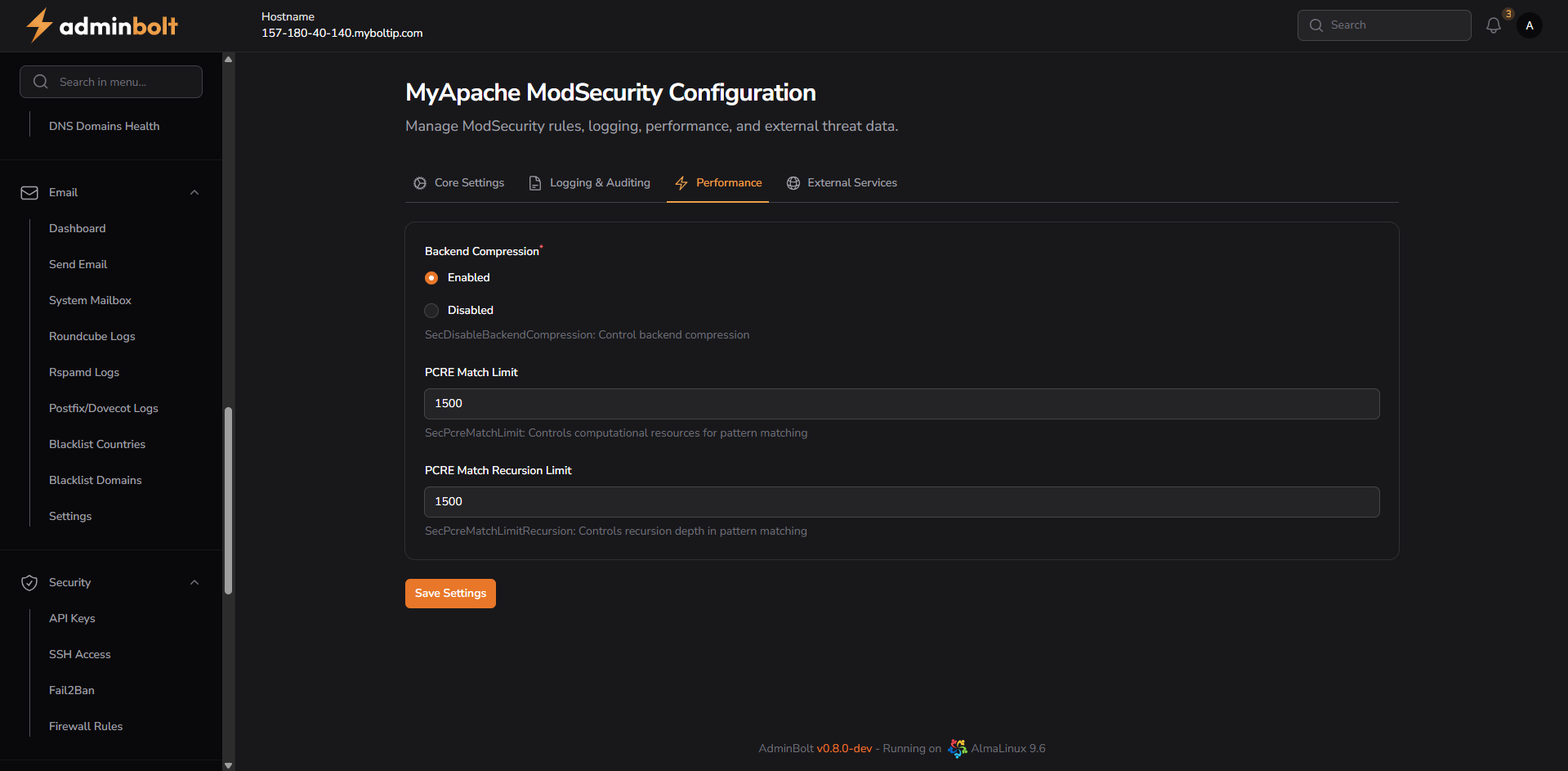
Backend Compression
- Enabled – Enables compression for backend data transfer.
- Disabled – Disables backend compression.
PCRE Match Limit
- Default:
1500 - Controls the maximum number of pattern matches processed.
PCRE Match Recursion Limit
- Default:
1500 - Controls recursion depth for pattern matching.
External Services
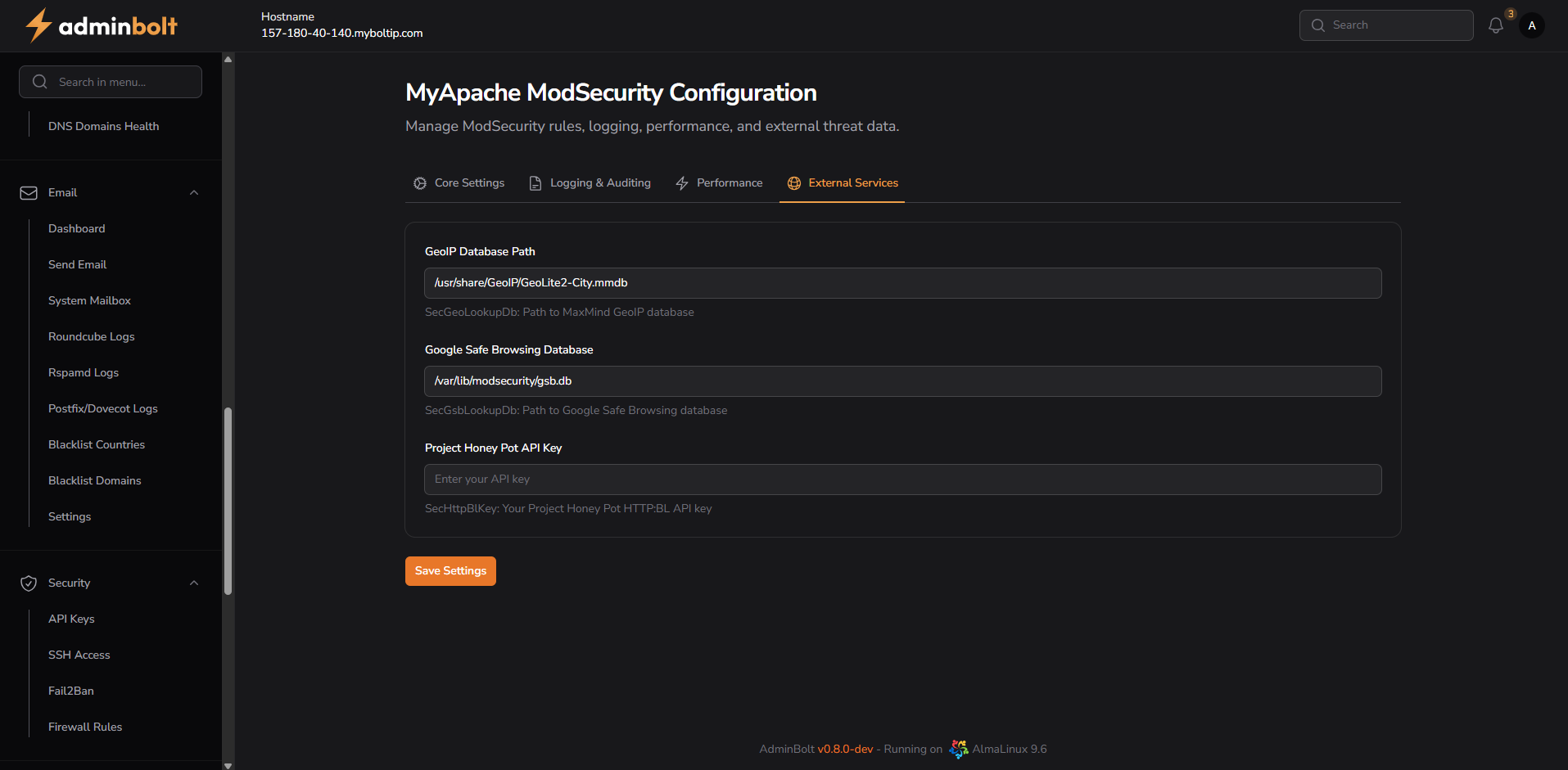
GeoIP Database Path
- Default:
/usr/share/GeoIP/GeoLite2-City.mmdb - Used for geolocation-based rule evaluation.
Google Safe Browsing Database
- Path:
/var/lib/modsecurity/gsb.db - Protects against malicious URLs and phishing domains.
Project Honey Pot API Key
- Optional integration for real-time spammer and bot detection.
- Requires a valid HTTP:BL API key.
Notes
- Changes require saving via the Save Settings button in each tab.
- ModSecurity is a critical layer of security—configuration should be tested before applying in production.
- For advanced users, logs and rules can be fine-tuned further via CLI or rule set customization.