

Webhost Manager
The Webhost Manager section allows a reseller to configure the nameservers their end-users will use for their domains.
URL: /reseller/webhost-manager
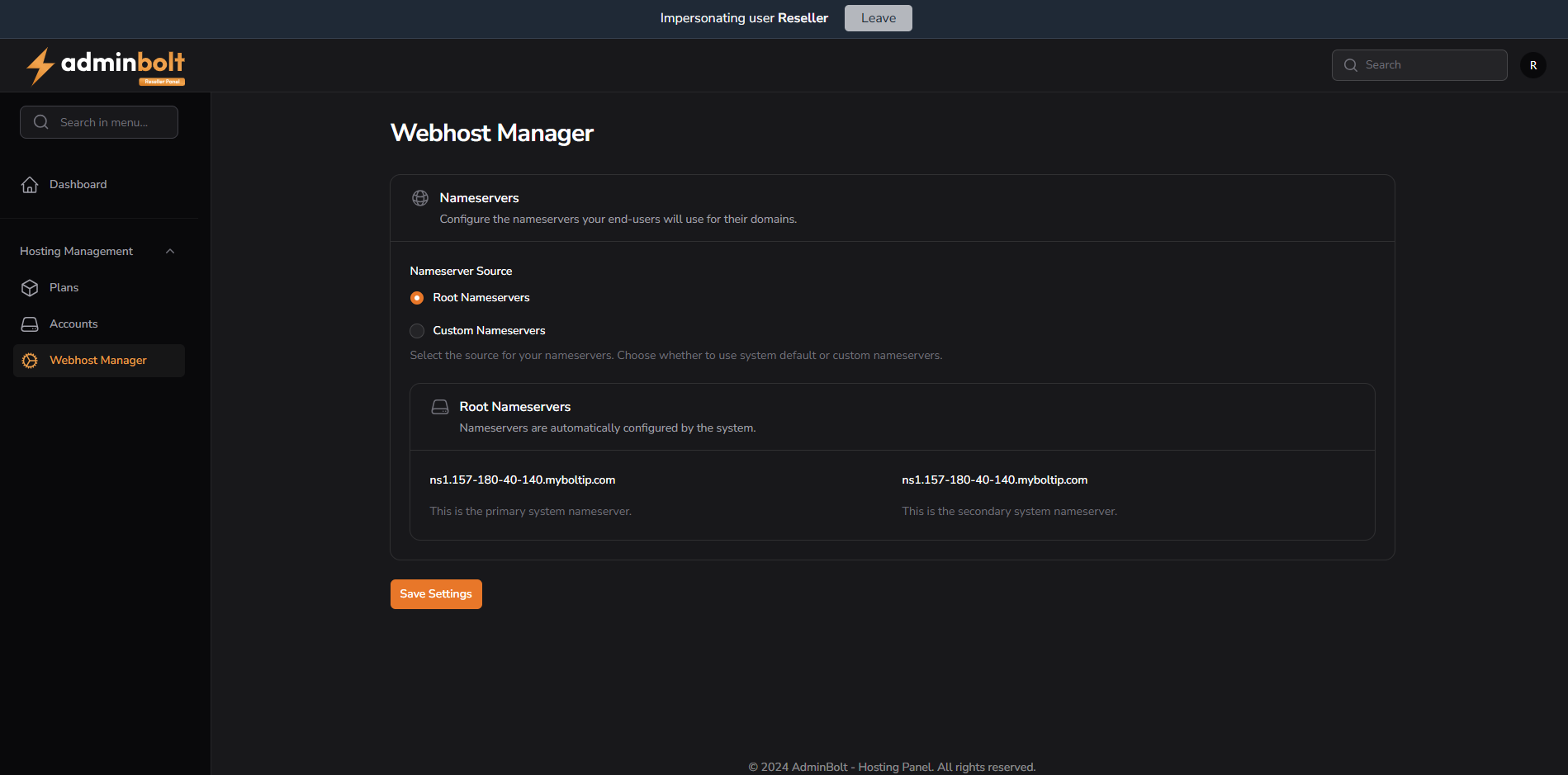
Nameservers
This section provides two options for configuring nameservers:
1. Root Nameservers (System Default)
- Nameservers are automatically configured by the system.
- These are typically based on the hosting server’s hostname and IP.
- Example:
ns1.157-180-40-140.myboltip.com(primary)ns2.157-180-40-140.myboltip.com(secondary)
2. Custom Nameservers
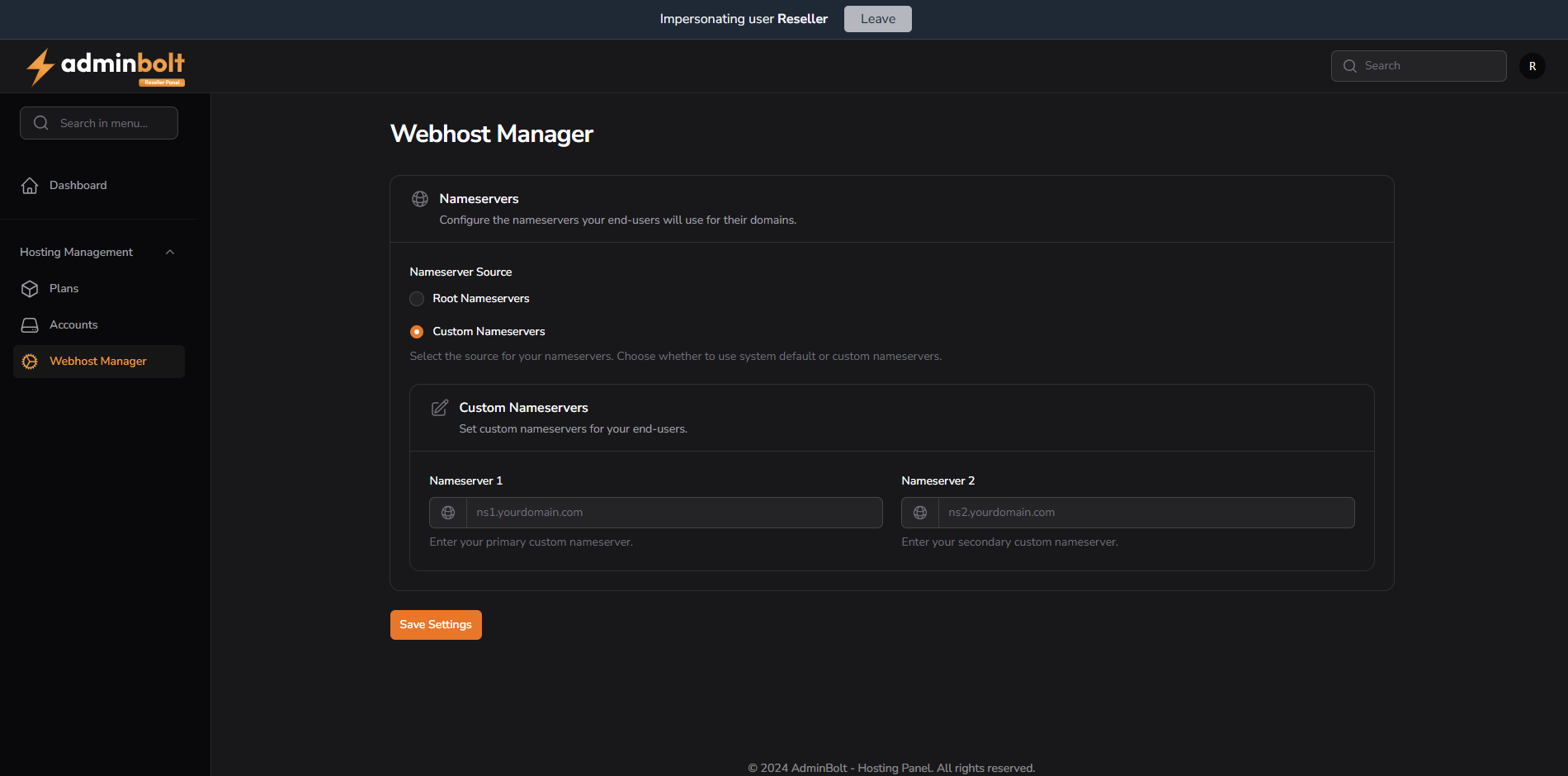
- Allows resellers to define their own branded nameservers.
- Fields:
- Nameserver 1 – Required, e.g.
ns1.yourdomain.com - Nameserver 2 – Optional, e.g.
ns2.yourdomain.com
- Nameserver 1 – Required, e.g.
Save Settings
At the bottom of the page, the Save Settings button applies the chosen nameserver configuration (whether root or custom).
This setting affects all newly created domains under the reseller’s accounts.