

Change System Hostname
The Change Hostname page allows you to update the system's hostname.
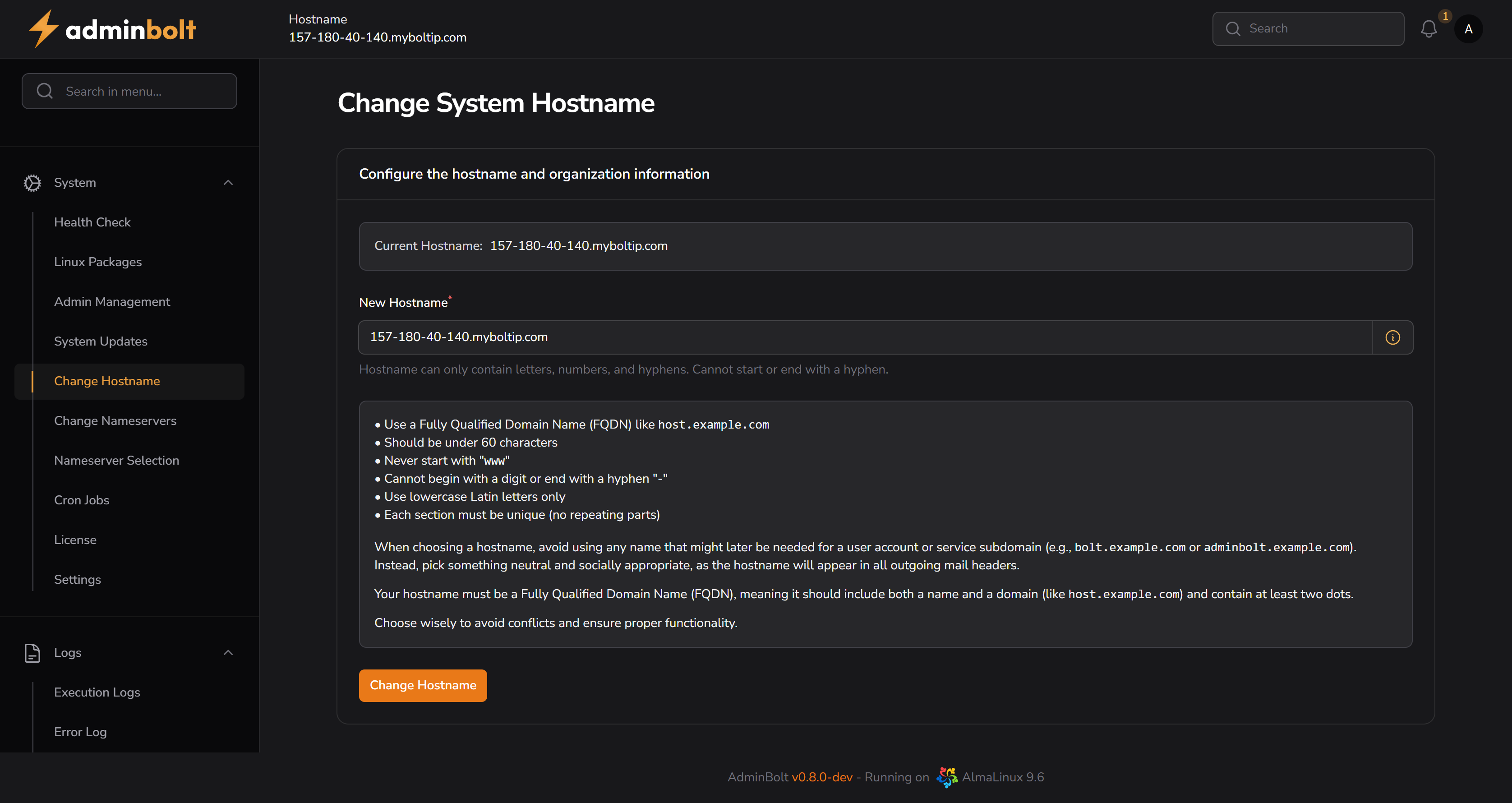
Overview
URL: /admin/change-hostname
This page enables administrators to modify the hostname.
The hostname is a key component of your server's identity and is used in outgoing mail headers and various system services. It should be a Fully Qualified Domain Name (FQDN), such as host.example.com.
Current Hostname
Displays the currently configured hostname for your server.
New Hostname
Input field for entering the new hostname.
Hostname requirements:
- Only letters, numbers, and hyphens are allowed
- Must not start or end with a hyphen
- Should not start with a number
Info Tooltip
Clicking the "i" icon next to the input field displays the following help text:
• Use a Fully Qualified Domain Name (FQDN) like
host.example.com
• Should be under 60 characters
• Never start with "www"
• Cannot begin with a digit or end with a hyphen "-"
• Use lowercase Latin letters only
• Each section must be unique (no repeating parts)When choosing a hostname, avoid using any name that might later be needed for a user account or service subdomain (e.g.,
bolt.example.comoradminbolt.example.com).Instead, pick something neutral and socially appropriate, as the hostname will appear in all outgoing mail headers.
Your hostname must be a Fully Qualified Domain Name (FQDN), meaning it should include both a name and a domain (like
host.example.com) and contain at least two dots.Choose wisely to avoid conflicts and ensure proper functionality.
Change Hostname Button
Clicking the Change Hostname button applies the new hostname.