

phpMyAdmin
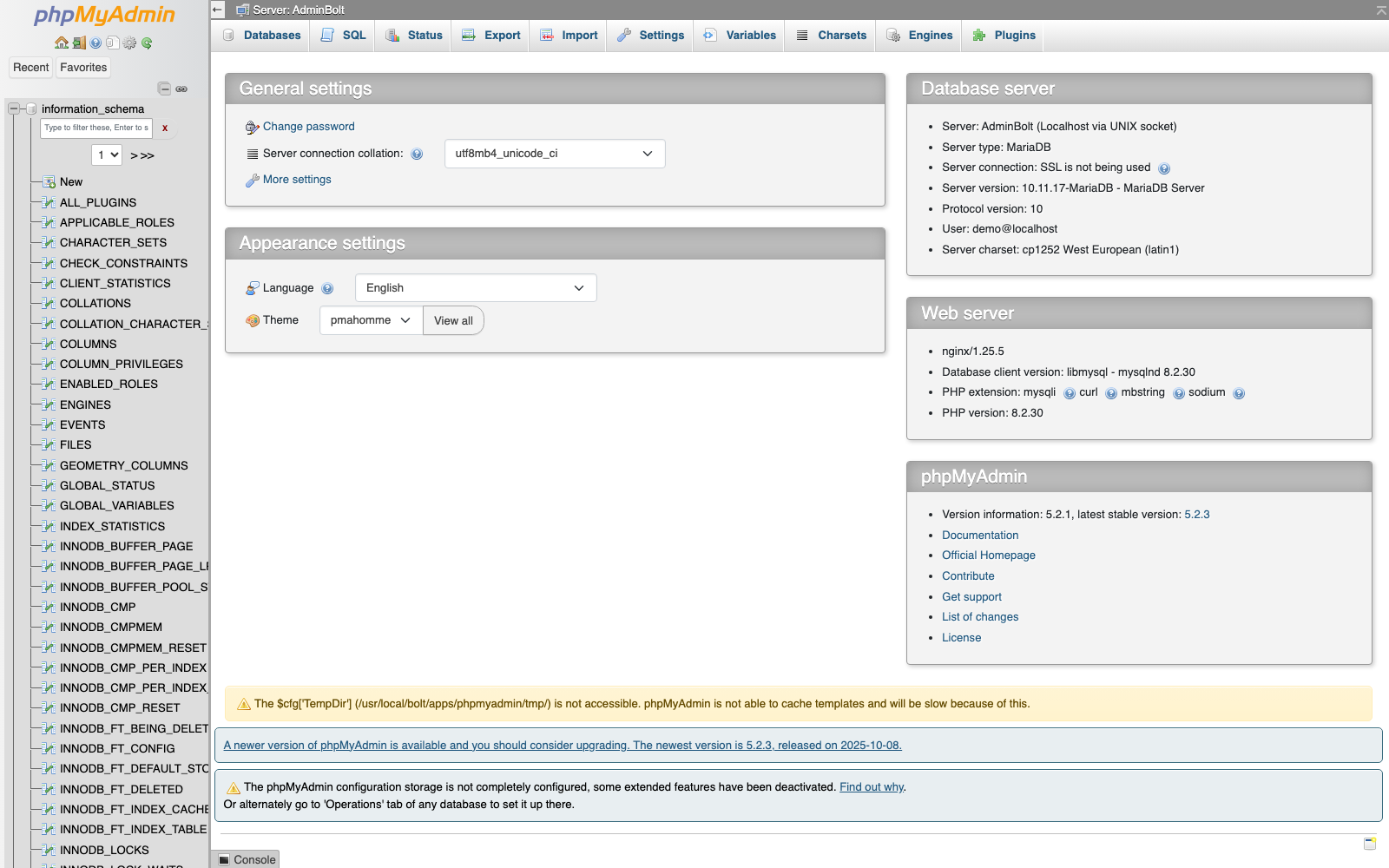
URL: /client/phpMyAdmin/login
phpMyAdmin is an external web-based database management tool that provides comprehensive control over your MariaDB and MySQL databases.
Overview
Accessing phpMyAdmin opens in a new browser tab, giving you direct access to your database infrastructure. This is the standard phpMyAdmin interface with no custom AdminBolt modifications.
Features
- Full database management and administration
- User account creation and privilege management
- Table structure viewing and modification
- SQL query execution and testing
- Database import and export capabilities
- Real-time database monitoring
Accessing phpMyAdmin
- Log in to your AdminBolt client panel
- Click the phpMyAdmin link in the sidebar
- The phpMyAdmin interface will open in a new browser tab
- You are already authenticated and can begin managing your databases
Since panel 1.9.2, when the server's administrator has removed the phpMyAdmin module, the link answers with page not found.
What You Can Do
- Create, modify, and delete databases
- Manage database users and permissions
- Execute custom SQL queries
- Export and backup database data
- Import data from external sources
- Monitor database performance and usage
For advanced database administration tasks, phpMyAdmin provides the full feature set of a professional database management tool.