

Track DNS
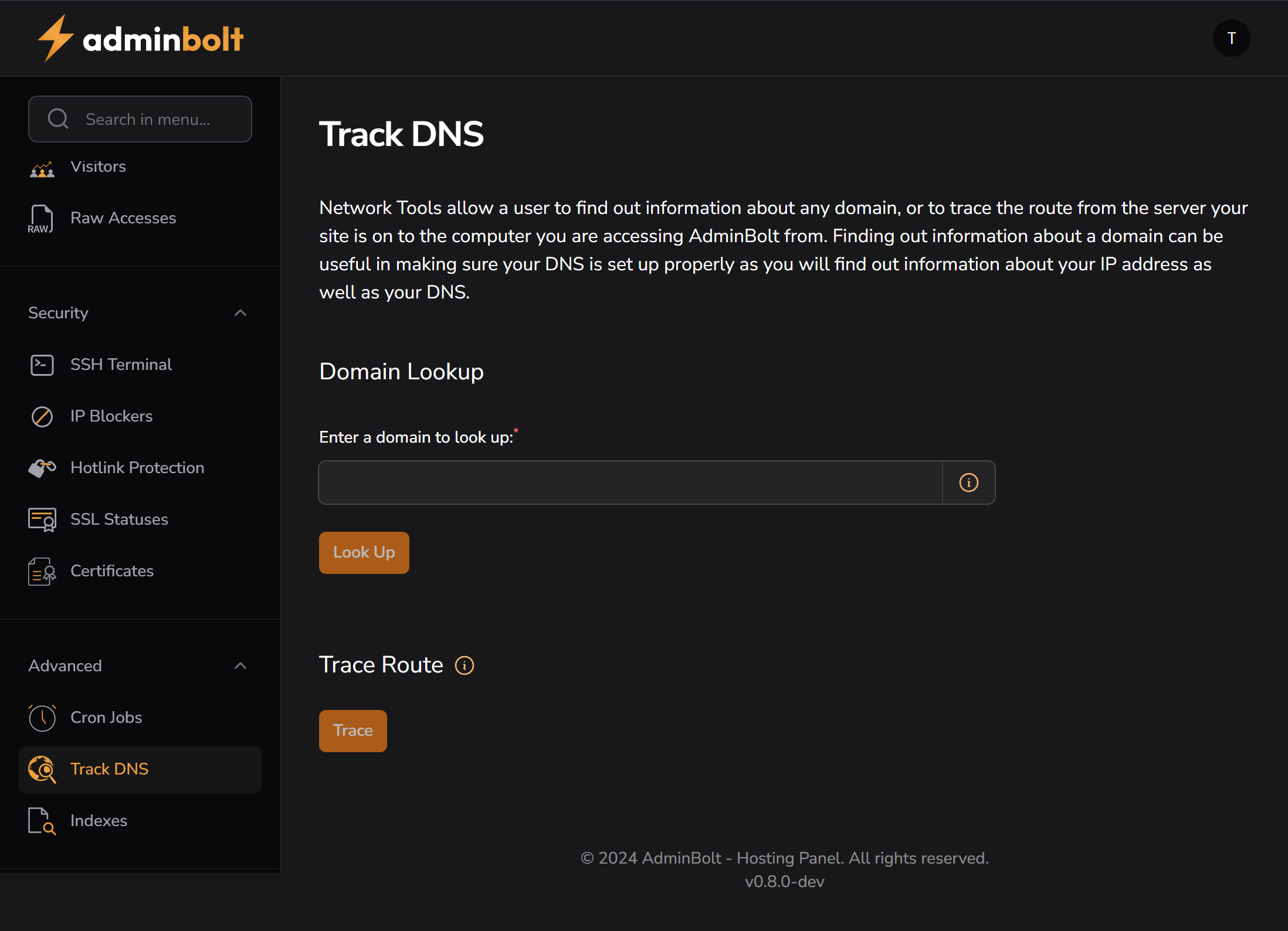
The Track DNS section in AdminBolt allows users to retrieve DNS information and trace the route to a domain from the hosting server. This feature is helpful for debugging DNS issues and ensuring the DNS is configured correctly.
DNS Lookup
The Domain Lookup tool provides detailed DNS information for a given domain. It helps users verify:
- A/AAAA records
- CNAMEs
- MX, NS, TXT records
- Any propagation or resolution issues
Usage:
- Enter the domain name (e.g.
example.com) - Click the Look Up button
- Results will be displayed below (not shown in this screenshot)
Trace Route
The Trace Route section allows the user to trace the network path from the server to the target domain. It’s useful for identifying where latency or connection drops may occur.
Usage:
- Enter the domain or IP and click Trace
- The tool will run a traceroute from the server to the destination
- Each hop (router or node) will be displayed with latency info
Useful for diagnosing network routing issues or pinpointing delays.
Use Cases
- Troubleshooting DNS configuration
- Verifying proper domain resolution
- Detecting DNS propagation delays
- Diagnosing slow or blocked routing paths
Notes
- This tool runs from the server, not the user’s local machine
- Ensure the server has outbound access on required ports (e.g., ICMP for traceroute)
- Traceroute may be limited depending on firewall rules
Path: Advanced > Track DNS
Version: AdminBolt v0.8.0-dev
Screenshot: public/screenshots/track-dns.png