

Send Email
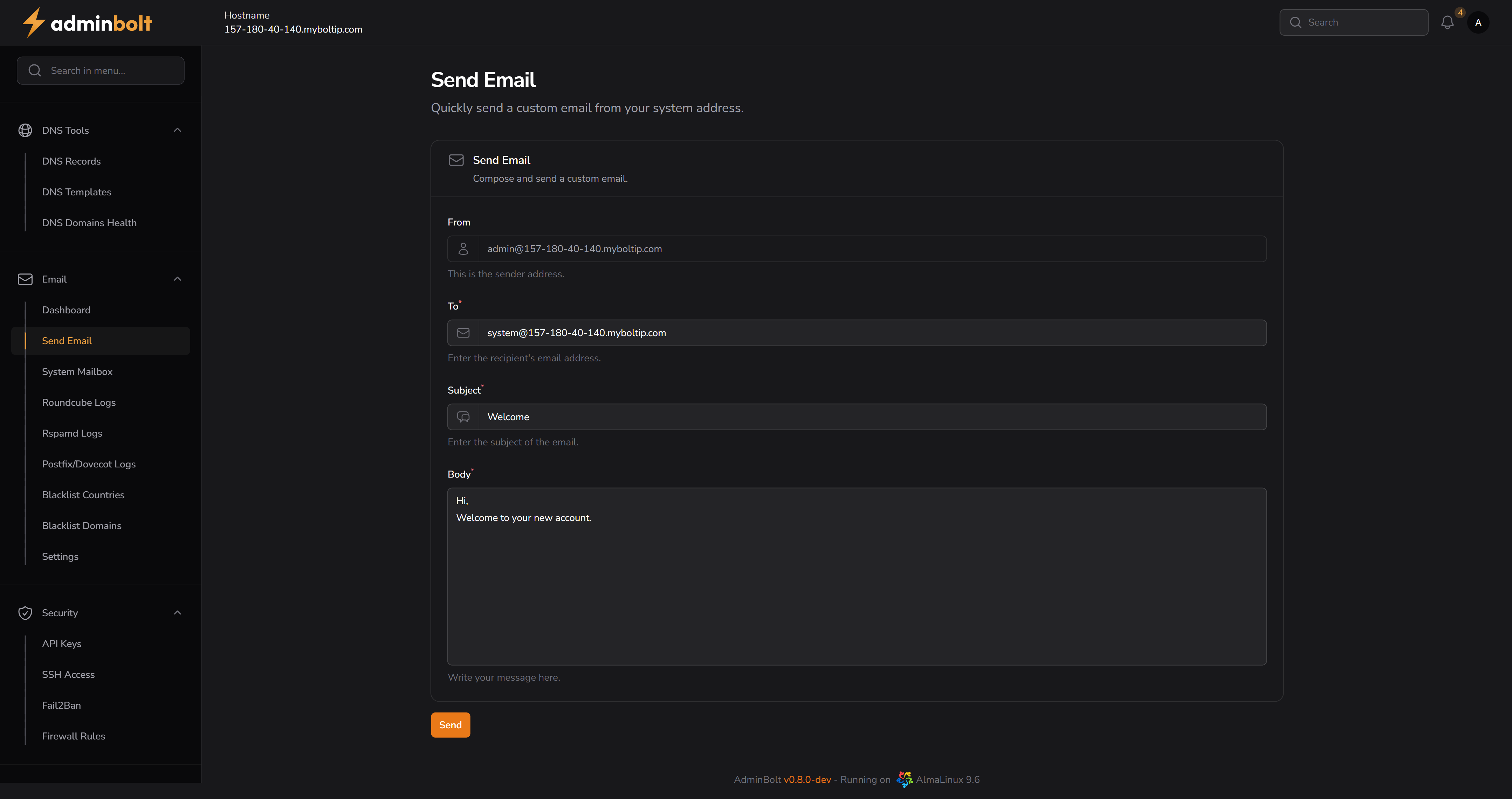
The Send Email page allows administrators to quickly send custom emails from the system's email address to any recipient.
Overview
URL: /admin/send-email
This form is designed for manual outbound emails from the system. It's particularly useful for sending welcome messages, alerts, or testing mail delivery.
Form Fields
From
The sender’s system email address. This field is pre-filled and cannot be changed.To
Enter the recipient's email address. This is where the message will be delivered.Subject
Define the subject line of your message.Body
Compose the content of the email message using plain text.Send Button
Once all fields are filled, clicking the Send button will immediately dispatch the email.
Notification
After sending, if the email is delivered successfully, a notification appears at the top-right corner confirming:
Email Sent
The email has been sent successfully.
This confirmation ensures that the message has been processed without any issues.