

Domains – AdminBolt Hosting Panel
Overview
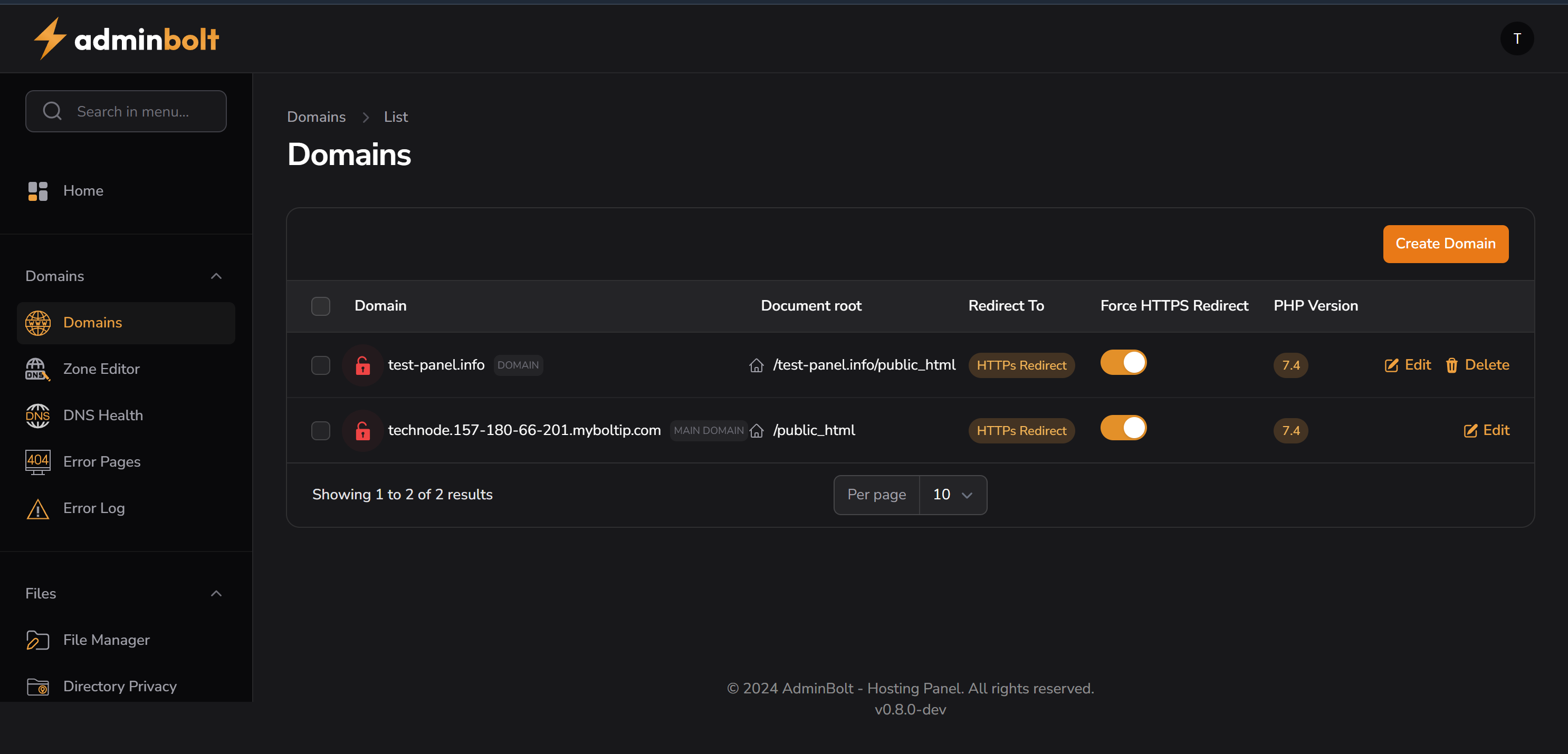
The Domains section in AdminBolt provides centralized management for all domain-related configurations within the hosting account. It serves as the gateway to critical DNS settings, error pages, and domain health checks.
Features
1. List and Manage Domains
- View all primary and addon domains assigned to the account.
- Add, edit, or remove domain entries.
- Link domains to specific directories on the server.
2. Integration with DNS Tools
- Seamless navigation to Zone Editor and DNS Health tools.
- Helps with end-to-end domain and DNS management from a single interface.
Typical Actions
- Add a new domain.
- Assign a document root for the domain.
- Remove unused or test domains.
- Access zone records directly from domain listing.
Interface Behavior
- The domains listed here may reflect usage stats, disk allocation, and related email/subdomain associations.
- Accessible via the sidebar under:
Domains → Domains