

Softaculous
The Softaculous page installs the Softaculous auto-installer module and opens its own admin interface. Softaculous installs and manages web applications with one click, including CMS platforms, blogs, and e-commerce tools.
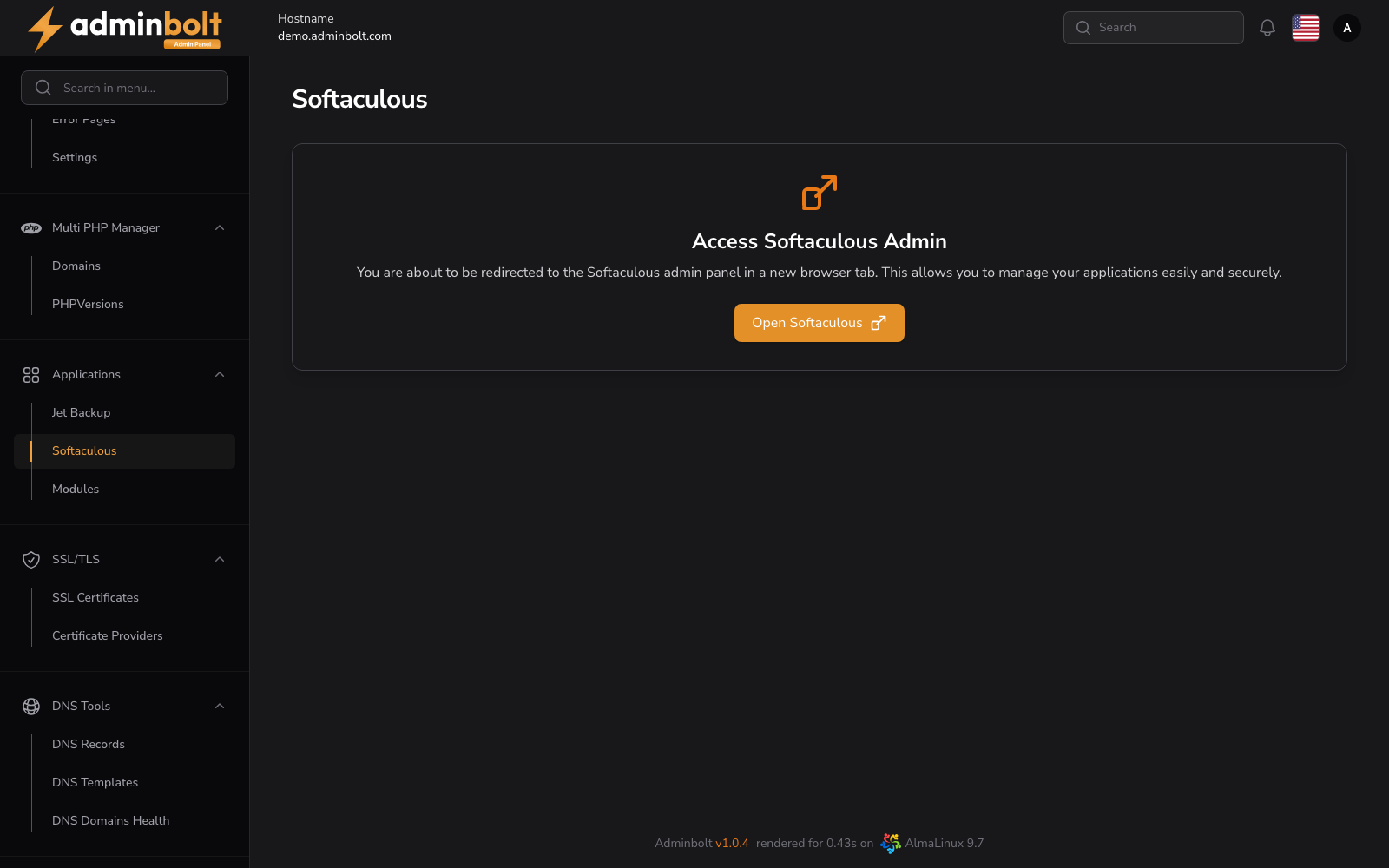
Overview
URL: /admin/settings/softaculous
Navigate to Settings > Tools > Softaculous. The entry appears in that group only once the module is installed; before that, reach the page by its address or from Modules in the sidebar.
Description
Softaculous is an auto installer for website application scripts.
It provides a user-friendly interface and automation features for installing, updating, and backing up popular web applications such as WordPress, Joomla, Magento, and others. Ideal for hosting providers and developers who want to reduce manual setup and improve deployment time.
Features
- One-click script installations
- Auto-update feature
- Backup and restore functionality
- Custom script support
- Multi-language support
Before installation
On a server without the module, the page states that Softaculous is not installed and offers a single Install action. The same module can be installed from Application Modules (/admin/modules).
Installed view
Once the module is installed, the page becomes a launcher with one action:
- Open Softaculous - opens the Softaculous admin panel in a new browser tab. From there you can browse the script library, install applications, and manage existing installations.
The page itself only acts as a launcher. All script installation and management happens inside the Softaculous admin panel that opens in the new tab.