

Customer Interface
The Adminbolt Customer Interface provides a modern, comprehensive control panel for managing your web hosting services.
Main Dashboard View
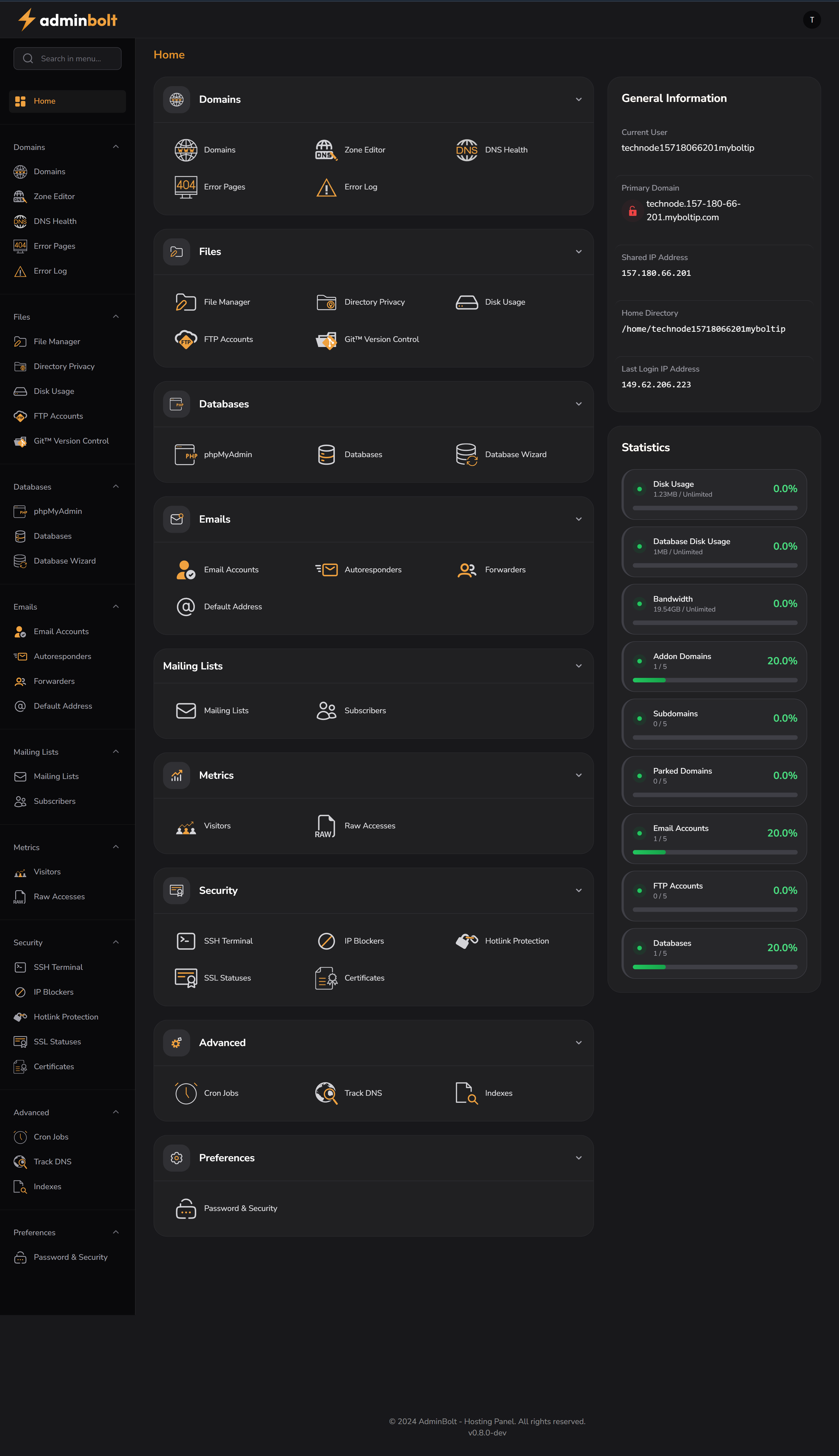
Quick Navigation
The left sidebar provides access to:
- Dashboard
- Domains
- File Manager
- Databases
- phpMyAdmin
- FTP Accounts
- Cron Jobs
Email Management
- Email Accounts: Create and manage mailboxes
- Forwarders: Set up mail forwarding rules
- Autoresponders: Configure automatic replies
- Default Address: Set catch-all email handling
- Mailing Lists: Manage email groups
Account Information
- Current User: Displays logged-in username
- Primary Domain: Your main domain
- Home Directory: Path to your account files
- Shared IP Address: Your server IP
- Last Login: Security tracking of last access
File & System Management
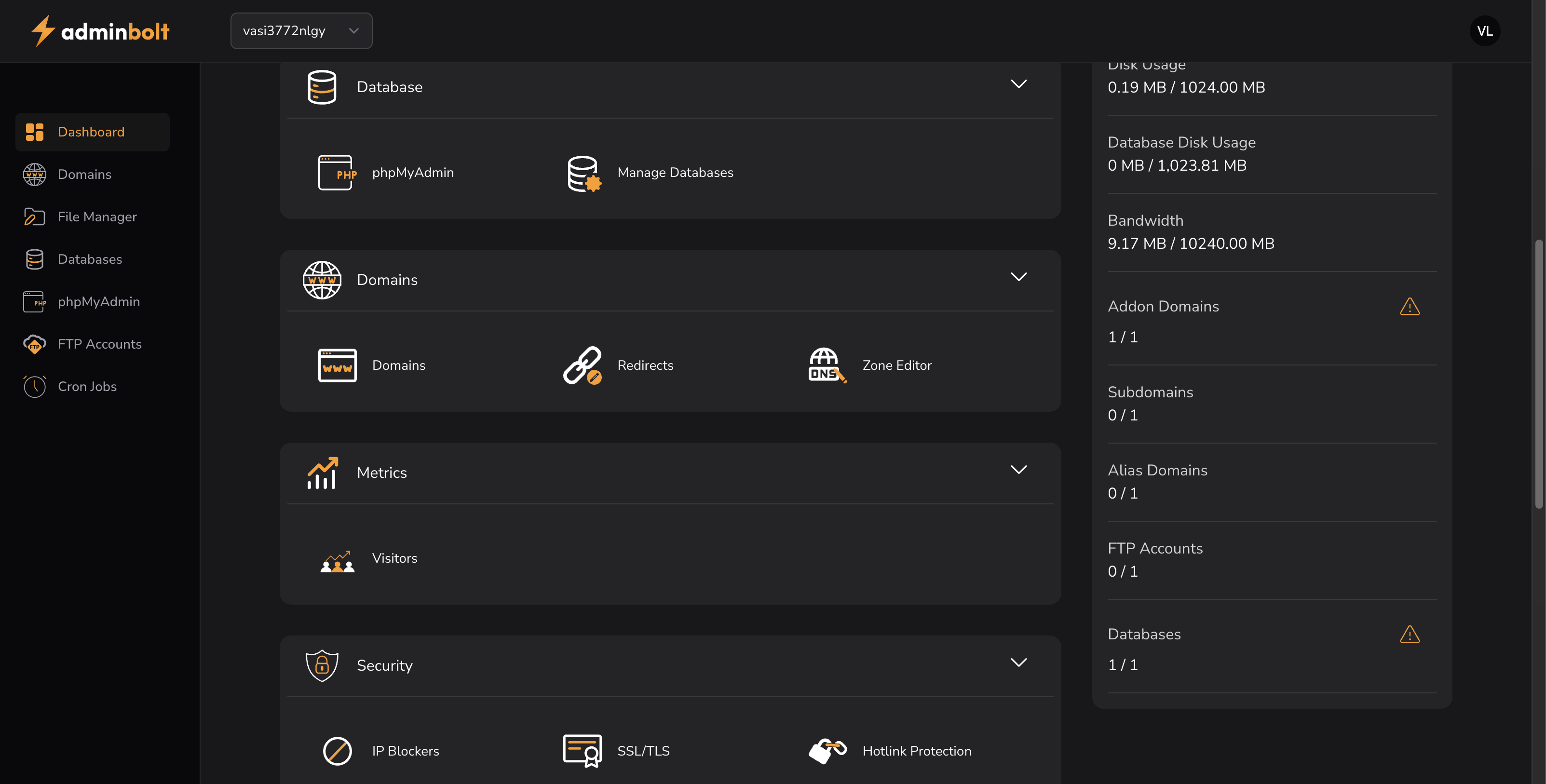
File Operations
- File Manager: Browse, edit, and manage files
- Directory Privacy: Access permissions
- FTP Management: Accounts and active connections
- Git Version Control: Repository management
System Monitoring
- Resource usage and quotas
- Disk space utilization
- Bandwidth monitoring
- Service status tracking
Software & Advanced Tools
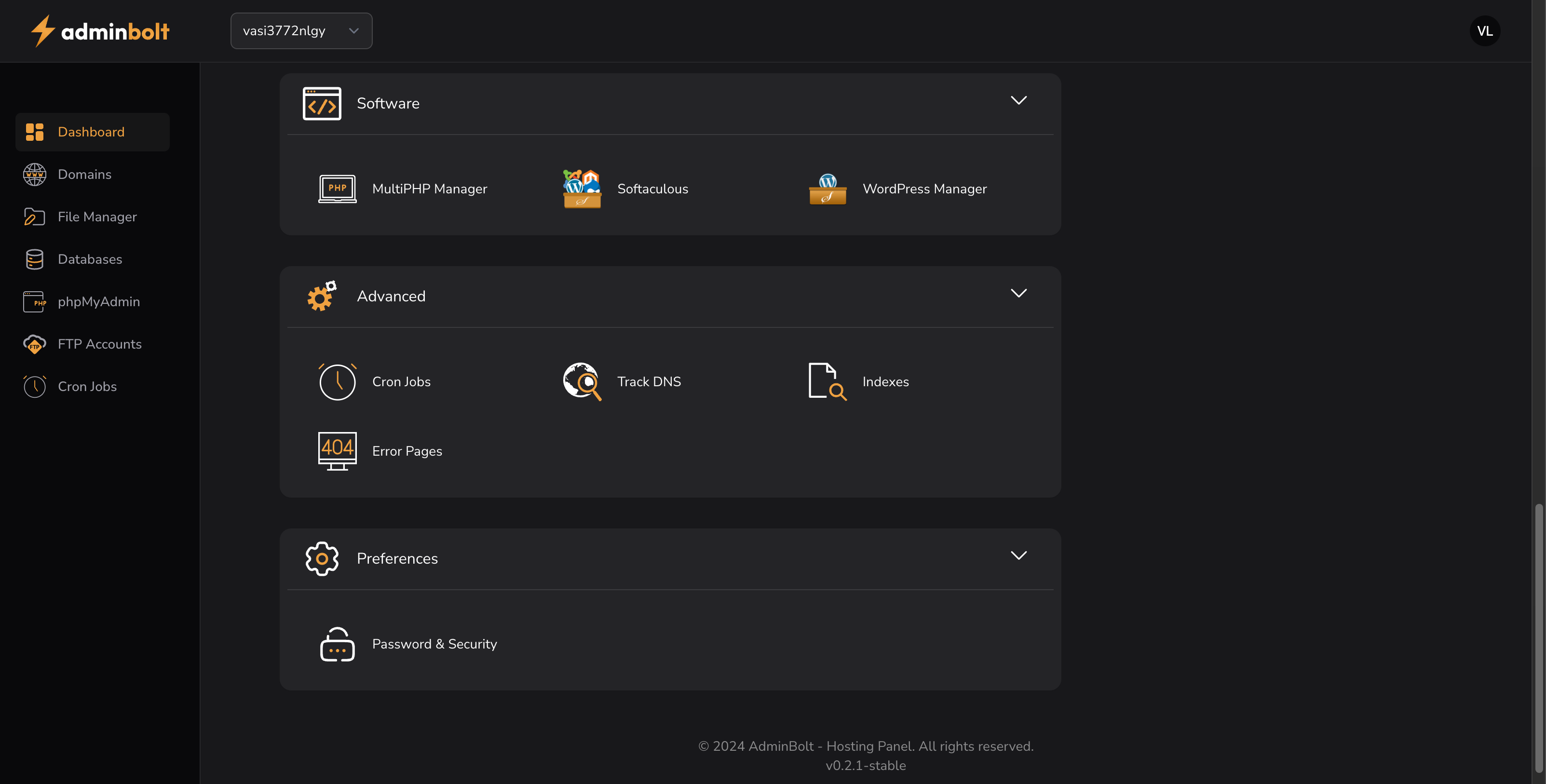
Applications
- MultiPHP Manager: PHP version control
- Softaculous: One-click app installer
- WordPress Manager: WP site management
Advanced Features
- Cron Jobs: Task scheduling
- Track DNS: DNS monitoring
- Indexes: Directory indexing
- Error Pages: Custom error responses
- Database Tools: MySQL/MariaDB management
Security & Preferences
- Password and access control
- SSL/TLS certificate management
- IP blocking and security policies
- Interface customization