

Email Settings
The Email Settings page configures the backend parameters of the mail services. In the panel it is titled Default Email Settings. Each tab holds fields that tune server performance, authentication, storage, and encryption.
Overview
URL: /admin/settings/email-settings
Navigate to Settings > Email > Email Settings. This is the only entry in the Email group of the Settings area; the day-to-day mail screens (dashboard, mailboxes, queue, blacklists, sending limits) live under Email in the main sidebar instead. See Email Dashboard.
The page opens on Sending Limits and carries fourteen tabs in this order:
Sending Limits, Authentication, Auto Expunge, Compression, IMAP, Quota, LMTP, MDBOX, POP3 & Postmaster, Protocols, SSL/TLS, Outbound Relay, Advanced, and SRS (Bounce Rewriting).
The sections below cover the Dovecot and LMTP tabs. Sending Limits, Outbound Relay, and SRS (Bounce Rewriting) are not described here.
1. Authentication
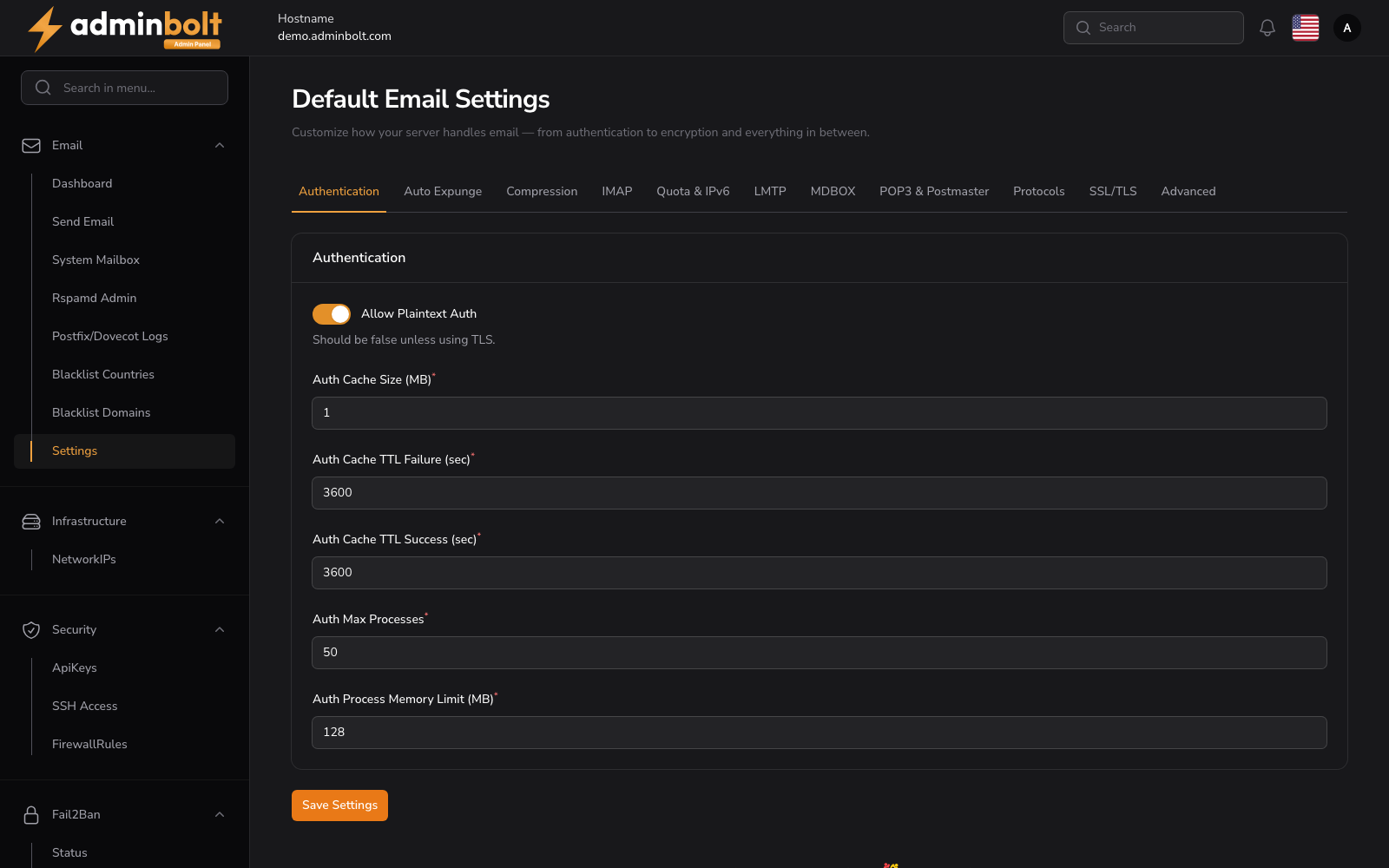
Configure authentication-related settings for secure mail access.
- Allow Plaintext Auth - Should be disabled (
false) unless you're using TLS. Enabling this without TLS is insecure. - Auth Cache Size (MB) - Size of the authentication cache in megabytes. Helps with authentication performance.
- Auth Cache TTL Failure (sec) - How long (in seconds) a failed authentication attempt stays in the cache.
- Auth Cache TTL Success (sec) - How long (in seconds) a successful authentication stays in the cache.
- Auth Max Processes - Maximum number of authentication worker processes.
- Auth Process Memory Limit (MB) - Memory limit per authentication process, in megabytes.
2. Auto Expunge
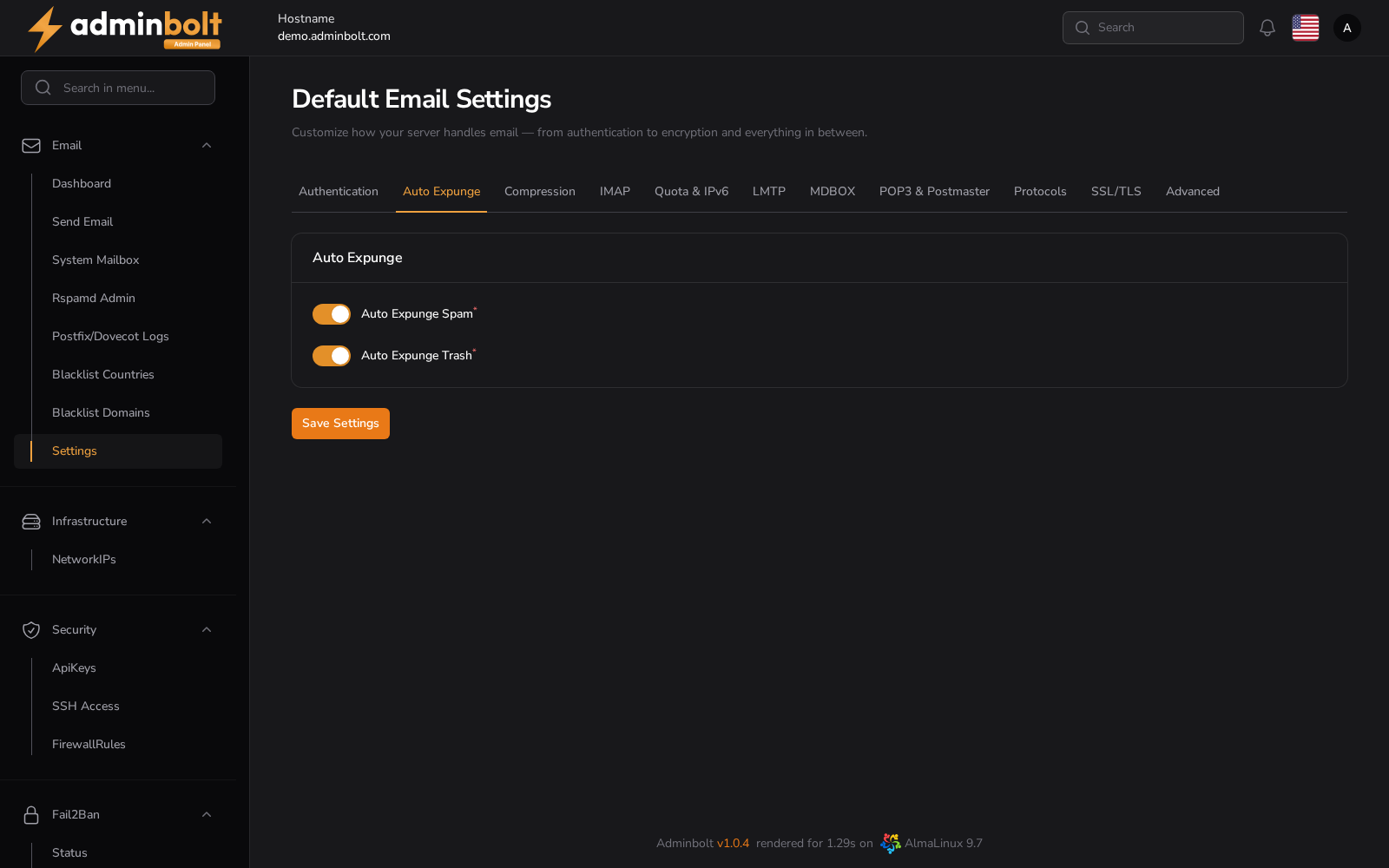
Automatically expunge messages from specific folders.
- Auto Expunge Spam - If enabled, automatically deletes messages from the Spam folder.
- Auto Expunge Trash - If enabled, automatically deletes messages from the Trash folder.
3. Compression
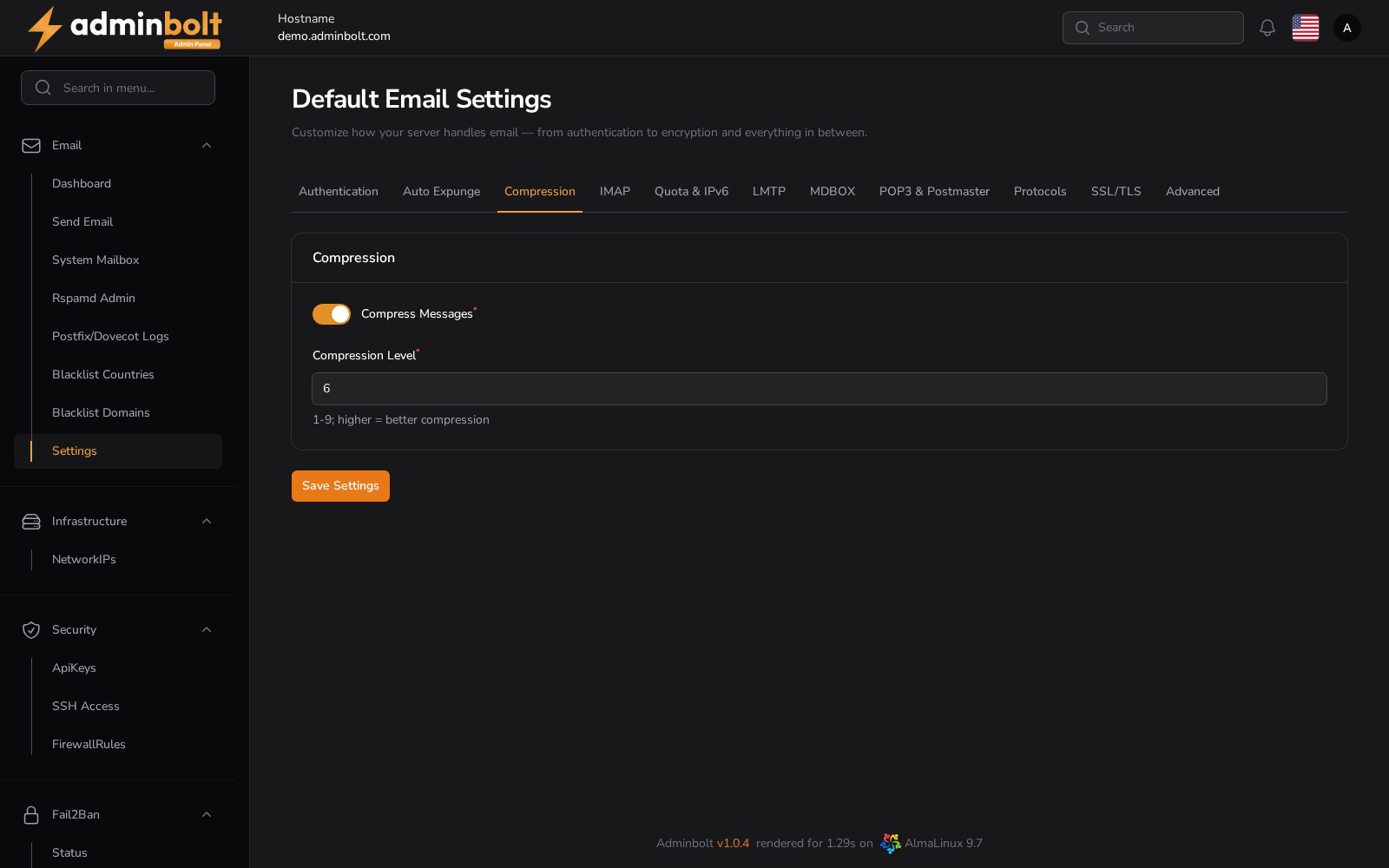
Control message compression options.
- Compress Messages - Enable or disable compression of stored emails.
- Compression Level - Set the compression level from 1 to 9. Higher values provide better compression but may use more CPU. Default is 6.
4. IMAP Settings
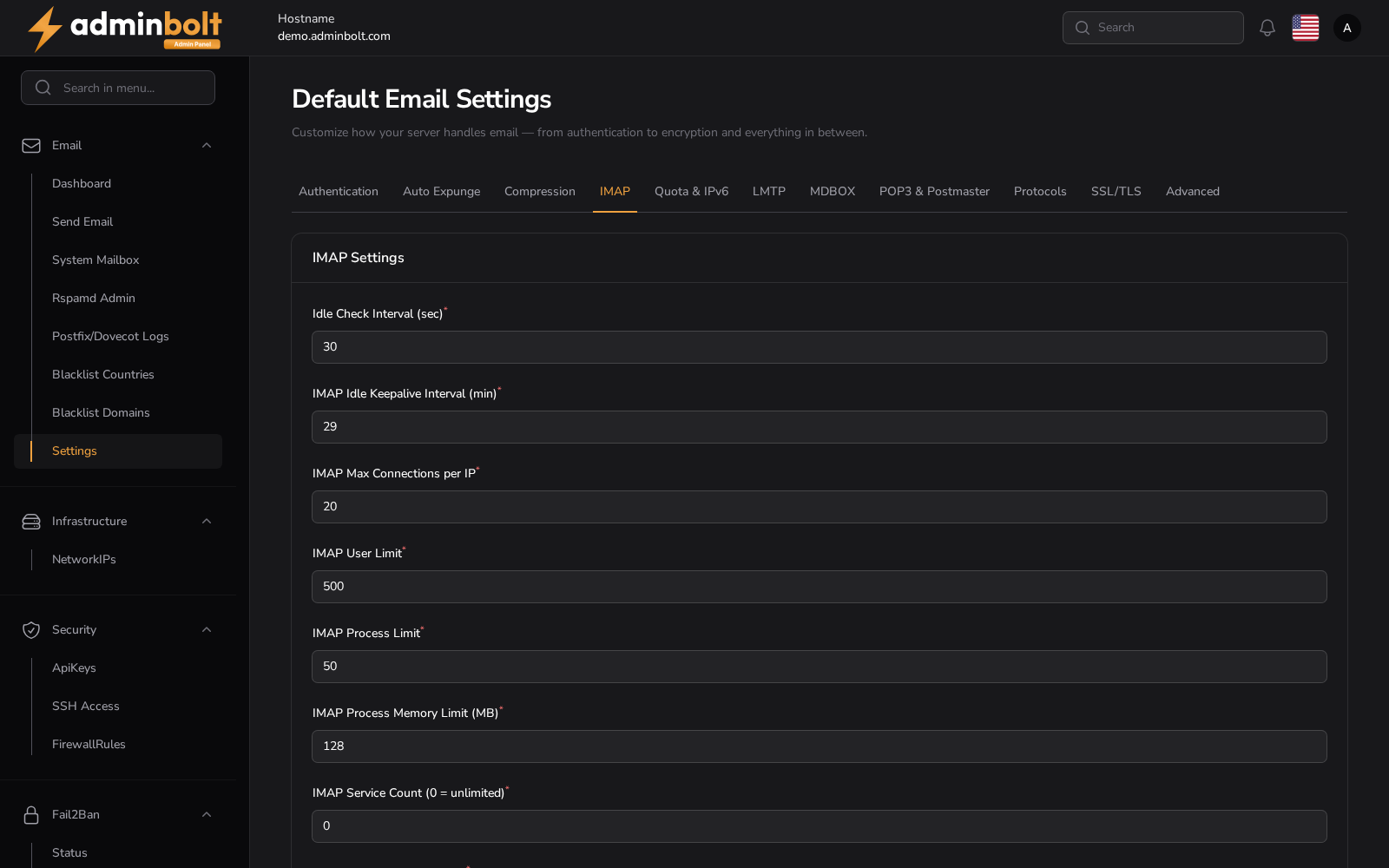
Configure IMAP service behavior.
- Idle Check Interval (sec) - Time in seconds for the server to check for new messages during IDLE.
- IMAP Idle Keepalive Interval (min) - Keepalive interval in minutes for idle connections.
- IMAP Max Connections per IP - Maximum number of IMAP connections allowed per IP address.
- IMAP User Limit - Total number of simultaneous IMAP users.
- IMAP Process Limit - Maximum number of IMAP server processes.
- IMAP Process Memory Limit (MB) - Memory limit per IMAP process in megabytes.
- IMAP Service Count (0 = unlimited) - Number of IMAP services that can run concurrently. 0 means unlimited.
- IMAP Process Min Available - Minimum number of spare IMAP processes to keep available.
5. Quota

Manage storage quota enforcement.
- Include Trash in Quota - Whether deleted items count against a user's quota.
6. LMTP Settings
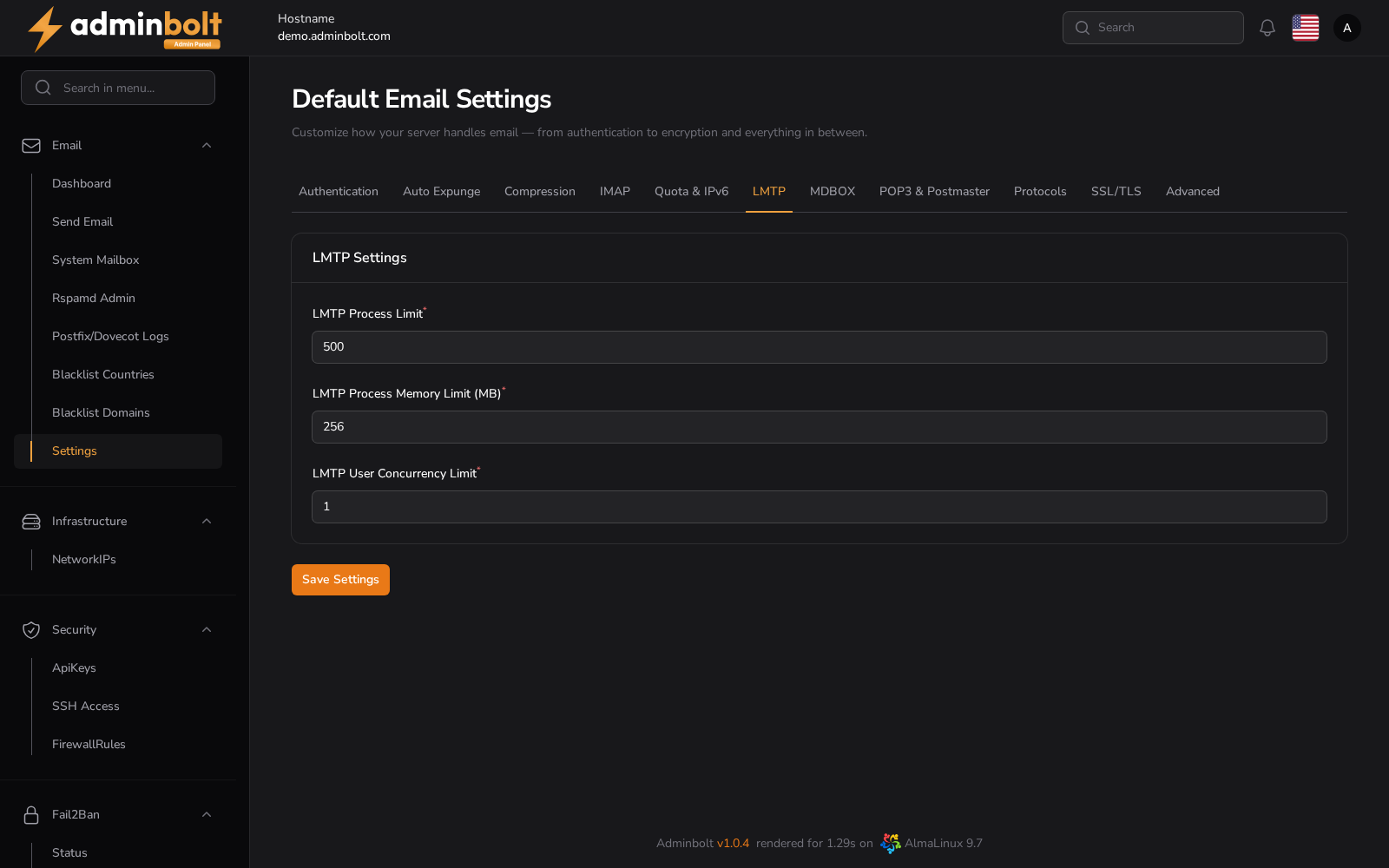
Tune LMTP delivery performance.
- LMTP Process Limit - Maximum number of LMTP processes.
- LMTP Process Memory Limit (MB) - Memory limit per LMTP process in megabytes.
- LMTP User Concurrency Limit - Maximum number of concurrent LMTP deliveries per user.
7. MDBOX Settings
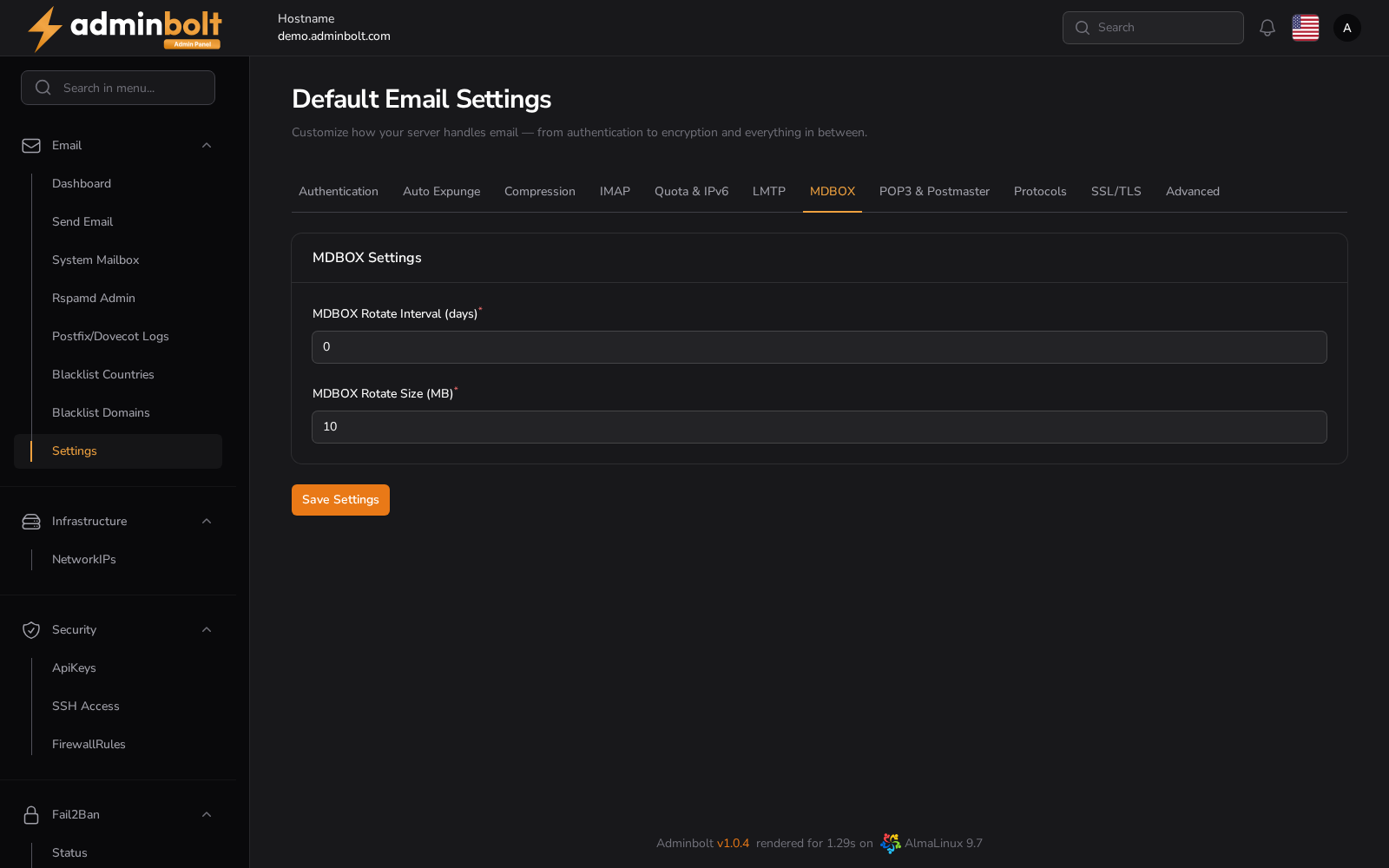
Set up mailbox rotation for MDBOX format.
- MDBOX Rotate Interval (days) - Interval in days to rotate mdbox files. 0 disables rotation.
- MDBOX Rotate Size (MB) - Maximum file size (in MB) before rotation occurs.
8. POP3 & Postmaster
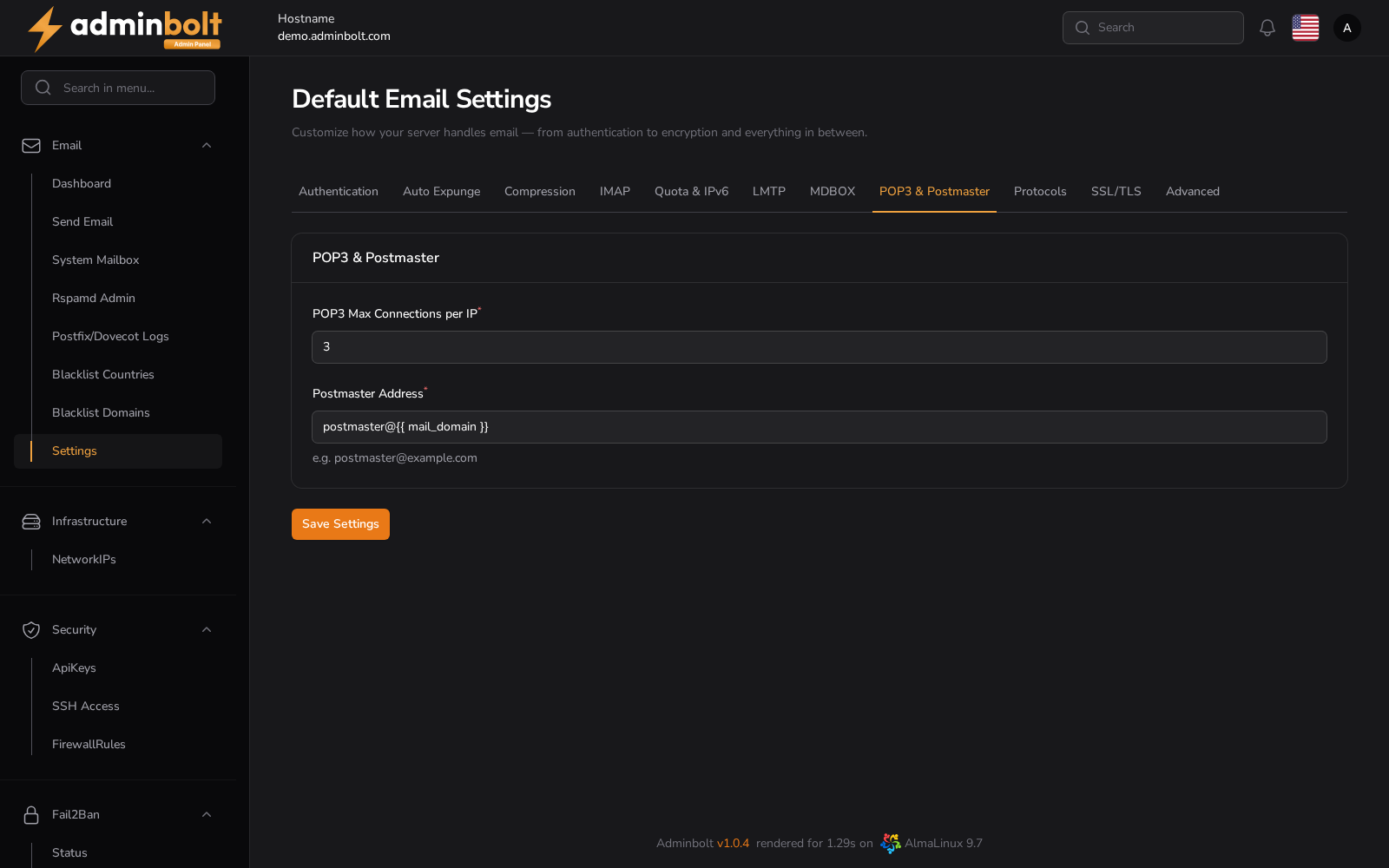
Control POP3 access and designate a postmaster contact.
- POP3 Max Connections per IP - Maximum number of POP3 connections per IP.
- Postmaster Address - Required field. Sets the contact email address for the domain (e.g.,
[email protected]).
9. Protocols
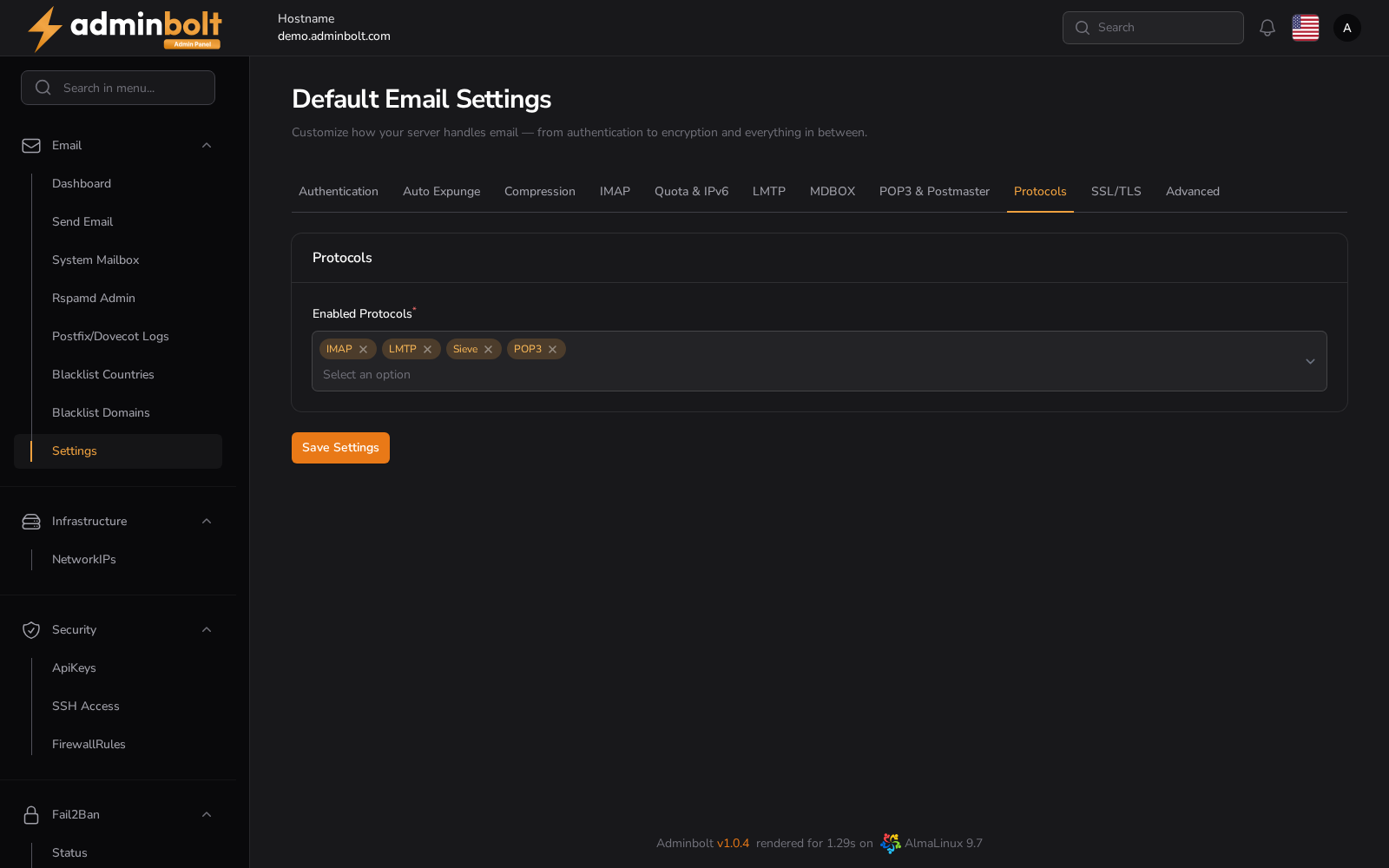
Select which mail protocols are active.
- Enabled Protocols - Multi-select field where you can choose which protocols to enable: IMAP, POP3, LMTP. Corresponding POP3/POP3S firewall ports are opened automatically when enabled.
10. SSL/TLS
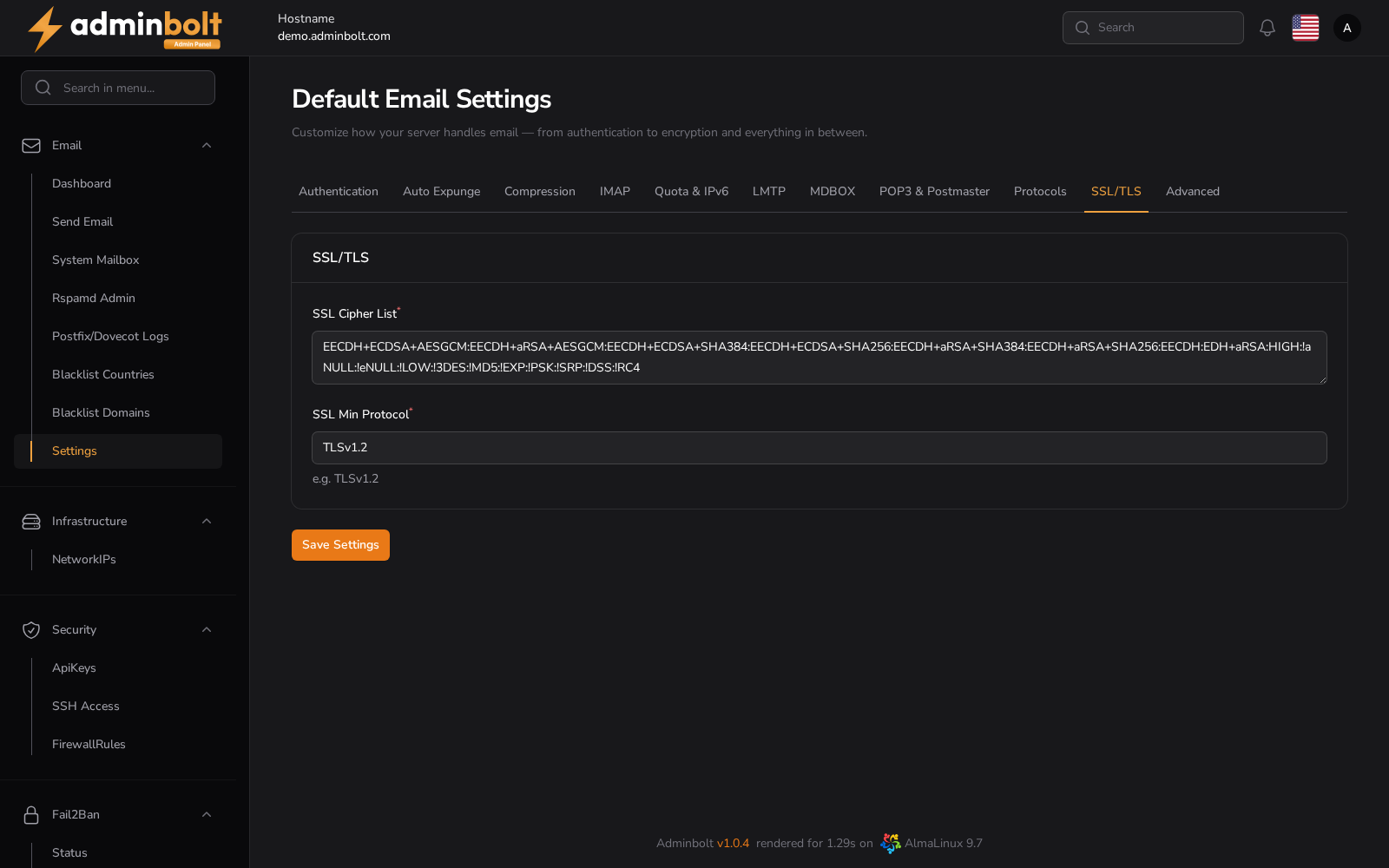
Control secure communication settings.
- SSL Cipher List - Define the list of allowed ciphers for encrypted communication.
- SSL Min Protocol - Minimum allowed protocol (e.g., TLSv1.2). Older versions (e.g., SSLv3) should be avoided for security reasons.
11. Advanced
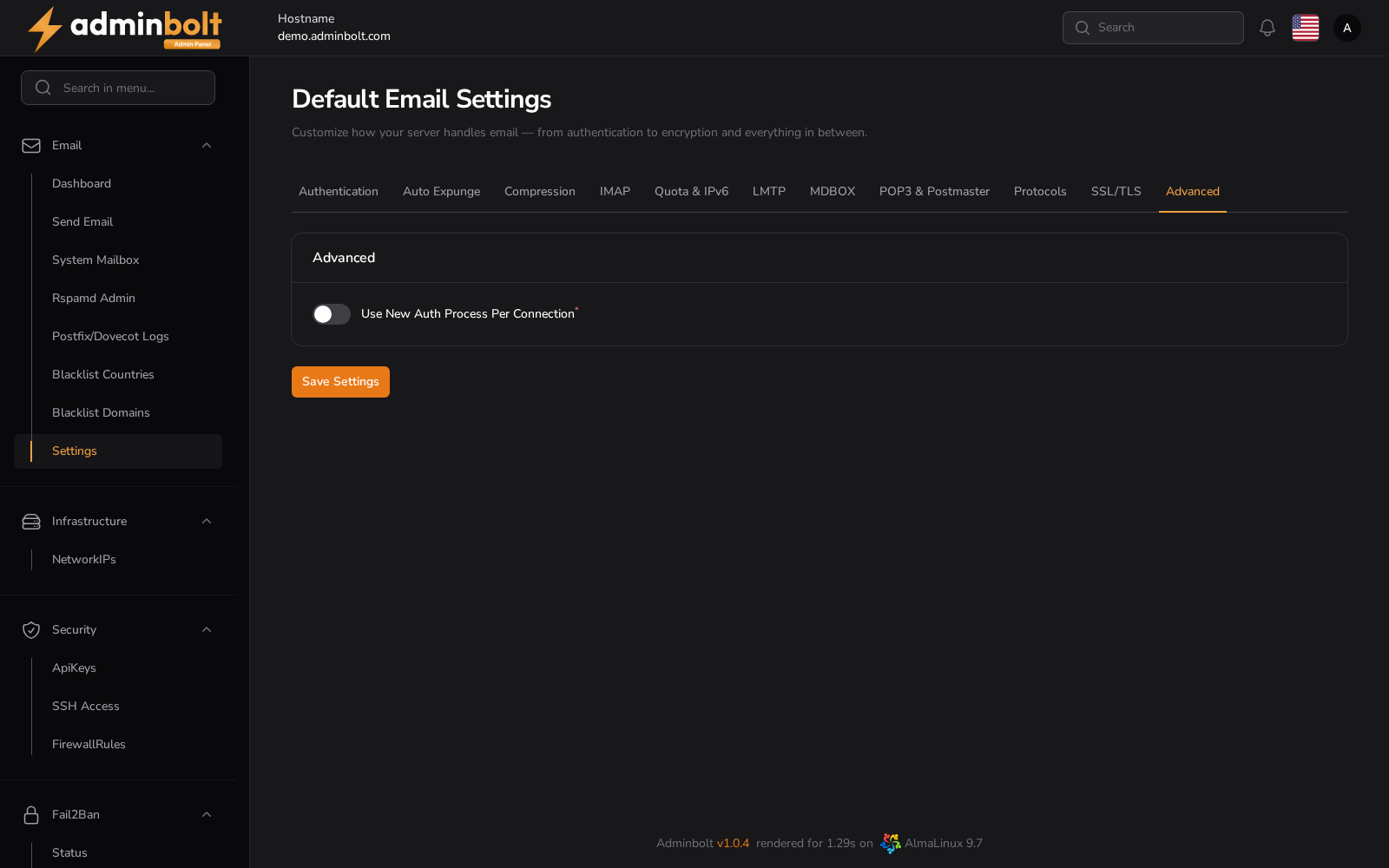
Advanced authentication options and IPv6.
- Use New Auth Process Per Connection - Toggle to start a new authentication process for each connection.
IPv6
Two separate controls, because inbound mailbox access and outbound sending are different problems.
- Enable IPv6 (IMAP/POP3) - Controls the Dovecot listener only, that is inbound IMAP and POP3.
- Outbound mail (SMTP) over IPv6 - How Postfix sends mail over IPv6:
| Value | Behaviour |
|---|---|
| Auto (recommended) | IPv6 is used only with a verified reverse DNS source. AdminBolt pins the outbound IPv6 source address to the mail hostname's AAAA record when that address's PTR matches the hostname, and prefers IPv4 otherwise. |
| Disabled | Postfix does not send over IPv6. This also turns off inbound SMTP over IPv6. |
| Enabled | Unrestricted IPv6, with no reverse DNS condition. |
Warning: Changing Outbound mail (SMTP) over IPv6 performs a full Postfix restart.
Auto is the right value on almost every server. Several large mail providers reject IPv6 mail whose source address fails a reverse DNS check, so an unverified IPv6 source hurts deliverability more than having no IPv6 at all.
Check outbound IPv6
The Check outbound IPv6 action in the page header reads the policy the mail server is actually applying and reports it, so you can confirm that the mode you saved is in effect. AdminBolt also runs this check on a schedule and raises a system notification when outbound IPv6 deliverability degrades.
Saving Changes
Use the Save Settings button to persist changes made in any of the tabs.