

Linux Packages
The Linux Packages page provides detailed insights into all installed Linux software packages on the server.
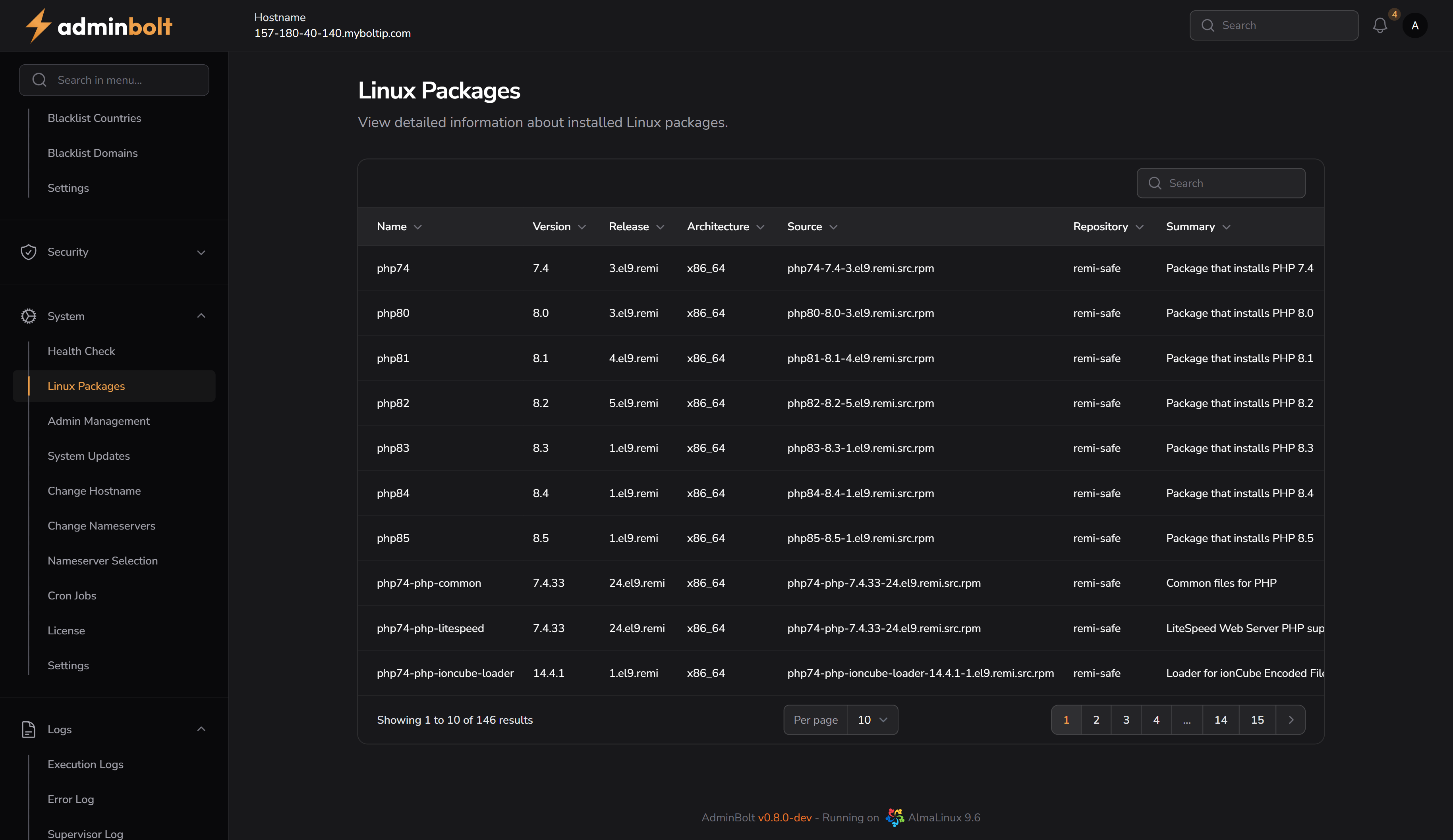
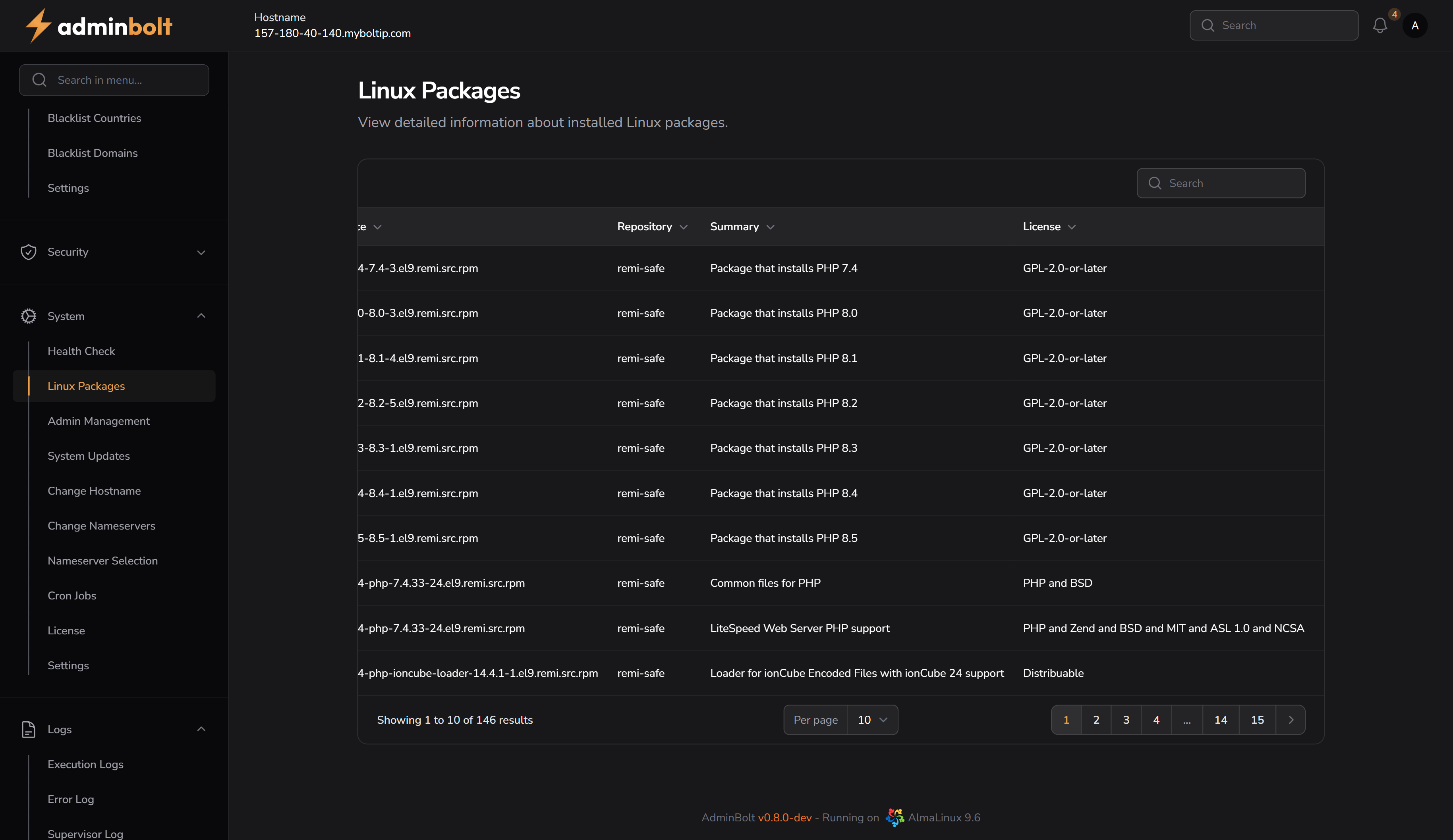
Overview
URL: /admin/linux-packages
This interface displays a sortable, searchable, and paginated table of installed Linux packages. Each row represents a distinct package with comprehensive metadata.
Table Columns
- Name – The name of the installed package (e.g.,
php82,php74-php-common). - Version – The specific version of the package (e.g.,
8.2,7.4.33). - Release – The release tag, often used to determine the distribution and source (e.g.,
3.el9.remi). - Architecture – CPU architecture the package is built for (e.g.,
x86_64). - Source – The source RPM filename or URL (e.g.,
php82-8.2-5.el9.remi.src.rpm). - Repository – Repository from which the package was installed (e.g.,
remi-safe). - Summary – A brief description of what the package does (e.g.,
Package that installs PHP 8.2). - License – The licensing terms associated with the package (e.g.,
GPL-2.0-or-later,Distributable).
Search
The search bar allows real-time filtering of results. It works across the following fields:
- Name
- Version
- Release
- Architecture
- Source
- Repository
- Summary
- License
Pagination
At the bottom of the table, users can adjust how many entries are displayed per page. Available options:
- 5
- 10
- 25
- 50
- All
Sorting
Each column header is sortable, allowing users to easily organize packages by name, version, release, or other attributes.