

Visitors
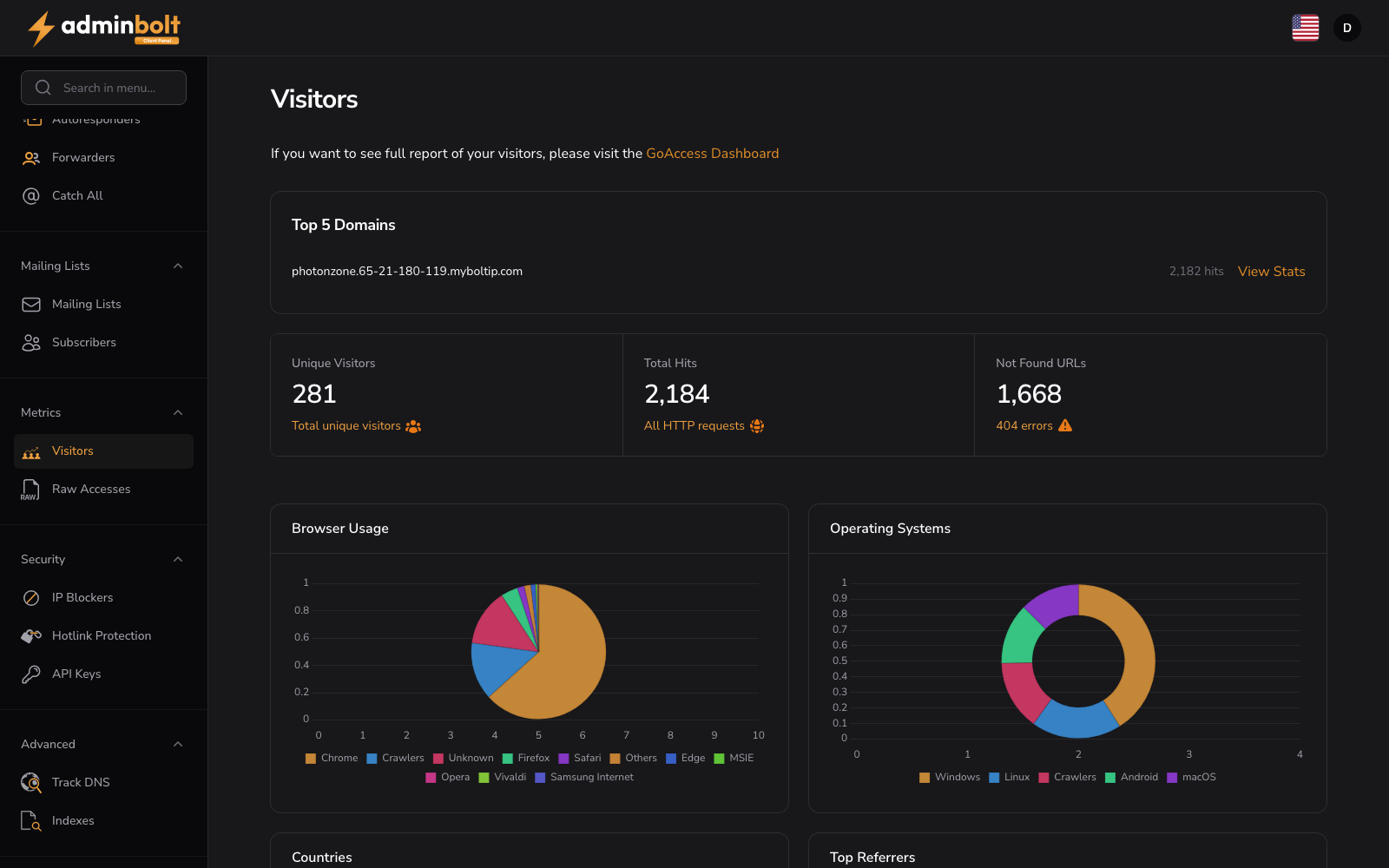
URL: /client/visitors-page
View website traffic analytics and visitor statistics. For a detailed full report, visit the GoAccess Dashboard.
Summary Statistics
The dashboard displays key metrics:
- Unique Visitors - Number of distinct site visitors
- Total Hits - Total HTTP requests made to your site
- Not Found URLs - Count of 404 errors and missing pages
Top 5 Domains
Shows the top 5 domains by traffic volume.
Traffic Analysis Charts
The dashboard includes charts for:
- Browsers - Browser usage distribution across visitors
- Operating Systems - OS breakdown of your traffic
- Countries - Geographic origin of visitors
- Referrers - Top referring URLs and sources driving traffic to your site
Use these metrics to understand visitor behavior and optimize your site content.
Viewing Statistics
Use the View Stats action next to a domain to open its visitor statistics.