

Change Nameservers
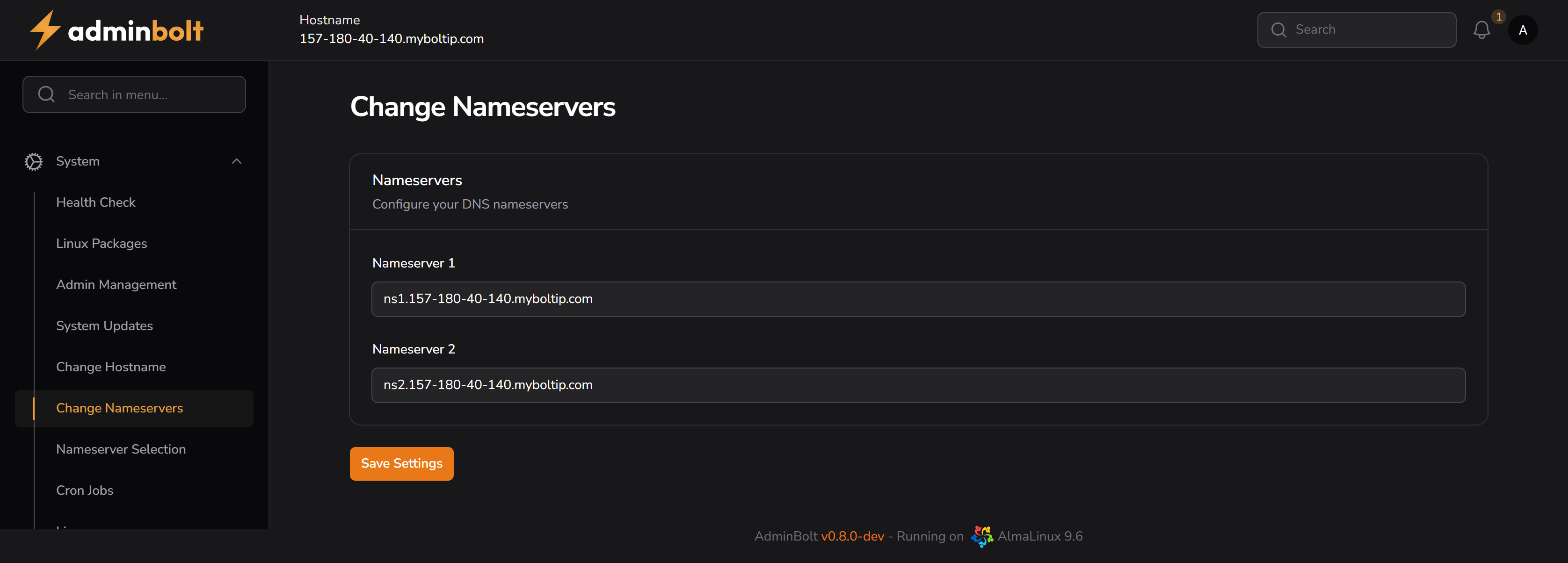
The Change Nameservers page allows you to configure the default DNS nameservers for your adminbolt server.
Overview
URL: /admin/change-nameservers
This page enables the administrator to define or update the nameservers that will be assigned to all domains and hosting accounts by default.
Nameserver 1
- Primary nameserver.
- This is usually the first resolver queried by domain registrars and DNS clients.
Nameserver 2
- Secondary nameserver.
- Acts as a fallback in case the primary nameserver is unavailable.
Best practice: Use two or more geographically distributed DNS servers to improve redundancy and uptime.
Save Settings
Clicking the Save Settings button applies and stores the provided nameserver values. These changes take immediate effect on the system's DNS and will be used for new account and domain setups.