

Imunify360
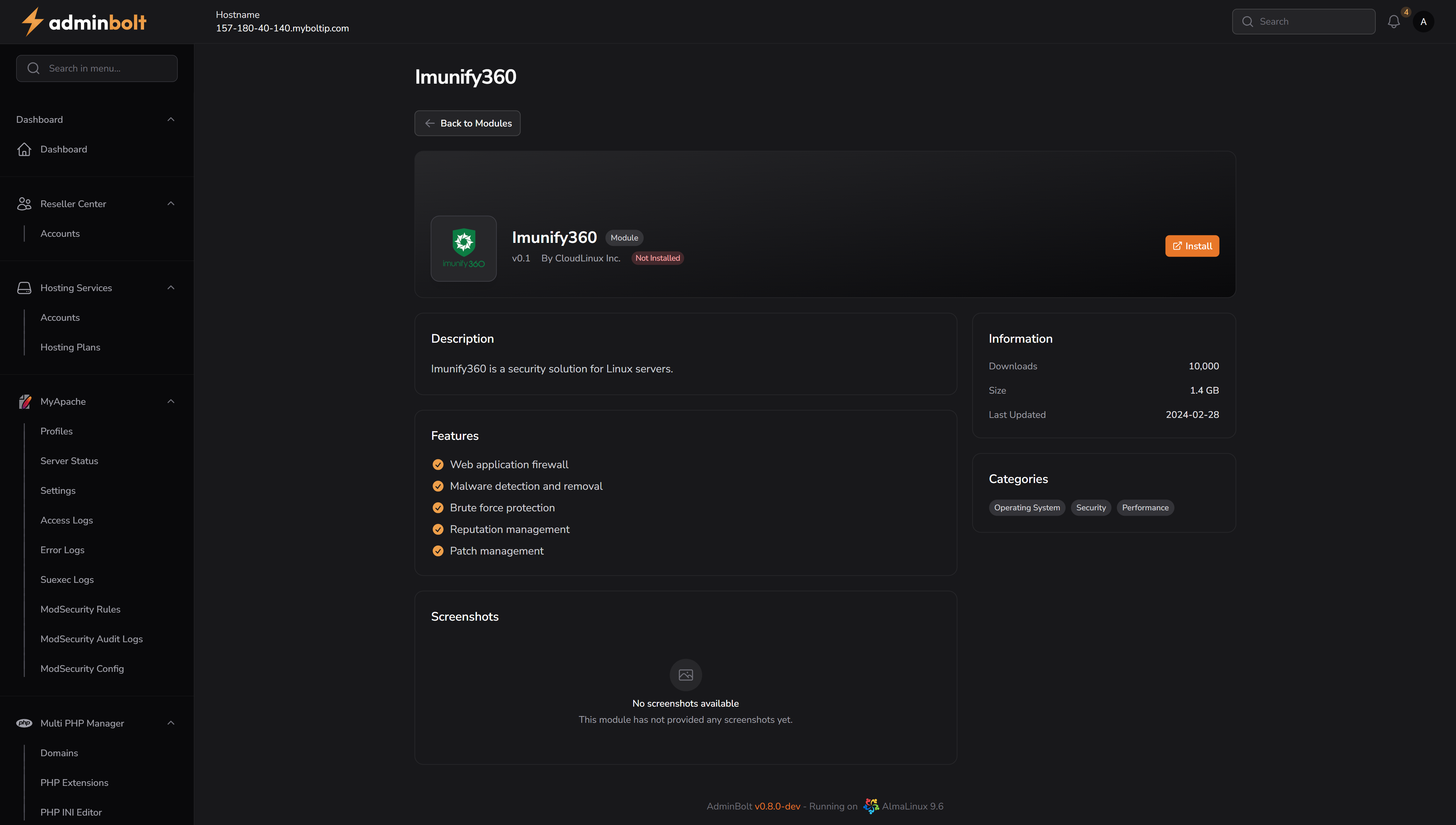
The Imunify360 page provides detailed information about the Imunify360 module – a comprehensive security solution for Linux-based web hosting servers. It protects against malware, brute-force attacks, vulnerabilities, and other common threats.
Overview
Imunify360 is developed by CloudLinux Inc. and integrates deeply into the server environment to provide real-time threat prevention, detection, and auto-healing. It uses AI-powered threat intelligence to proactively secure Linux servers used in shared or dedicated hosting environments.
URL
/admin/modules/imunify360
Description
Imunify360 is a security solution for Linux servers.
It offers proactive protection through a web application firewall, malware scanning, brute-force prevention, patch management, and reputation monitoring.
Features
- Web application firewall
- Malware detection and removal
- Brute force protection
- Reputation management
- Patch management
Installation Wizard
When Imunify360 is not installed, an installation wizard will appear.
Step 1 – Enter Activation Key
Users are required to enter their Imunify360 activation key before proceeding.
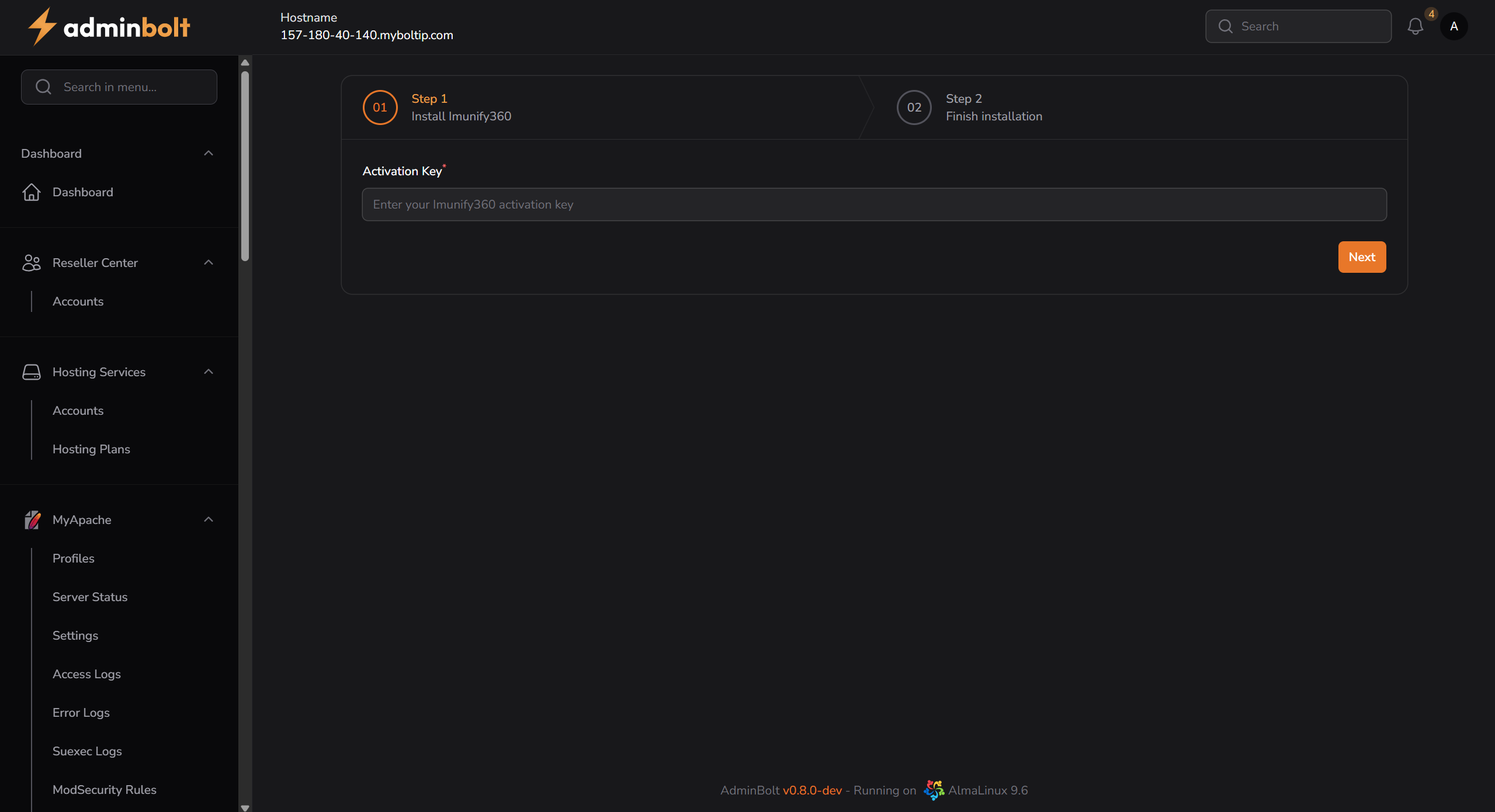
- Field:
Activation Key(required) - Button:
Next
Step 2 – Installation Progress
Once the key is submitted, the system will begin downloading and installing the Imunify360 package (approx. 1.4 GB). A console-like output displays the installation progress.
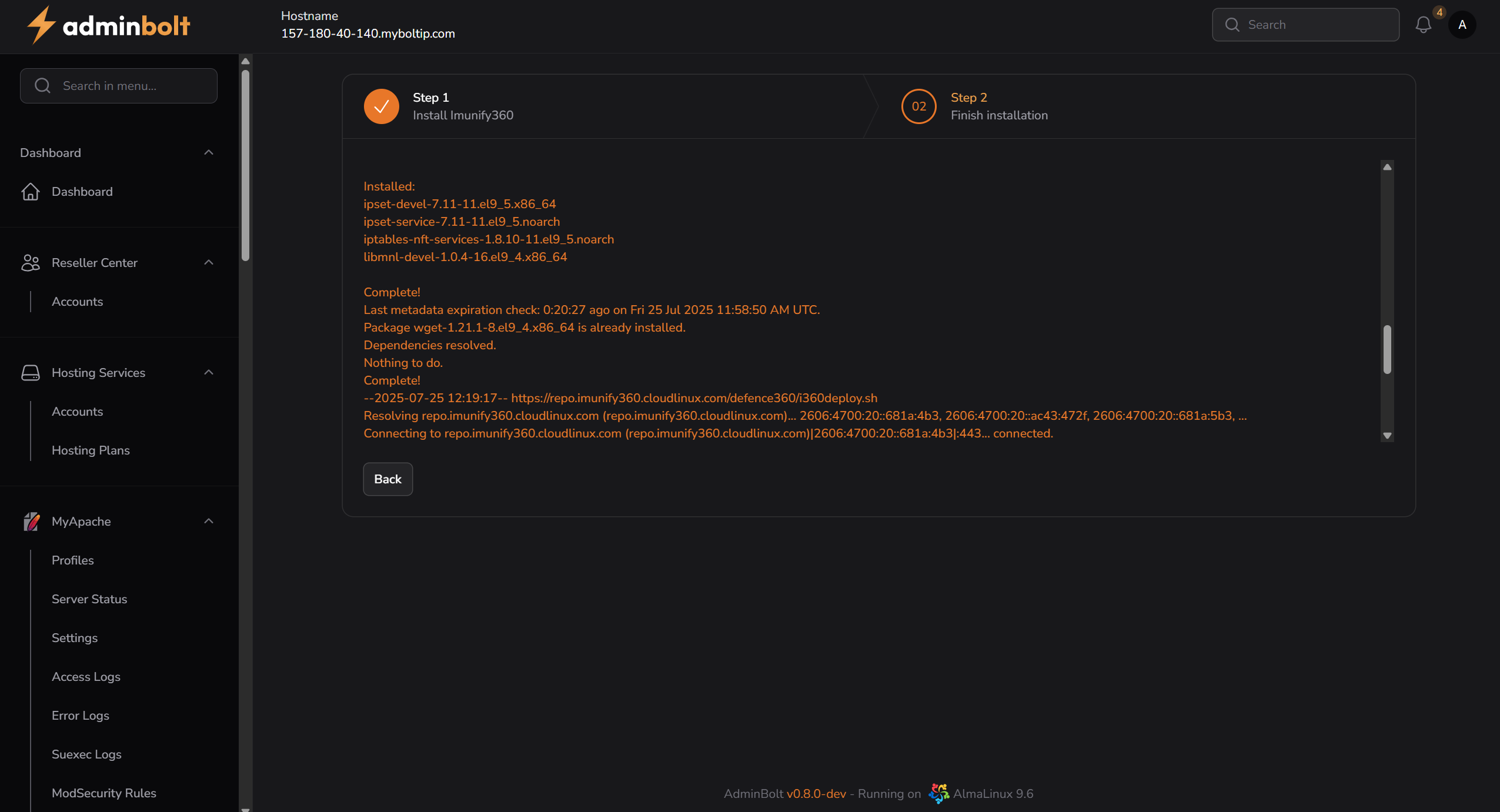
- Packages such as
ipset,iptables, and others are shown during install - Remote repositories and deployment scripts are fetched from
repo.imunify360.cloudlinux.com
Final State – Installed
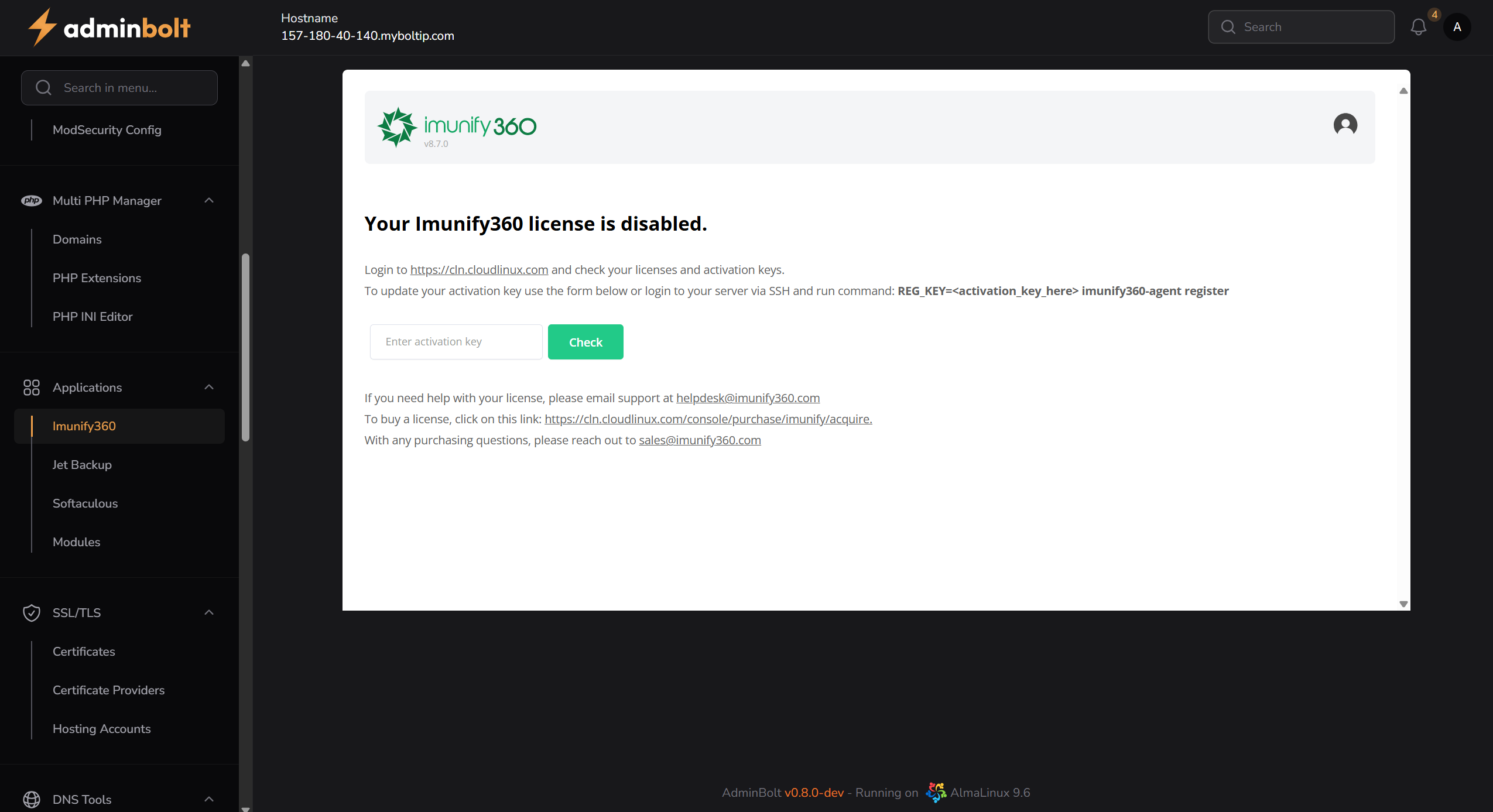
Once installed, the user is redirected to the Imunify360 page. If the license key is invalid or not activated, a license warning message is shown.
Actions
- Install Button – Located in the top-right corner when Imunify360 is not installed
- Activation Check – Users can validate or update their key directly from the page
Notes
- Imunify360 requires a valid license to activate full functionality
- The installation process may take several minutes depending on server speed
- Ideal for shared, VPS, and dedicated hosting environments that require enhanced security