

Indexes
URL: /client/indexes-page
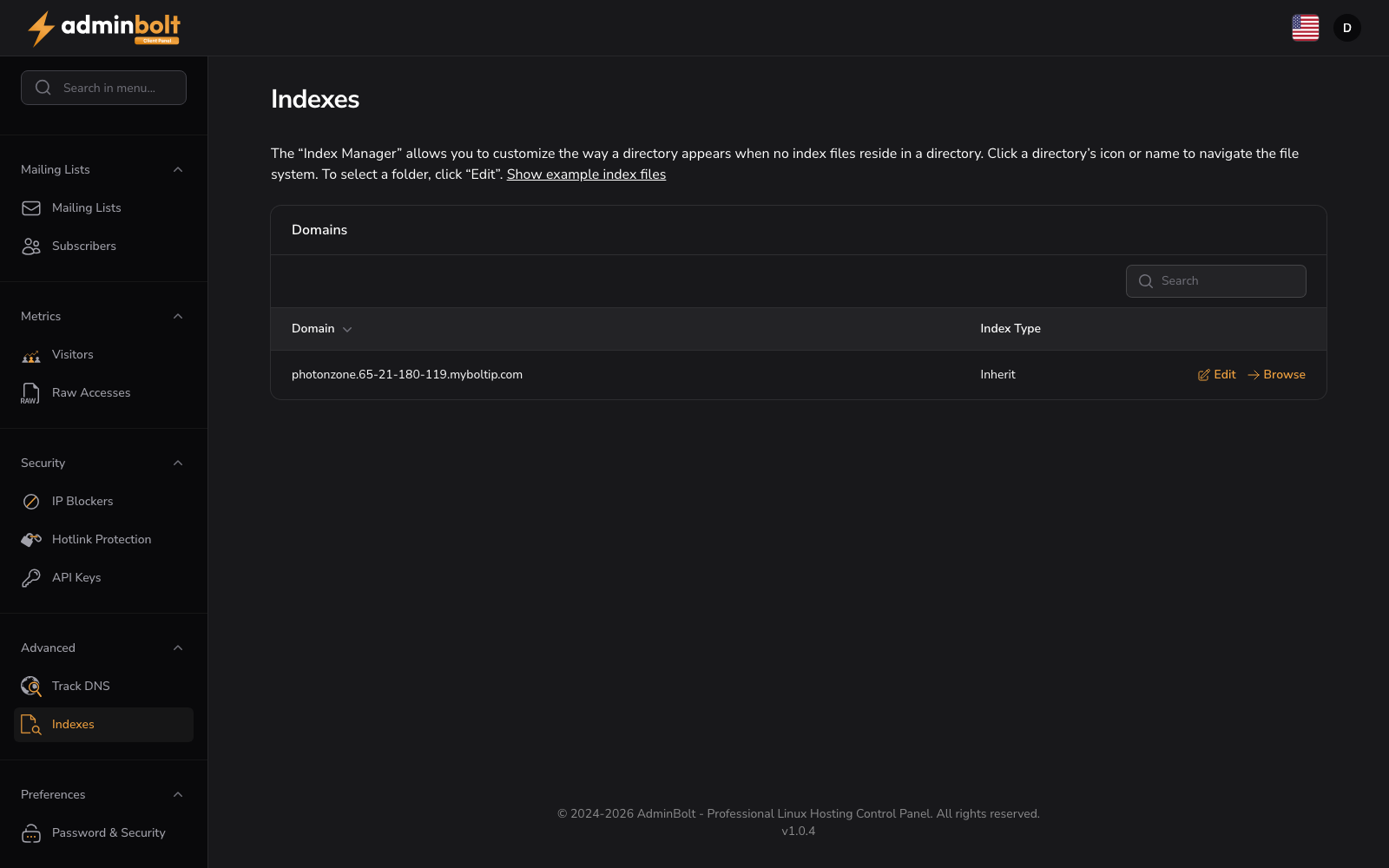
The Index Manager allows you to customize the way a directory appears when no index files reside in it.
Show example index files
Expand this section to view example index file names that the server looks for in directories.
Domains
Manage index behavior for your domains and directories. Use the search bar to find specific domains.
The table displays:
- Domain: Your domain name
- Action: Edit and Browse buttons for the domain
- Edit - Configure directory index settings
- Browse - Open the index browser to navigate the domain's directories
Click Manage Indexes to open a directory browser where you can navigate through your file system and set index behavior (Inherit, No Indexing, Fancy Listing, or Simple Listing) for each directory independently.
Table Columns
- Index Type - The directory indexing mode applied to the folder.