

PHP INI Editor
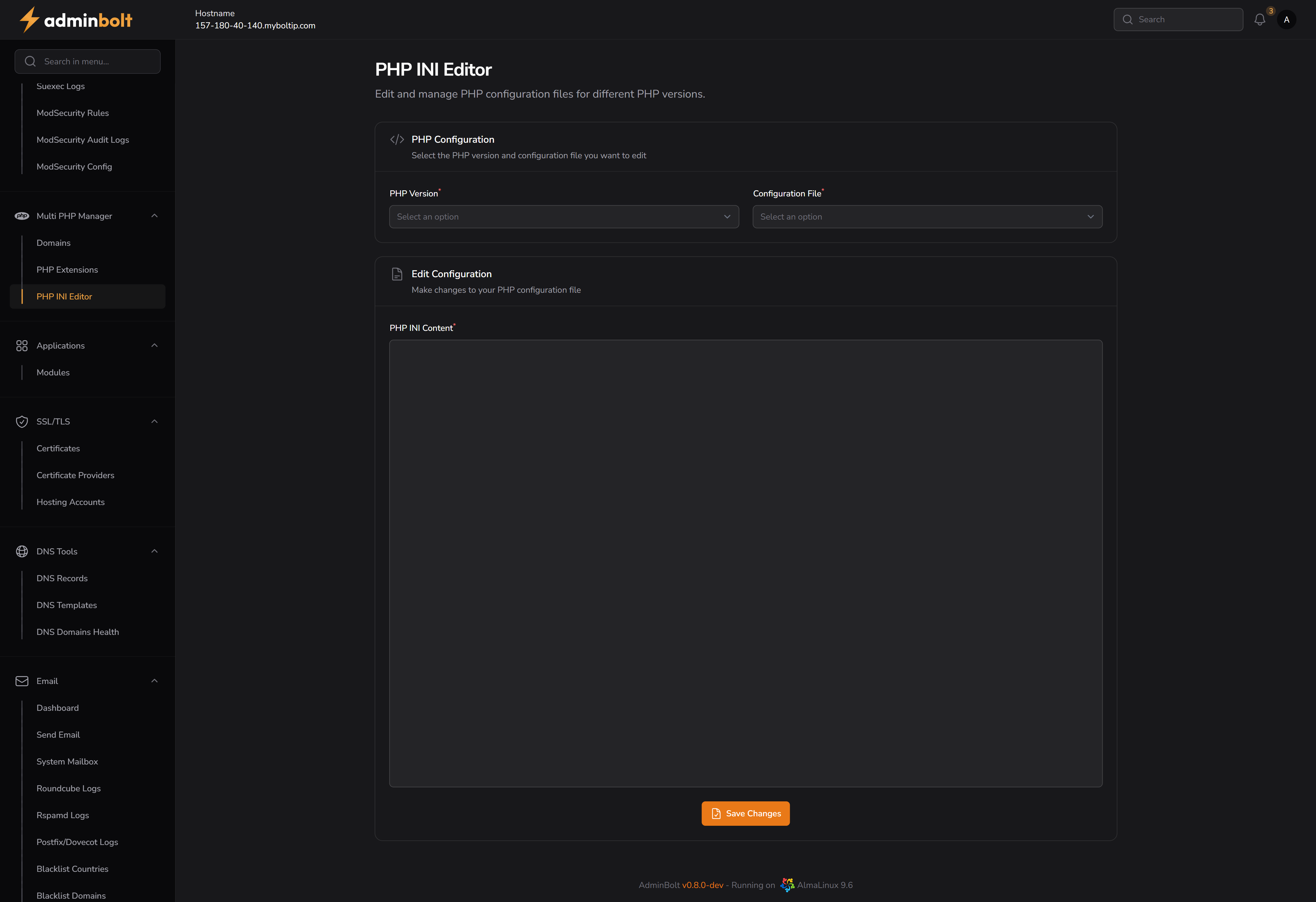
URL
URL: /admin/multi-php-ini-editor
Overview
The PHP INI Editor allows administrators to edit .ini configuration files for each installed PHP version. This is useful for enabling or customizing PHP modules.
PHP Configuration Selection
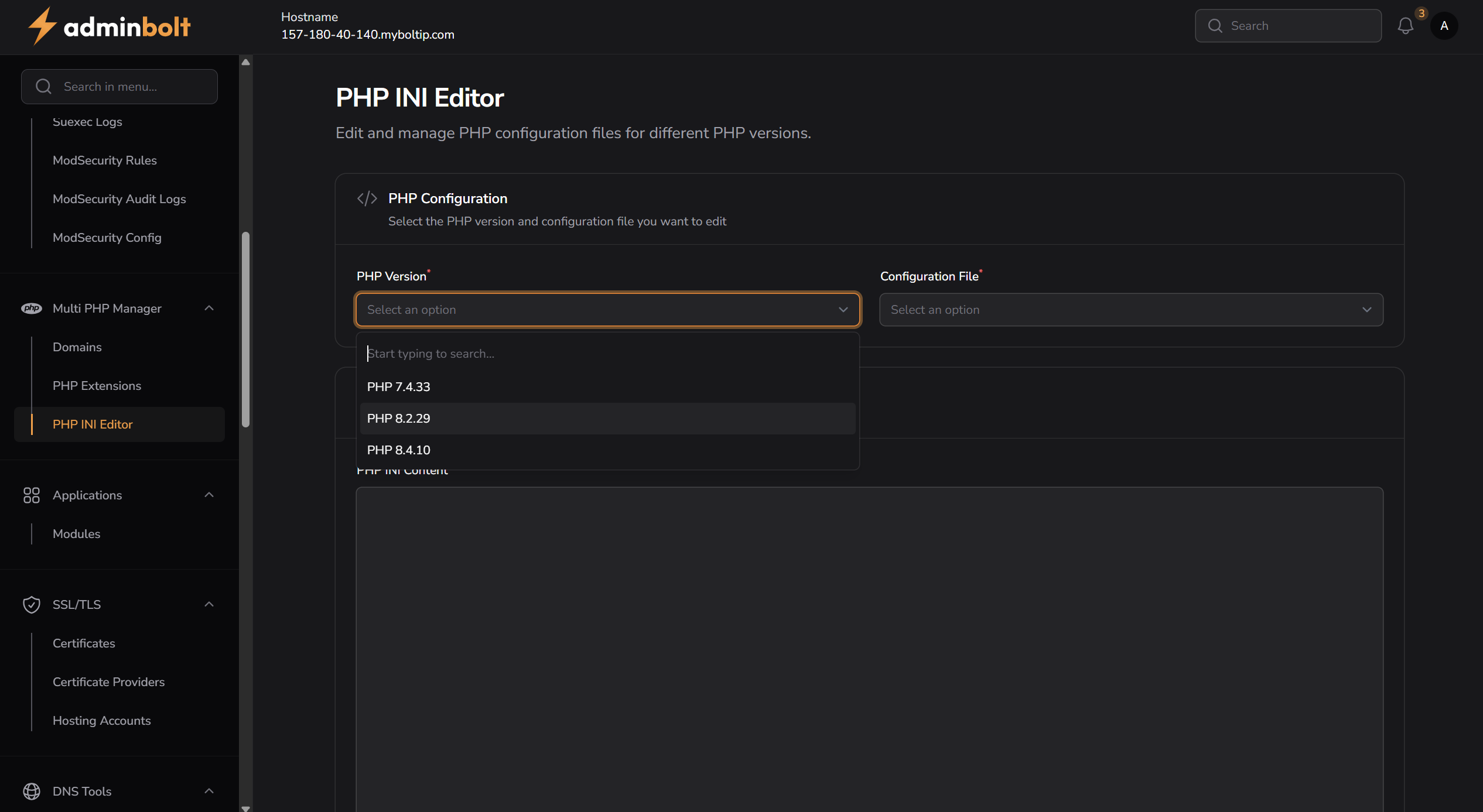
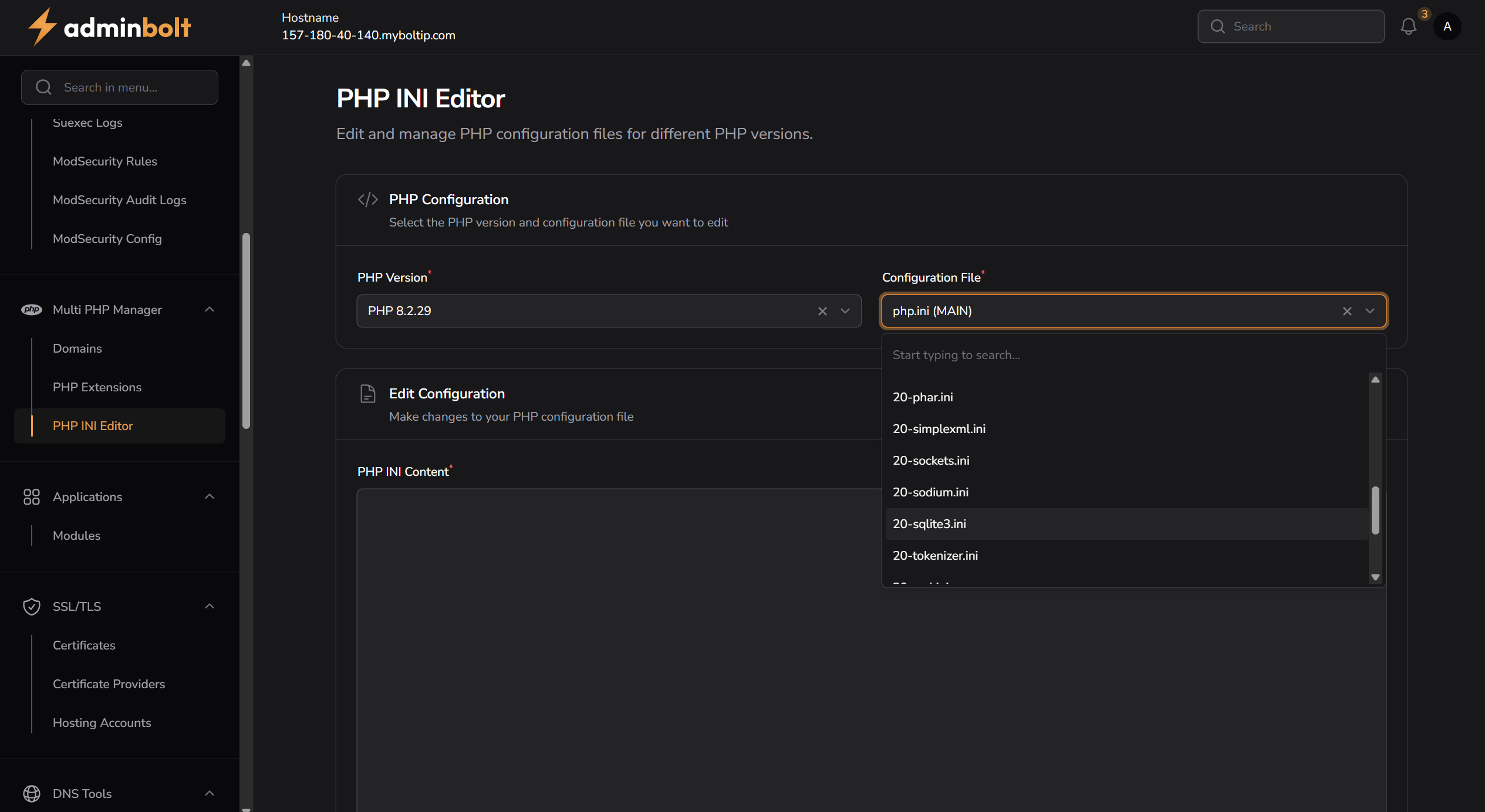
Before editing, select:
- PHP Version – Choose the version of PHP to configure (e.g. 7.4.33, 8.2.29, 8.4.10)
- Configuration File – Select the target
.inifile for that version (e.g.20-sqlite3.ini,20-tokenizer.ini, etc.)
Edit Configuration
Once a file is selected, its contents will load in the text editor area.
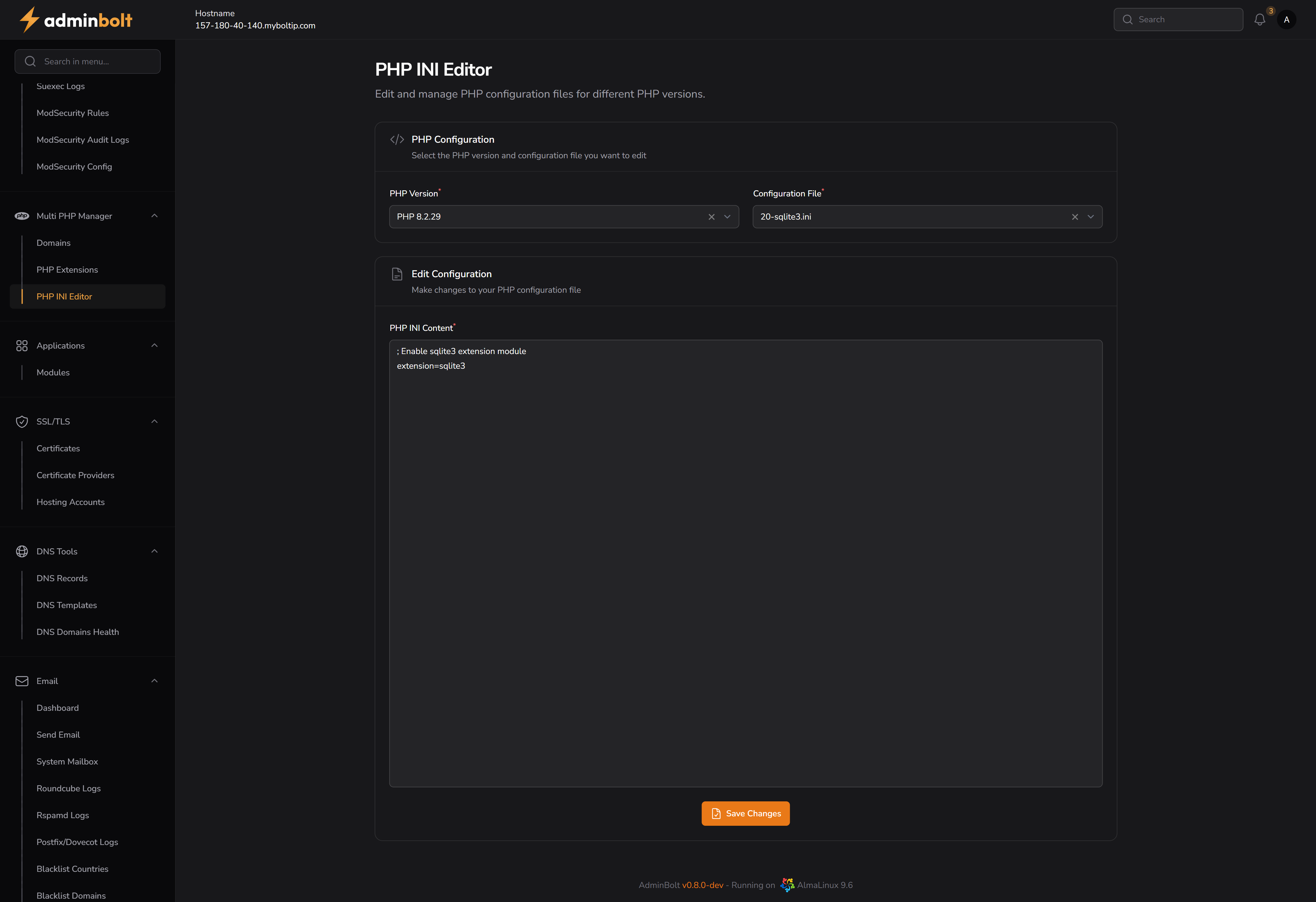
You can:
- Add, remove, or modify configuration lines
- Use standard PHP INI syntax
- See live loaded content from the selected file
Example:
ini
; Enable sqlite3 extension module
extension=sqlite3