

Node Services
The Node Services page allows administrators to view and monitor the status of services running across all connected nodes in a multi-node adminbolt deployment.
Overview
URL: /admin/node-services
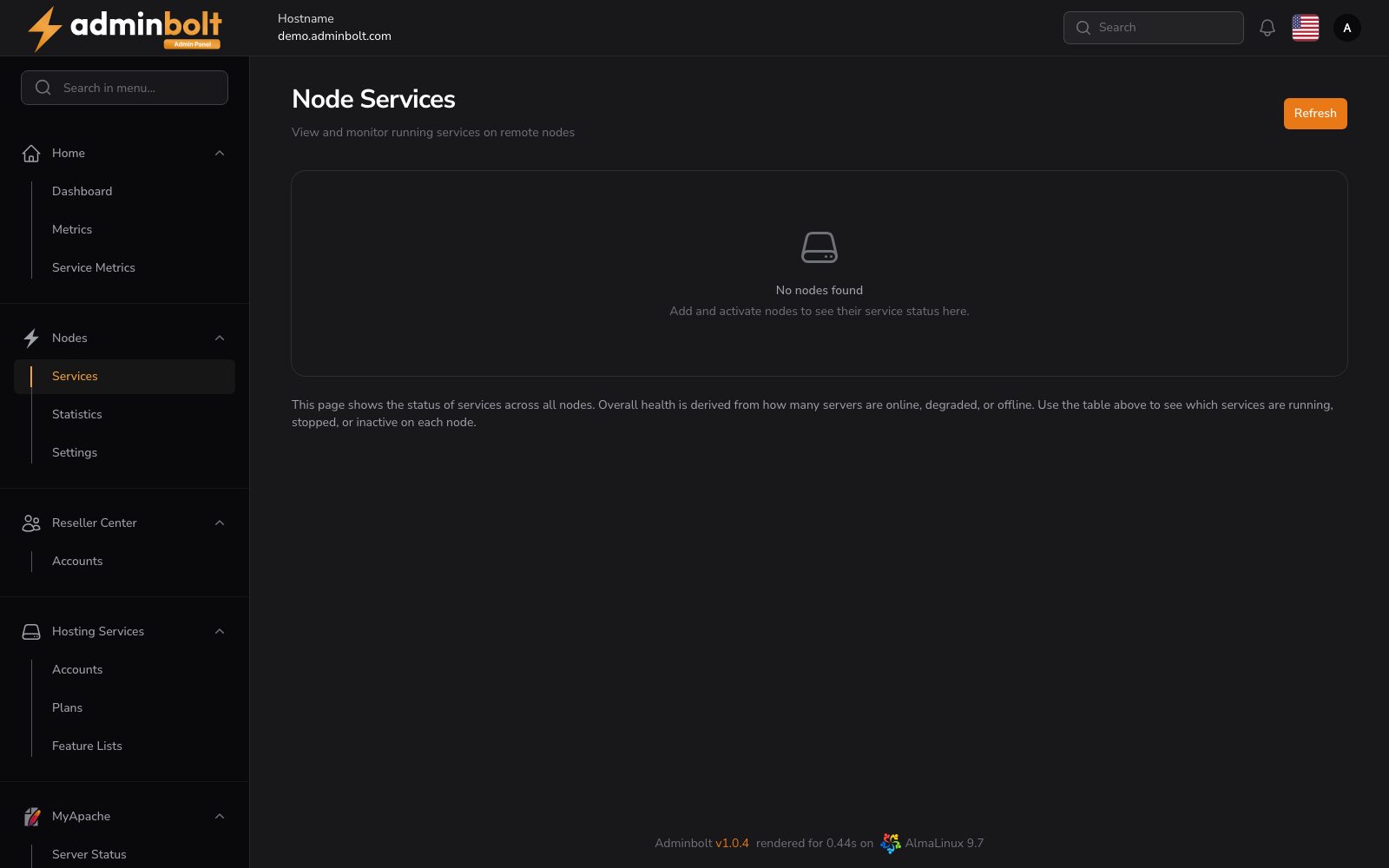
This page shows the status of services across all nodes. Overall health is derived from how many servers are online, degraded, or offline. The table indicates which services are running, stopped, or inactive on each node.
When no nodes are connected, the page displays a placeholder message: "No nodes found. Add and activate nodes to see their service status here."
Actions
- Refresh – Manually reloads service status data from all nodes.
Service Status Table
Once one or more nodes are activated, the table includes one row per node with columns showing the status of each monitored service. Service indicators use the same convention as the Watchdog Dashboard:
- Active – Service is running normally.
- Inactive – Service is stopped.
- Degraded – Service is up but not fully healthy.
Related Pages
- Node Statistics – Accounts, domains, databases, and resellers per node.
- Watchdog Dashboard – Service monitoring on the local node.