

Node Statistics
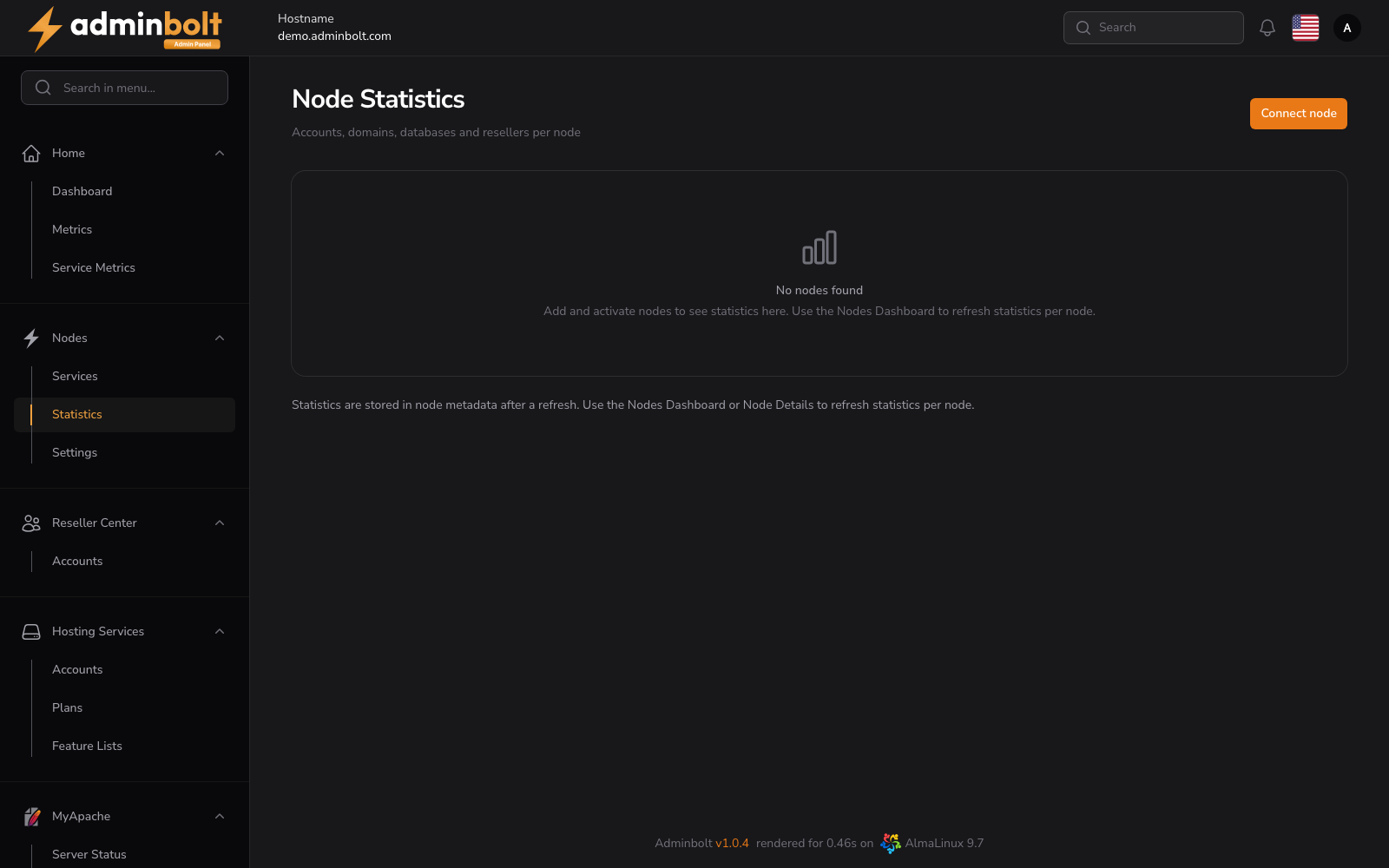
The Node Statistics page displays aggregated usage statistics — accounts, domains, databases, and resellers — broken down per node in a multi-node adminbolt deployment.
Overview
URL: /admin/node-statistics
The page provides a per-node breakdown of resources, which is useful for capacity planning and resource allocation across a fleet of servers.
When no nodes are connected, the page shows: "No nodes found. Add and activate nodes to see statistics here. Use the Nodes Dashboard to refresh statistics per node."
Actions
- Connect node – Opens the node connection flow to add a new node to the deployment.
Statistics
Statistics are stored in node metadata after a refresh. Use the Nodes Dashboard or Node Details page to refresh statistics per node. The displayed metrics typically include:
- Accounts – Number of hosting accounts on the node.
- Domains – Number of domains hosted on the node.
- Databases – Number of databases provisioned on the node.
- Resellers – Number of reseller accounts assigned to the node.
Related Pages
- Node Services – Service status across all nodes.