

Connect Node
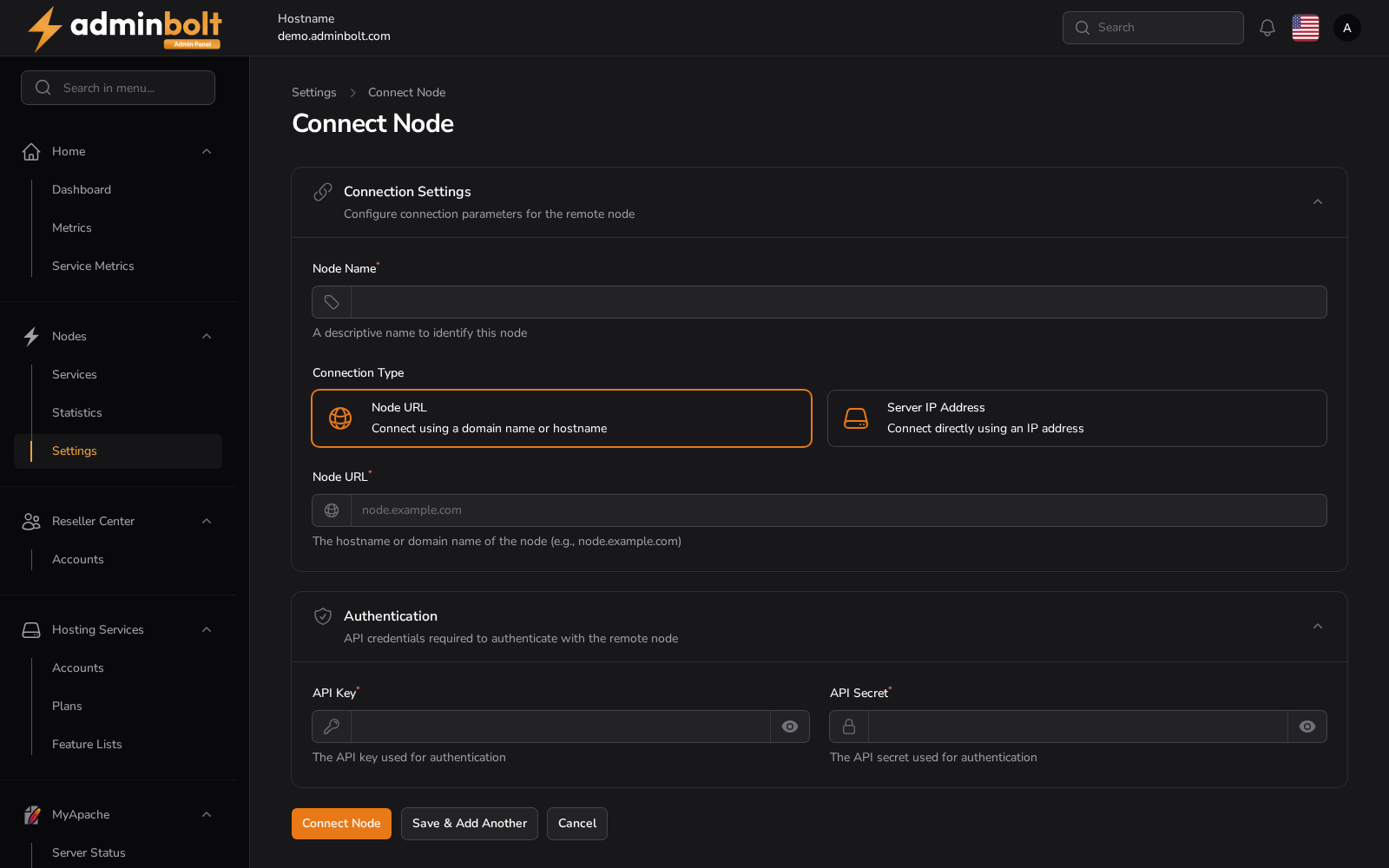
This form connects an additional server (node) to the panel for multi-node management. You need the node's Bolt Agent URL and its API credentials — both are shown by the agent during installation. Once connected, the node appears on the Nodes list and its services can be monitored and managed centrally.
Overview
URL: /admin/nodes/create
Opened from: admin.node-statistics view.
Menu: Nodes → Connect node
Breadcrumb: Settings › Connect Node
Available Actions
- Show password
- Hide password
- Connect Node
- Save & Add Another
- Cancel
Form Fields
- Node Name (required) — text
- Node URL Connect using a domain name or hostname — radio
- Server IP Address Connect directly using an IP address — radio
- Node URL (required) — url
- API Key (required) — password
- API Secret (required) — password