

Nodes — Settings
URL: /admin/nodes
The Nodes page lets you connect this panel to remote AdminBolt installations and federate them under a single management view.
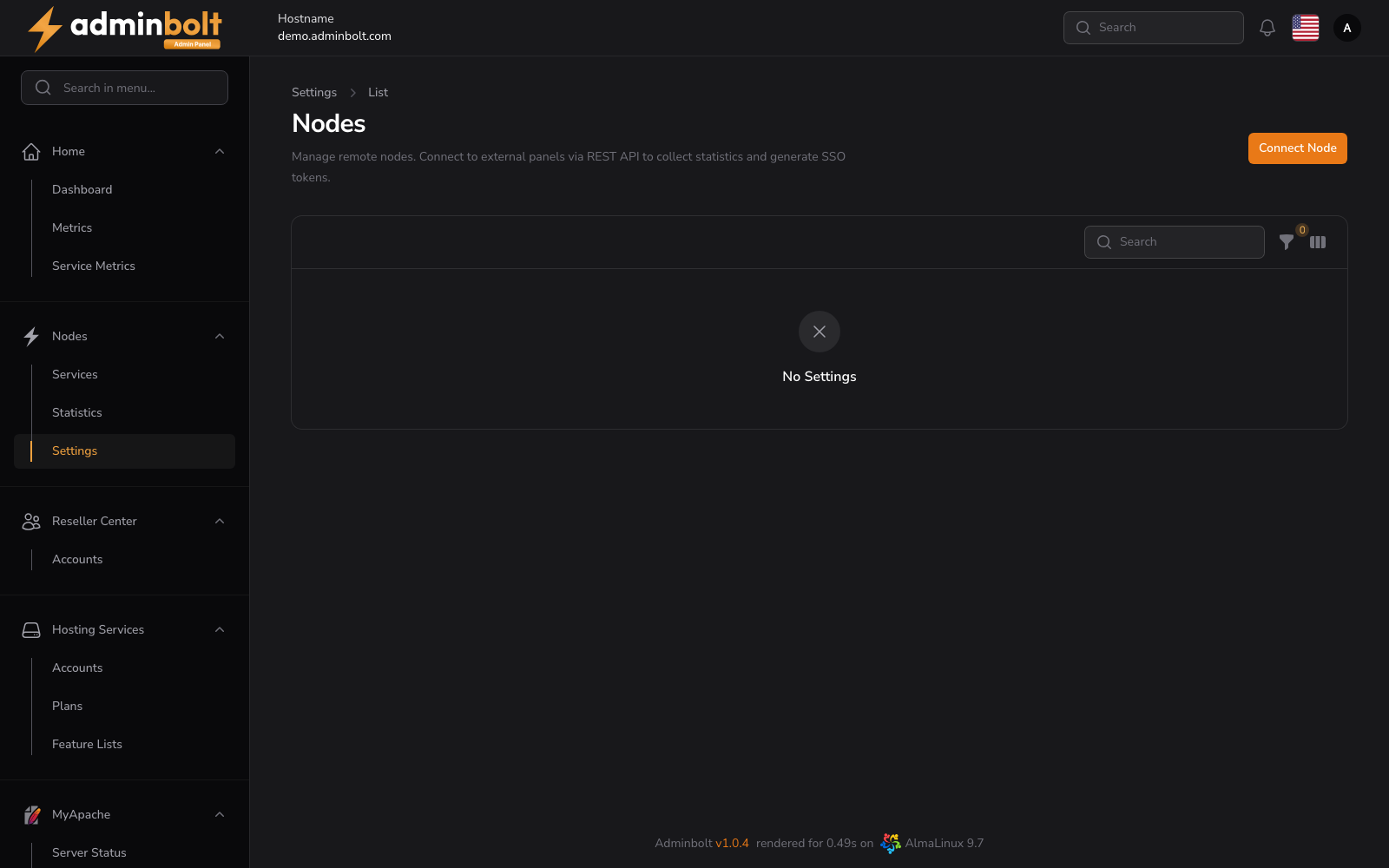
Overview
Manage remote nodes. Connect to external panels via REST API to collect statistics from them and to generate Single Sign-On (SSO) tokens that let you jump into a remote panel without re-typing credentials.
Actions
- Connect Node — open the connection form: enter the remote panel's URL and API credentials.
- Search — filter the nodes list by name or URL.
- Filter — narrow the list by node status.
- Toggle columns — show or hide table columns.
- Bulk actions — select multiple nodes and apply an action (e.g. Delete selected) at once.
Per-node row
Each row in the table represents one connected node. Row actions typically include opening the remote node, regenerating the SSO token, viewing collected statistics, and disconnecting the node.
TIP
Statistics from connected nodes flow into Metrics and Service Metrics, so you can monitor a fleet of AdminBolt servers from a single dashboard.